JIM

Modern Identity Lifecycle Management
JIM (Junctional Identity Manager) is a modern, self-hosted identity synchronisation platform. It runs anywhere Docker runs — from connected cloud deployments to fully air-gapped networks. JIM synchronises identity data between HR systems, directories, and downstream applications through a central metaverse, with every attribute traced to its source and every change recorded alongside its cause.
Up and running in minutes, not months. Deploy with a single command and configure through a guided UI - whether JIM is acting as the centralised identity platform for an entire organisation, or as a lightweight edge engine for a single, well-scoped sync problem: HR SaaS to directory, cloud to on-premises, system to system, cross-domain.
At a glance
- Air-gapped deployment
- No cloud dependencies
- Container-native
- Source-available
- SSO with any OIDC provider
- Full REST API
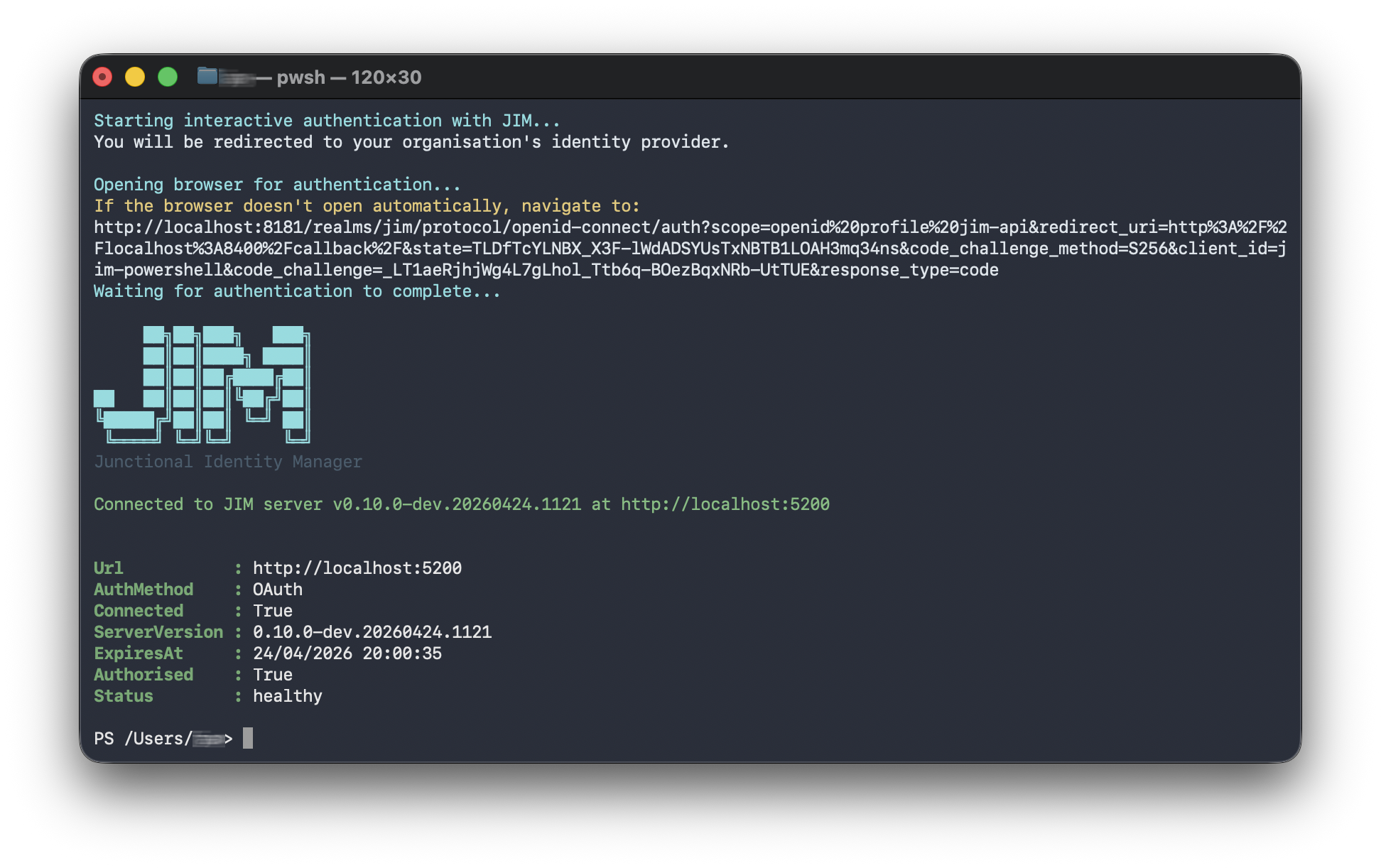
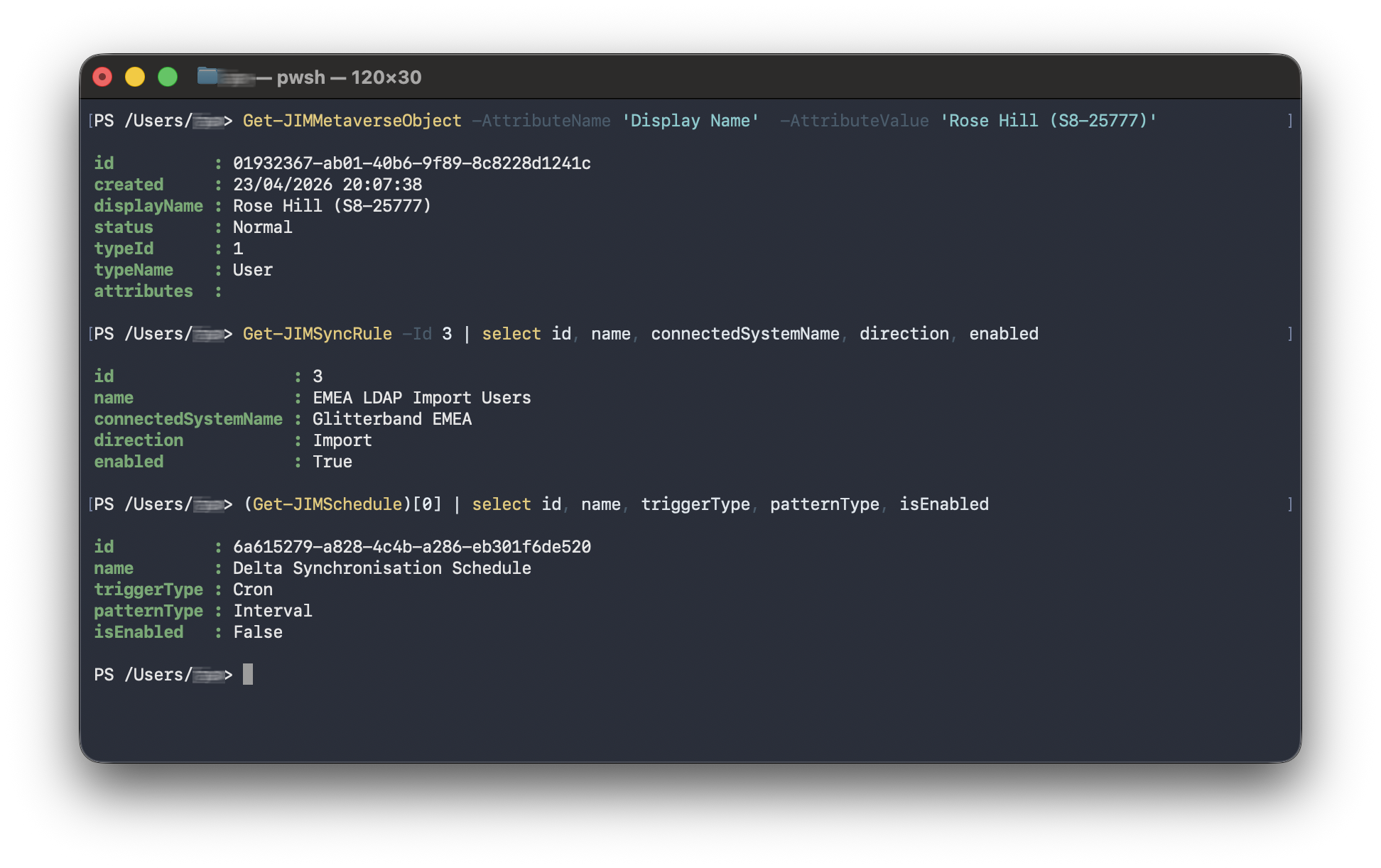
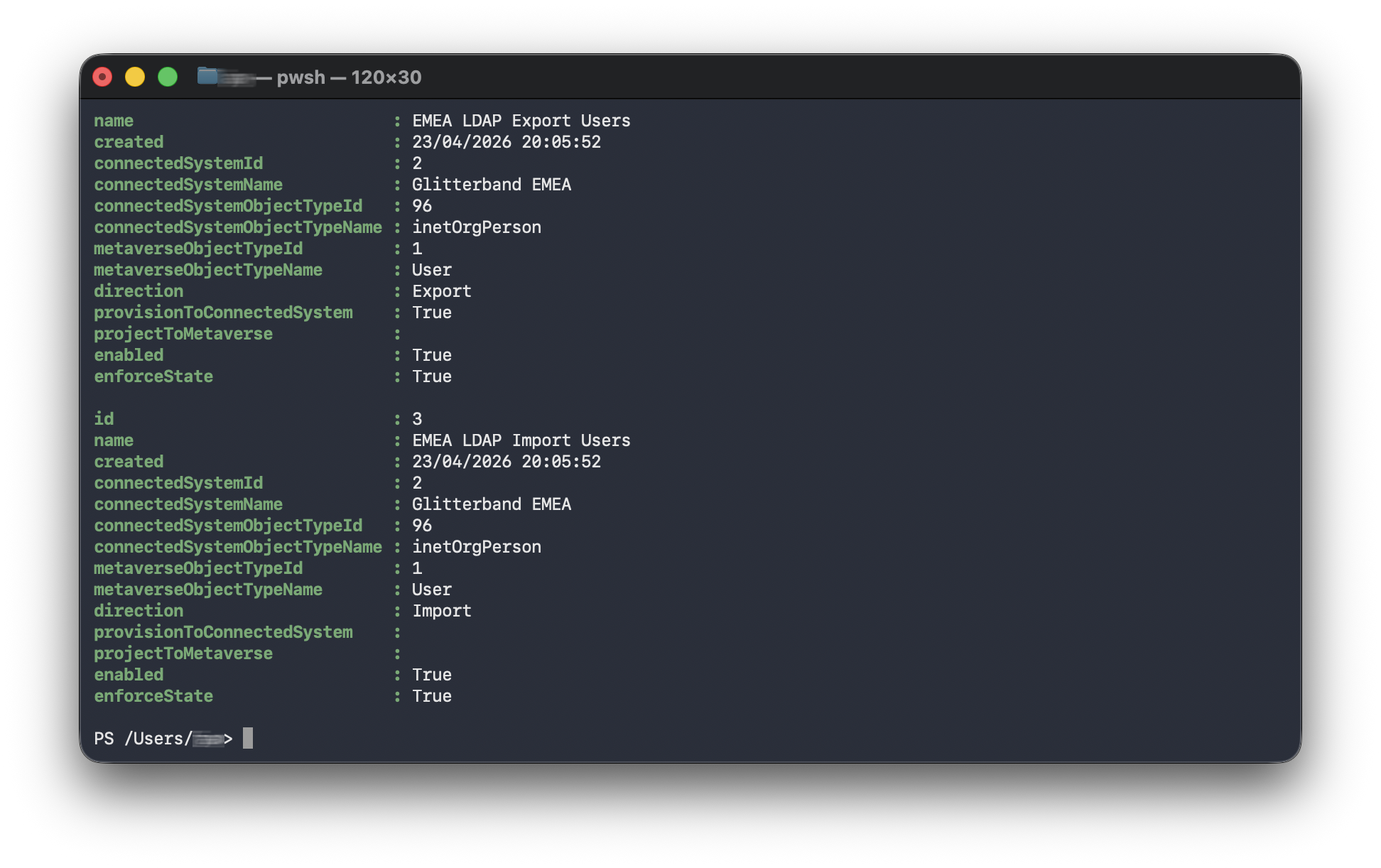
- PowerShell automation
For setup guides, configuration reference, and connector documentation, visit the JIM documentation.
Latest Release - v0.10.0
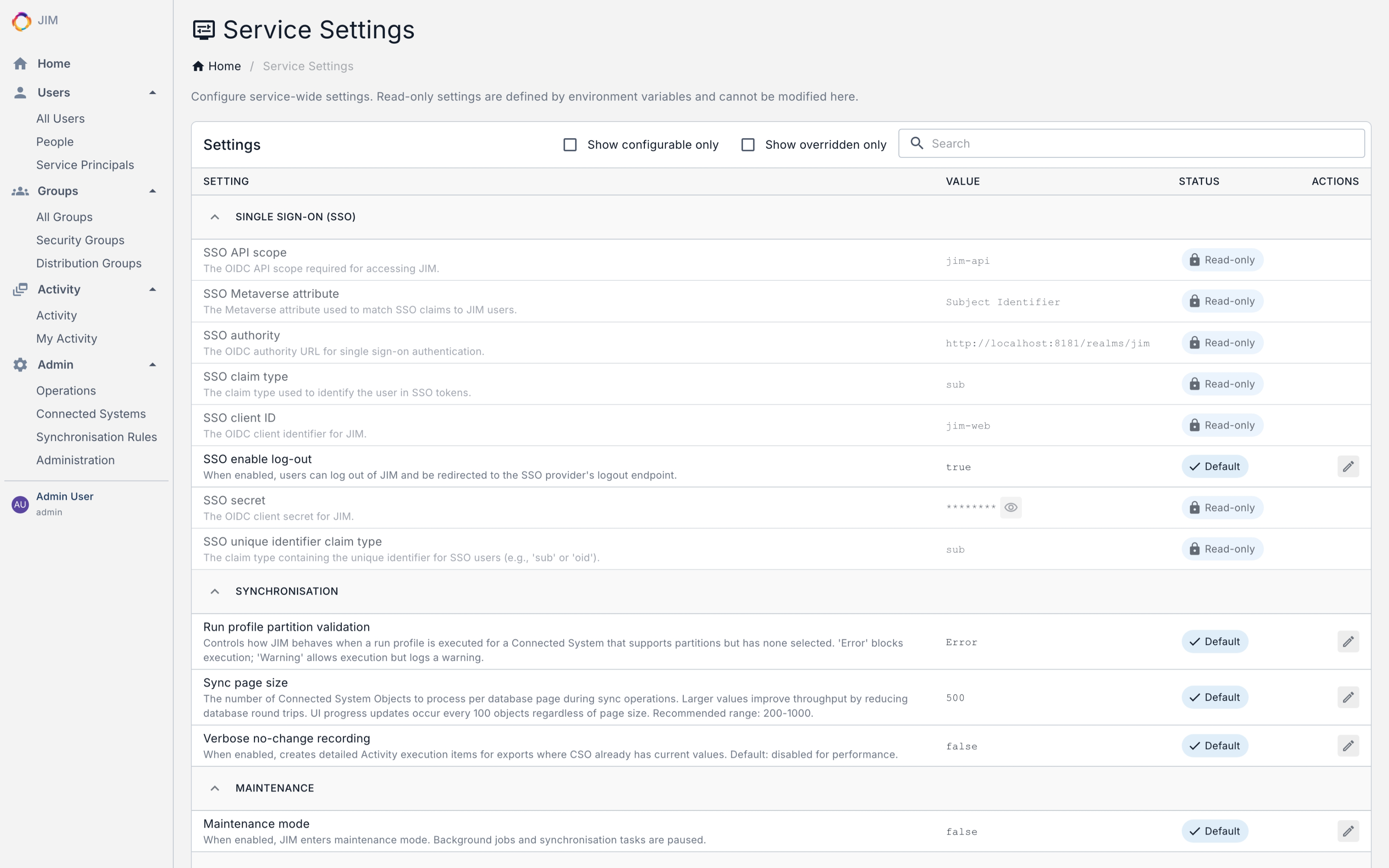
- Federated sign-out - end the user’s session at the identity provider on logout, not just in JIM
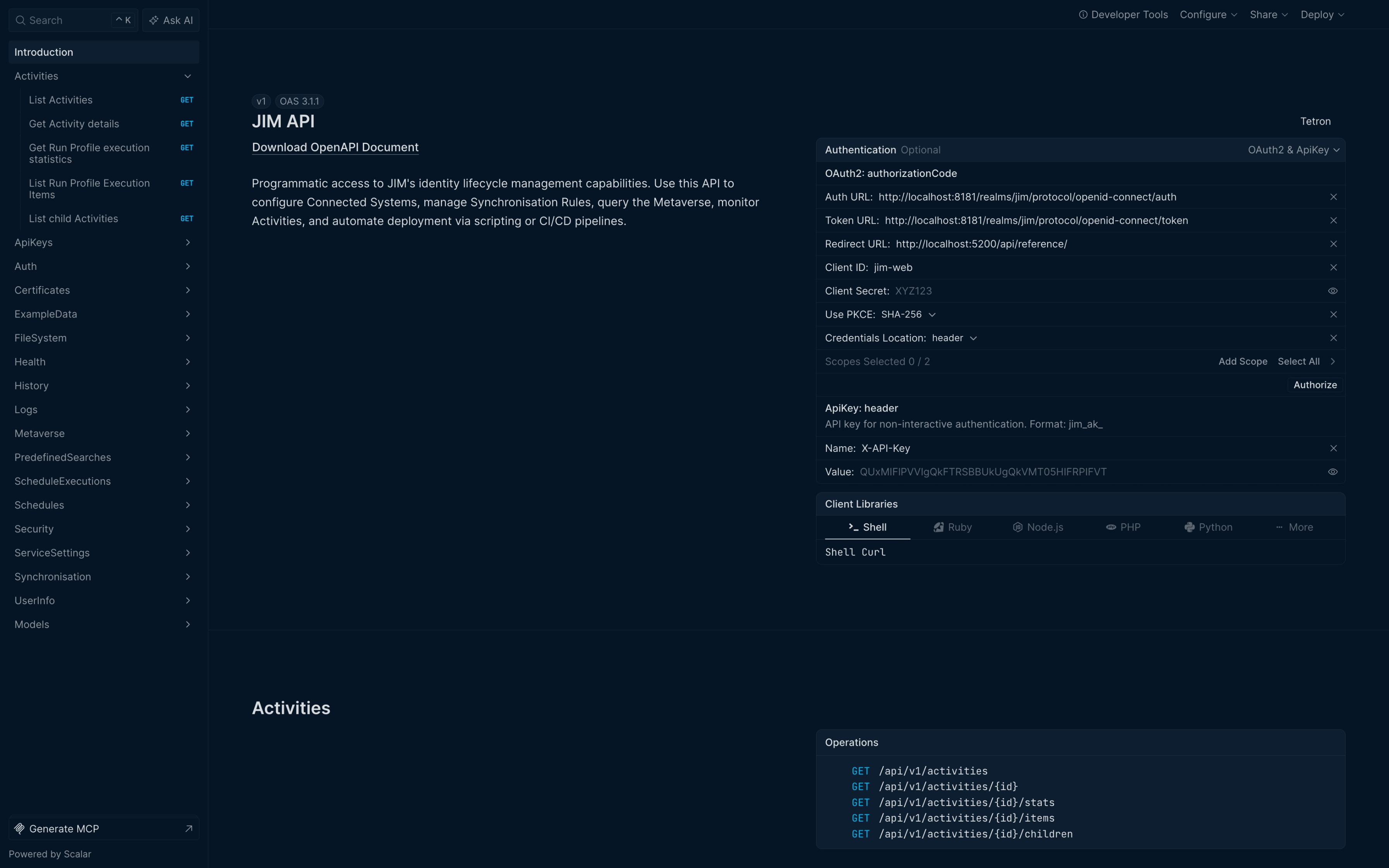
- Interactive API reference baked in - browse and try every endpoint at
/api/reference, even in air-gapped deployments - PowerShell cmdlets for health, version and user info - scriptable visibility into every instance
- Service Name and Service ID - identify instances at a glance across the portal, logs and telemetry
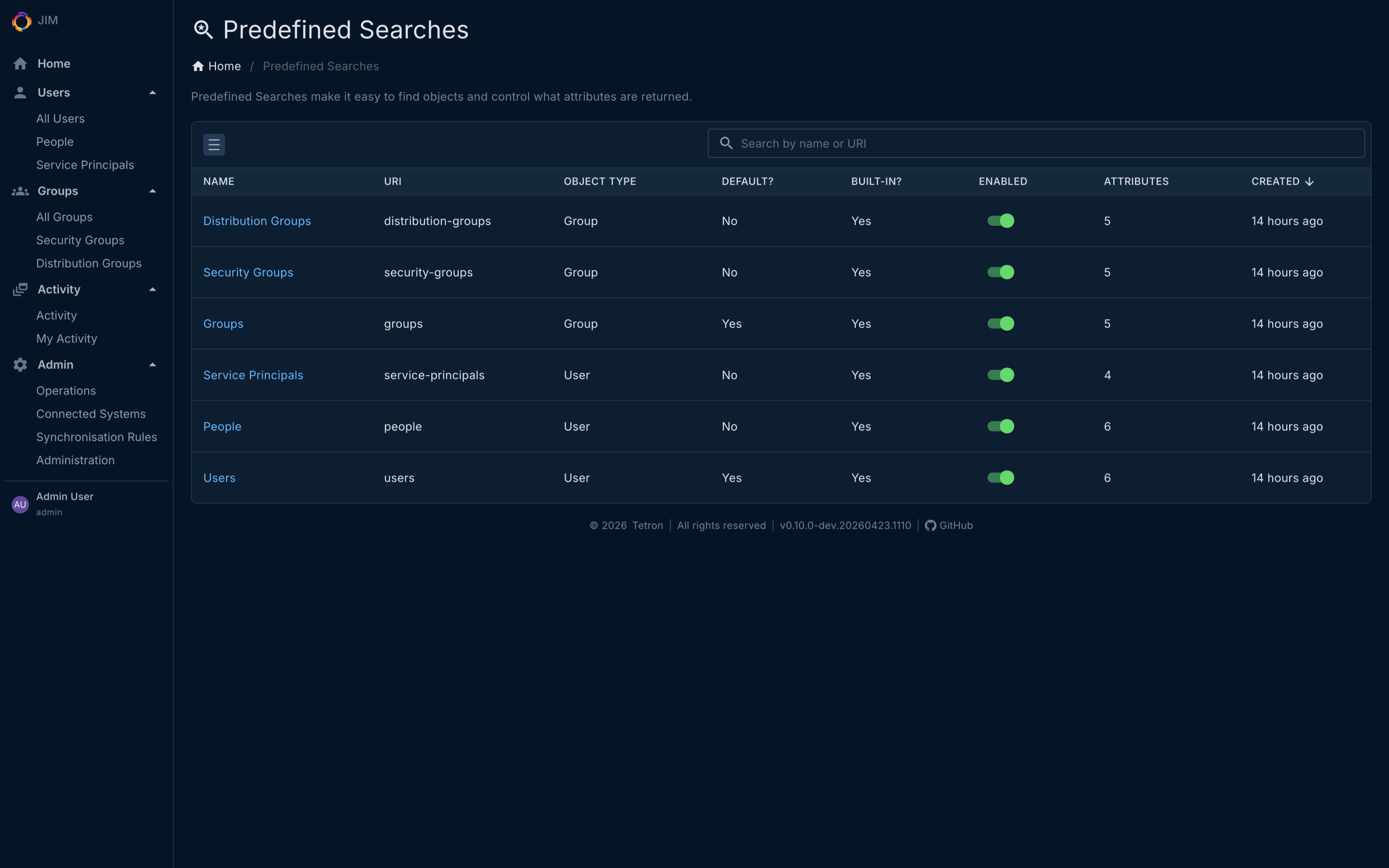
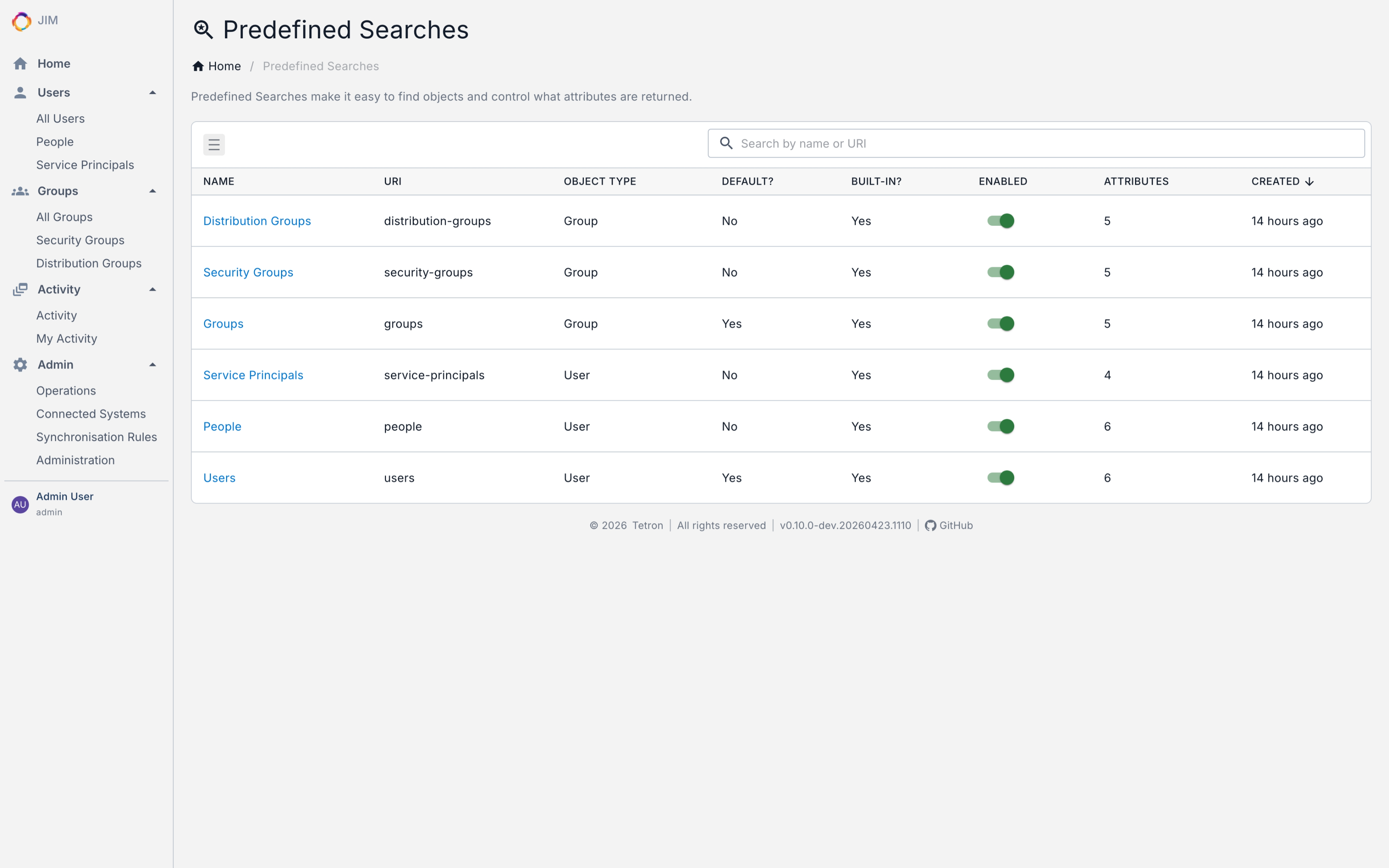
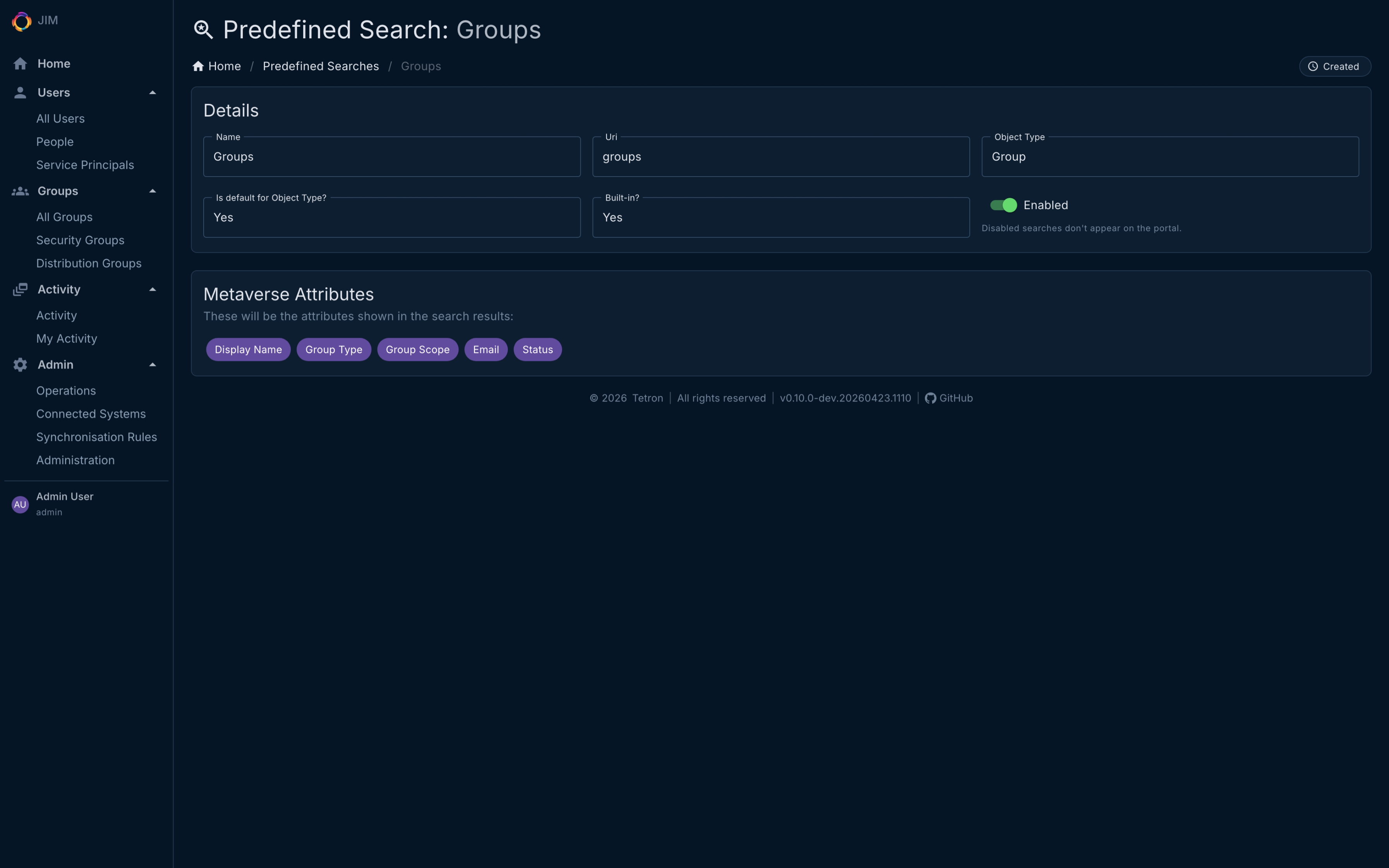
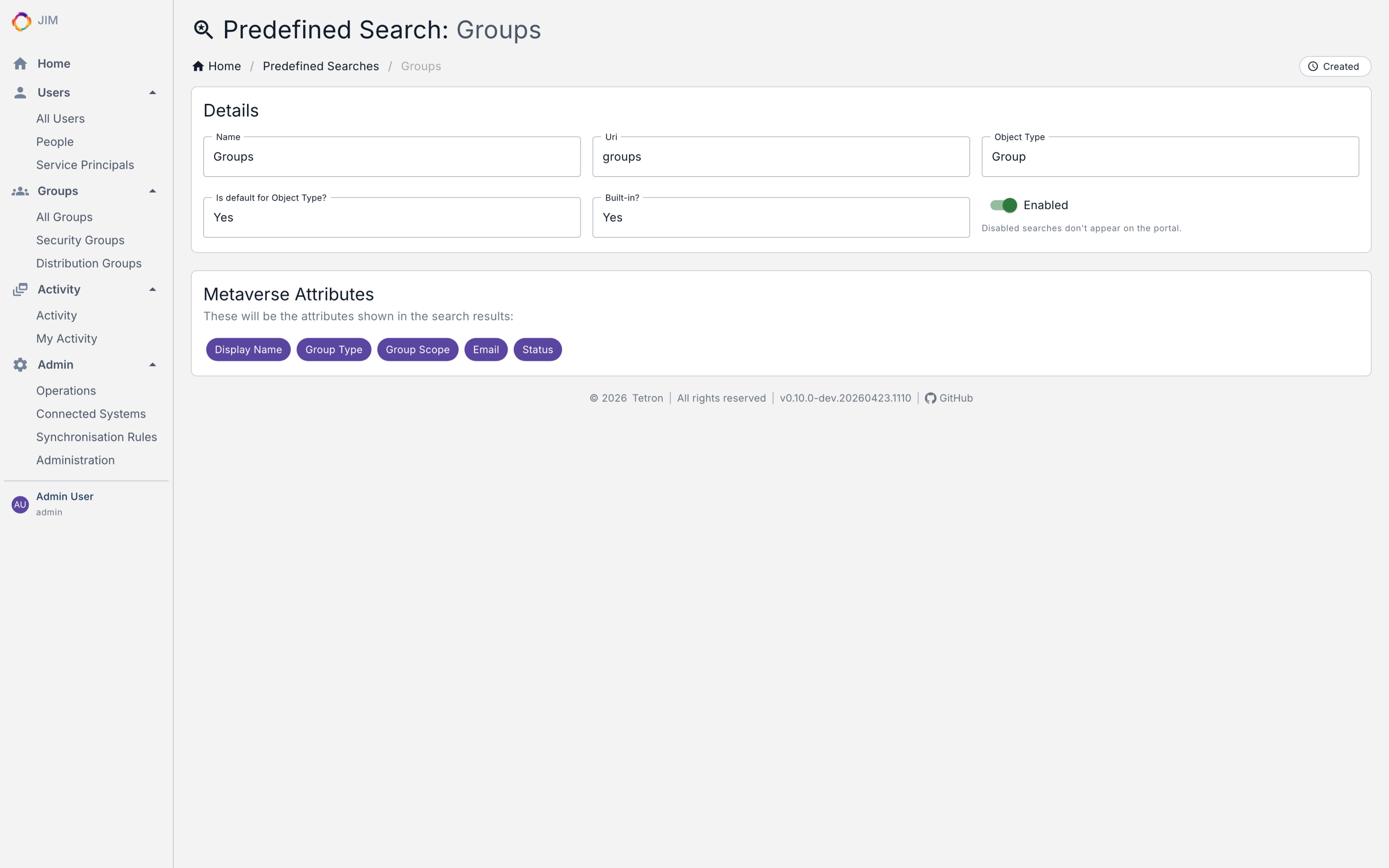
- Enable or disable predefined searches without deleting them
- Role membership management via API and PowerShell, with safety checks that prevent removing the last administrator
- Count endpoints for the metaverse, connector space and pending exports - ready for dashboards and capacity monitoring
- OWASP Top 10:2025 assessment completed; Docker base images and GitHub Actions pinned by digest for supply chain integrity
Read the changelog to see what ships in every release.
What JIM Solves
- Automate Joiner/Mover/Leaver (JML)
Synchronise users from HR systems to directories, applications and downstream systems, automatically. - Write back to source systems
Keep HR and other authoritative sources current by flowing IT-managed attributes (email, telephone, job titles) back upstream. - Centralise entitlement management
Govern group memberships, roles and access across every connected system from one place. - Consolidate and migrate domains
Prepare for cloud migration, simplify multi-domain sprawl, or manage organisational mergers and divestitures cleanly. - Correlate identities across silos
Fuse user and entitlement data from disparate business applications into a unified identity record.
Platform Capabilities
Synchronisation Engine
- Full inbound and outbound sync with join, projection, and granular attribute-level data flow
- Provisioning, deprovisioning, and account lifecycle management
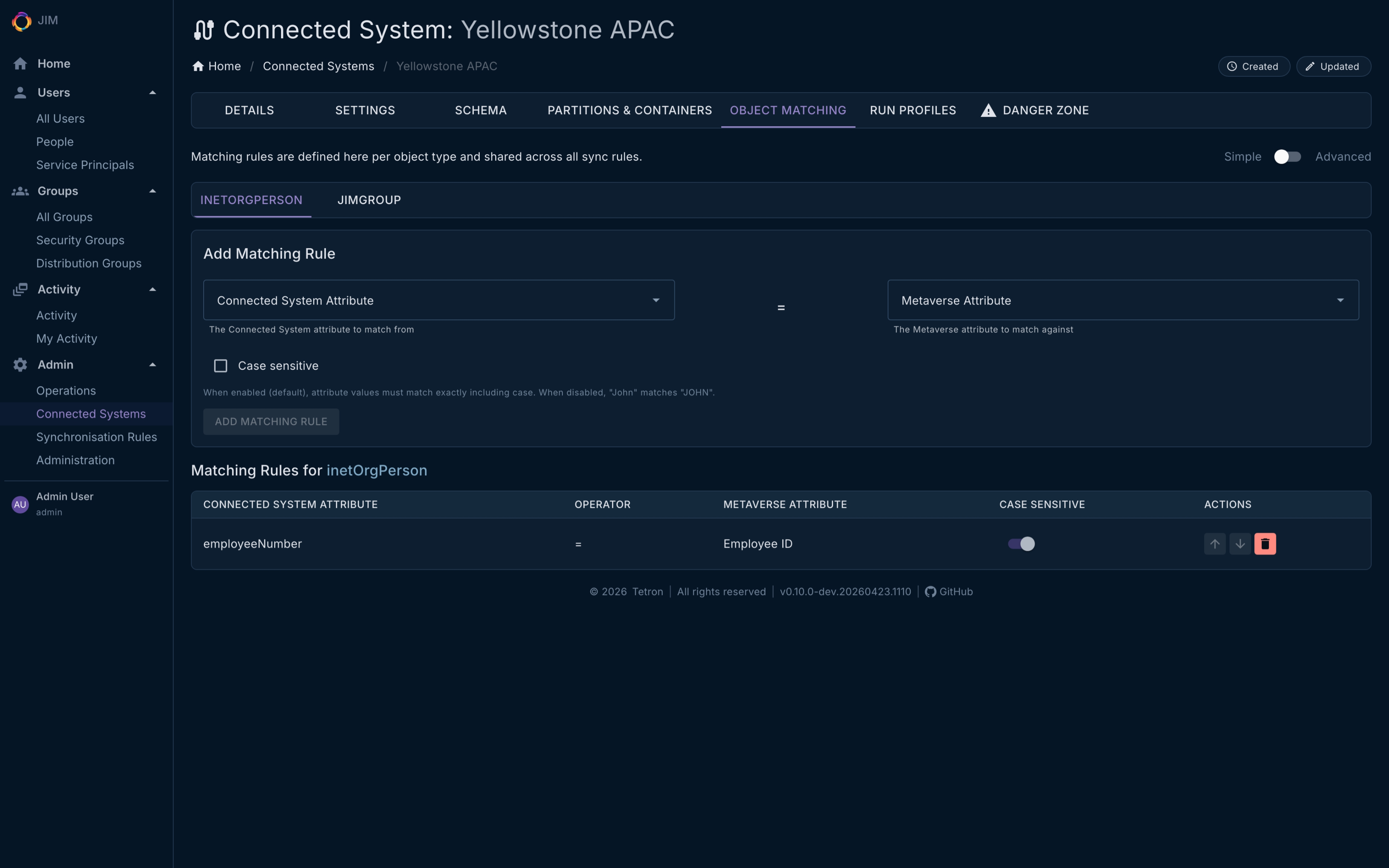
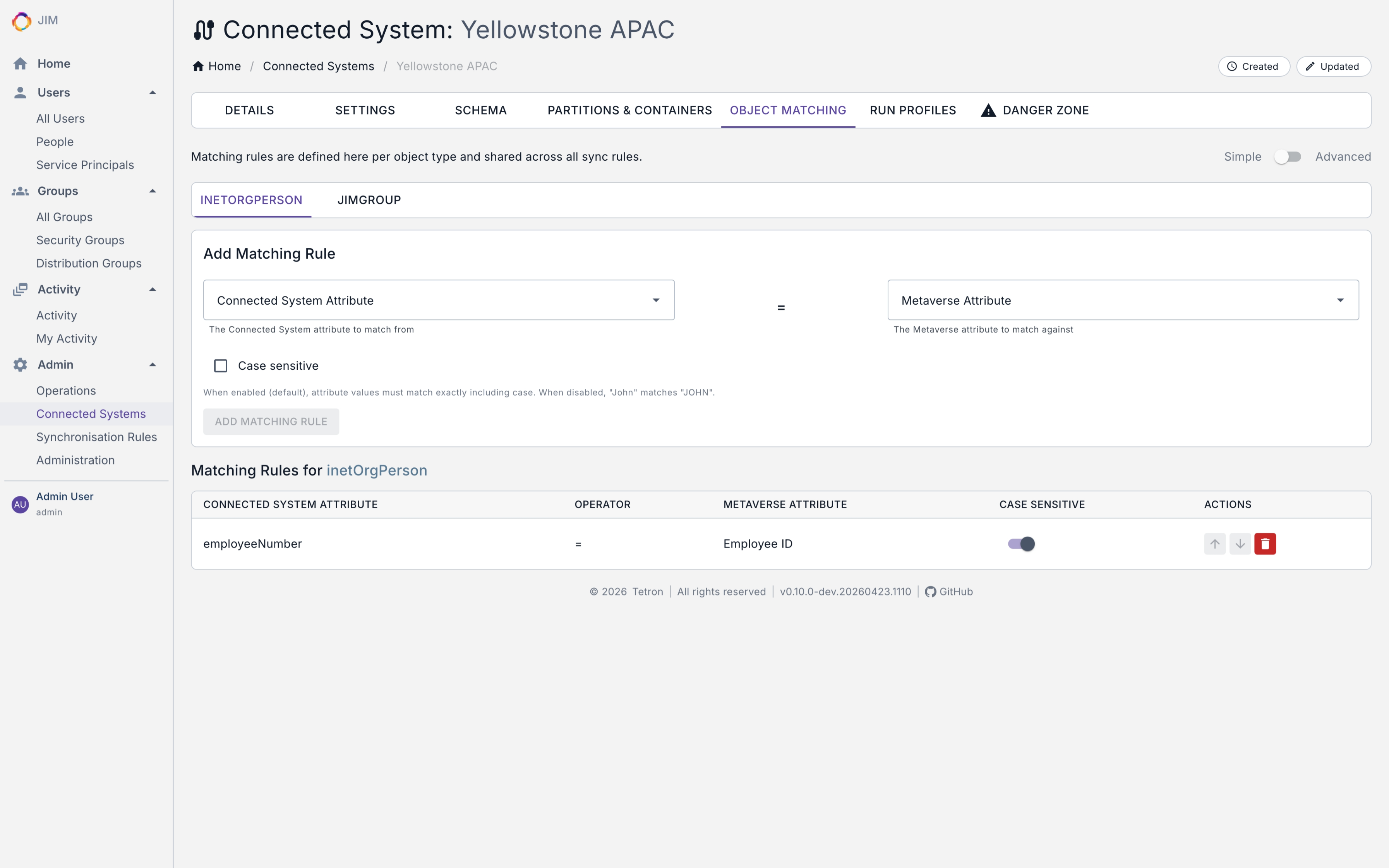
- Self-contained object matching rules embedded in sync rule definitions - constant-time matching keeps performance flat even as connector spaces grow
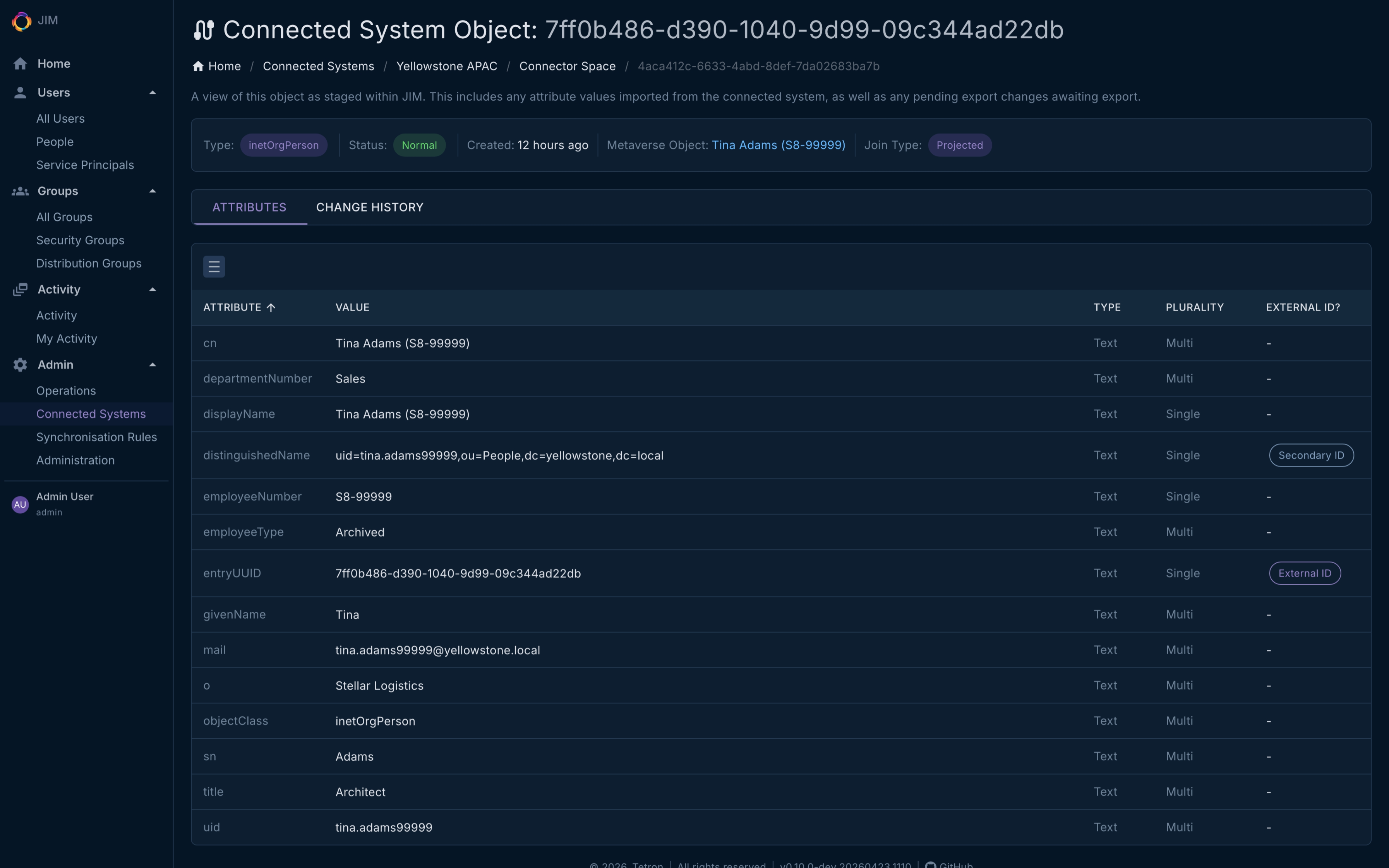
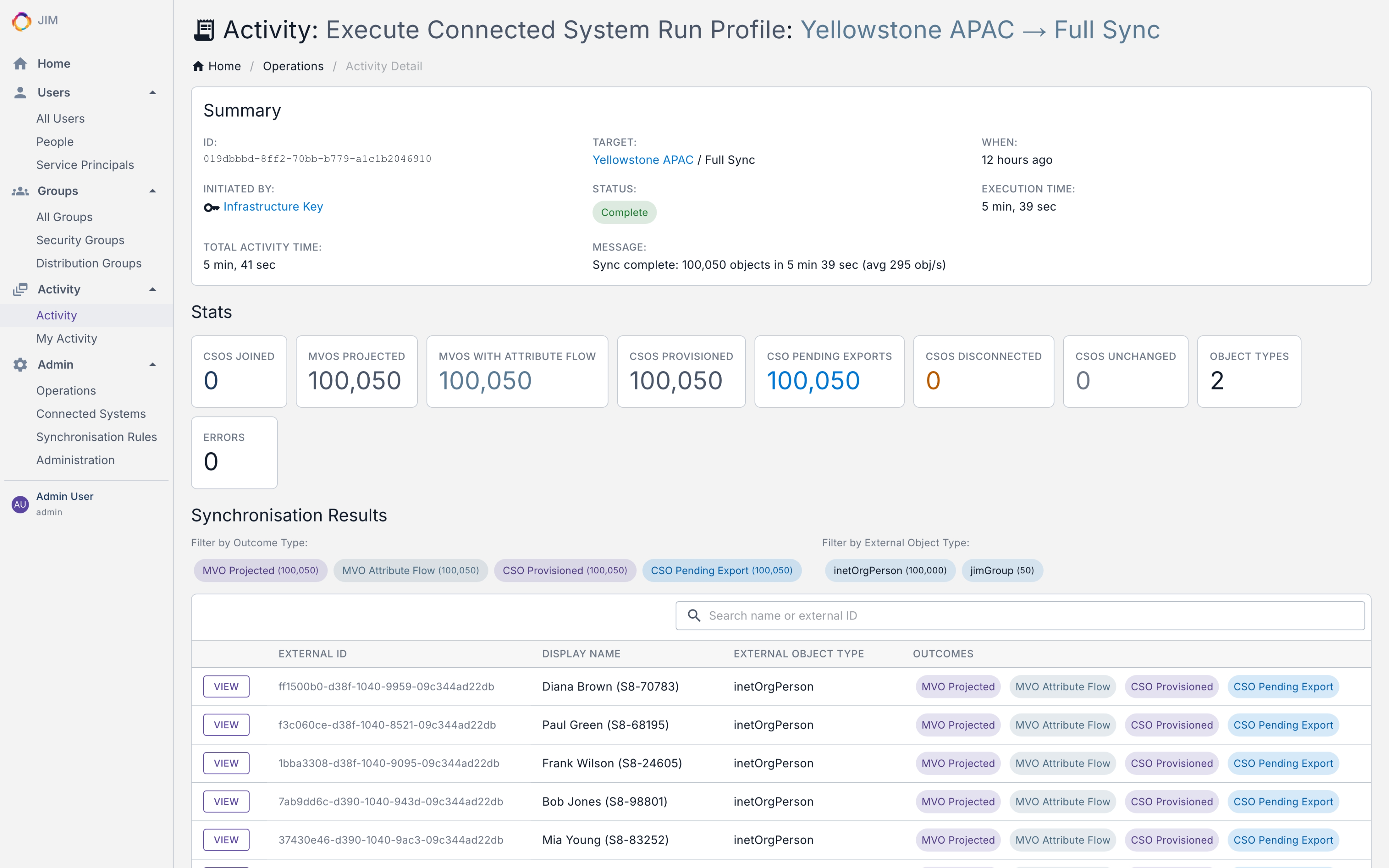
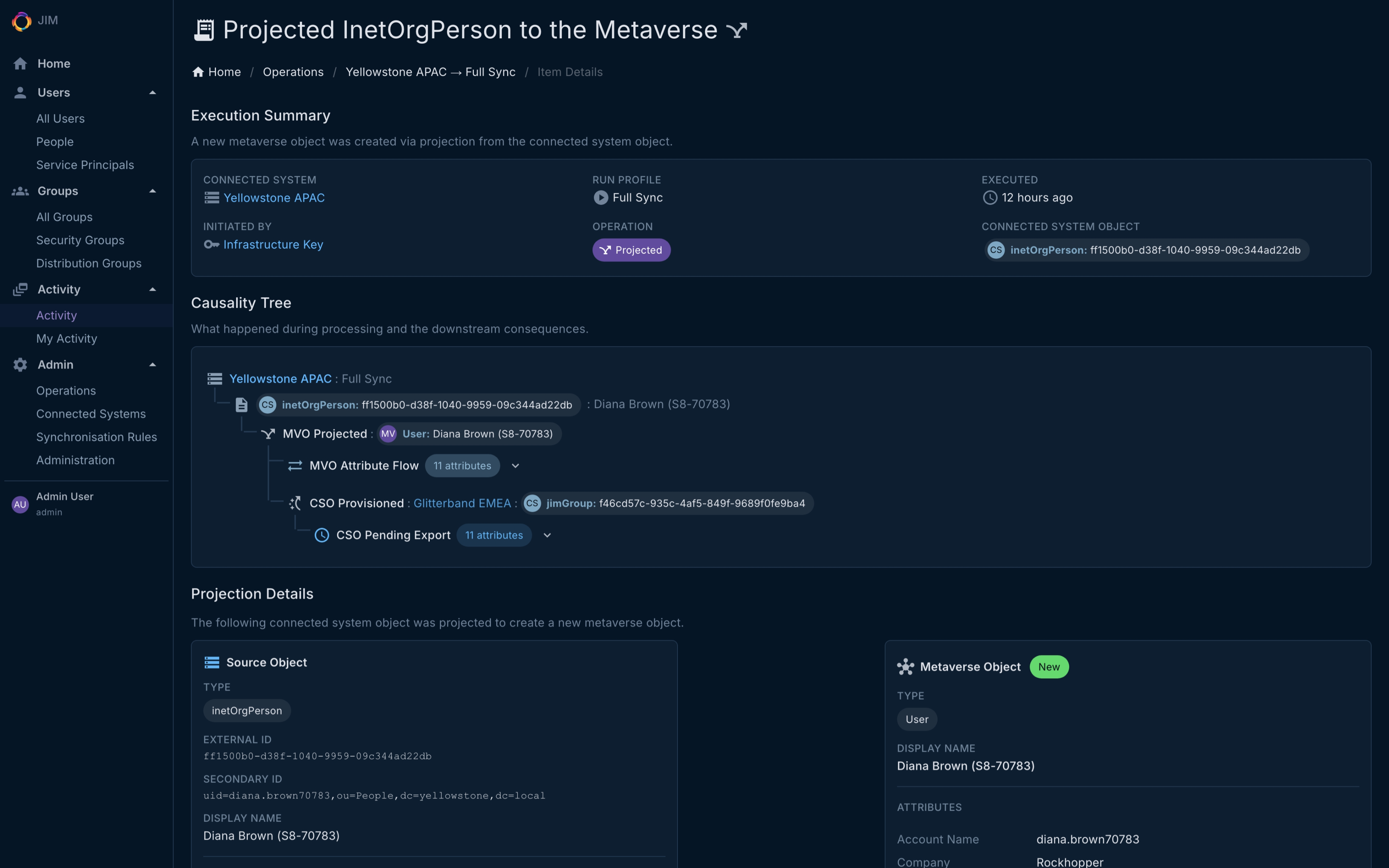
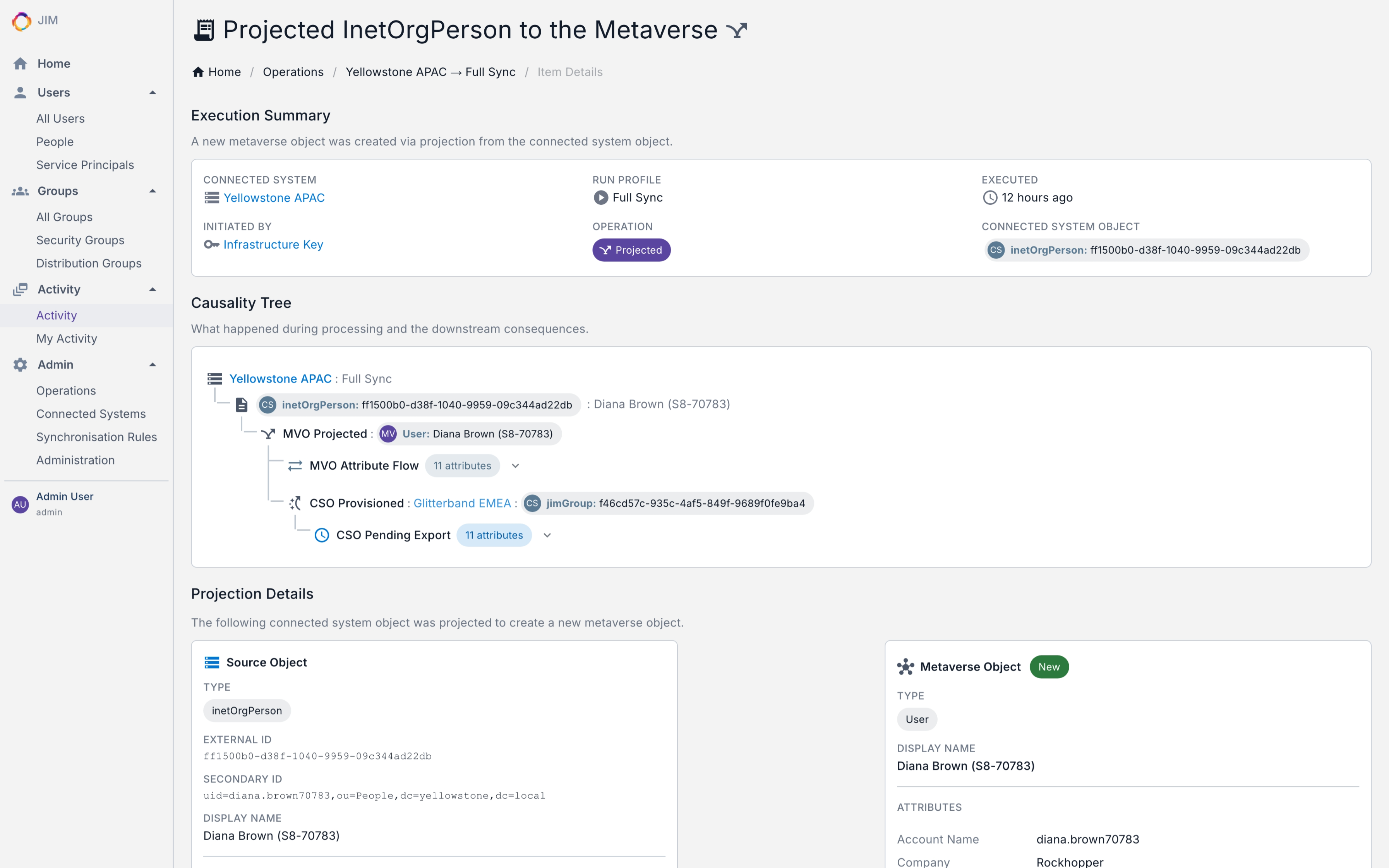
- Causality tracking: trace the full chain of consequences from any create, update, or delete operation across connected systems
- Parallel write pipeline with bulk persistence - high throughput at scale with fewer database round-trips
- Validated at 100,000+ objects. Bounded-memory import, sync and export pipelines keep resource usage predictable regardless of dataset size, validated end-to-end by the Scale100K integration test suite
- Support for Users, Groups, and custom object types (Departments, Roles, Computers, etc.)
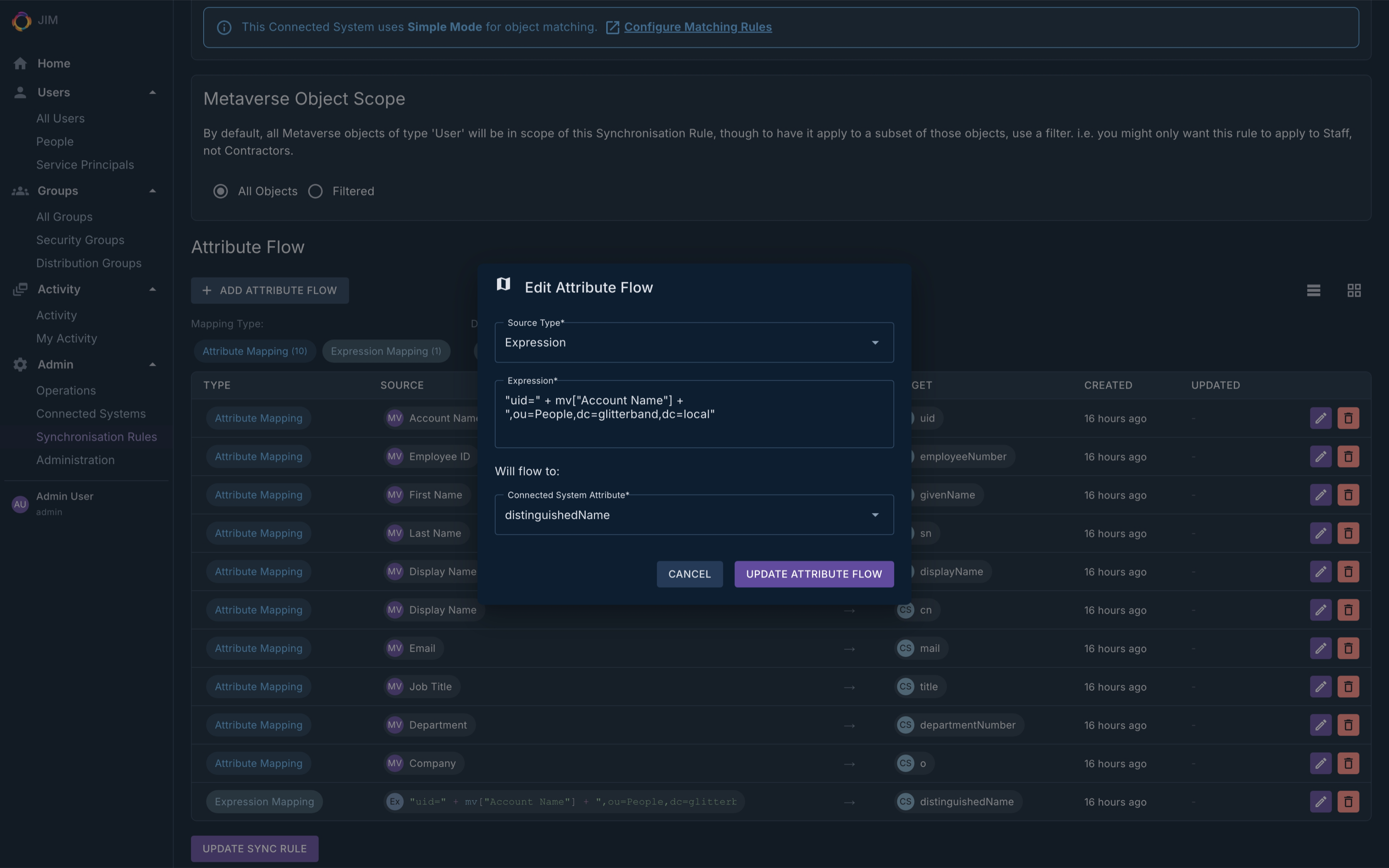
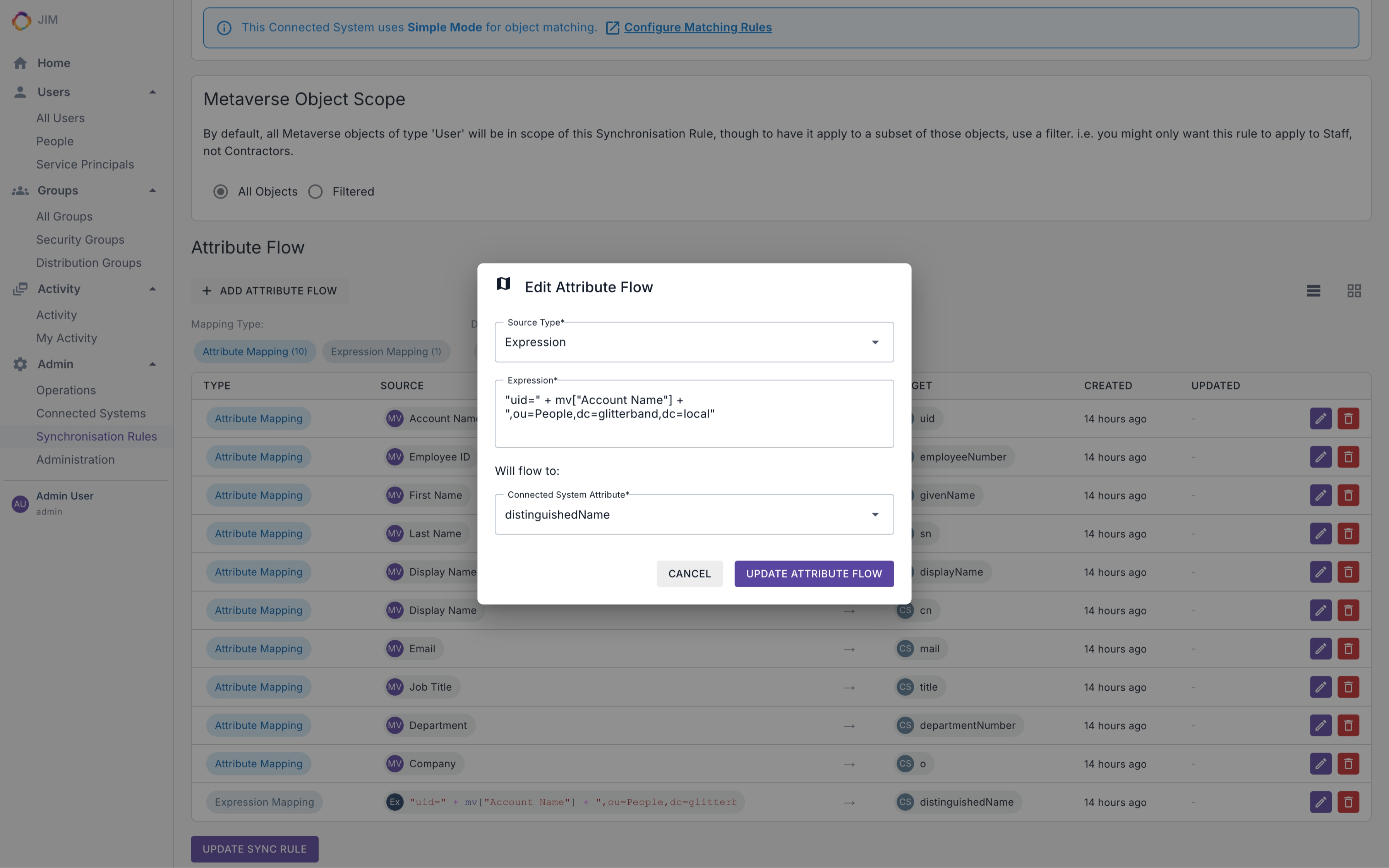
Expression Language
JIM includes a built-in expression engine for transforming and mapping identity attributes in sync rules. If you’ve ever written a formula in a spreadsheet, you’ll find it familiar. No programming experience required.
// Build an email address from first and last name
Lower(mv["First Name"]) + "." + Lower(mv["Last Name"]) + "@company.com"

// Enable or disable an account based on employee status
IIF(Eq(mv["Employee Status"], "Active"), 512, 514)
Modern Web Portal and API
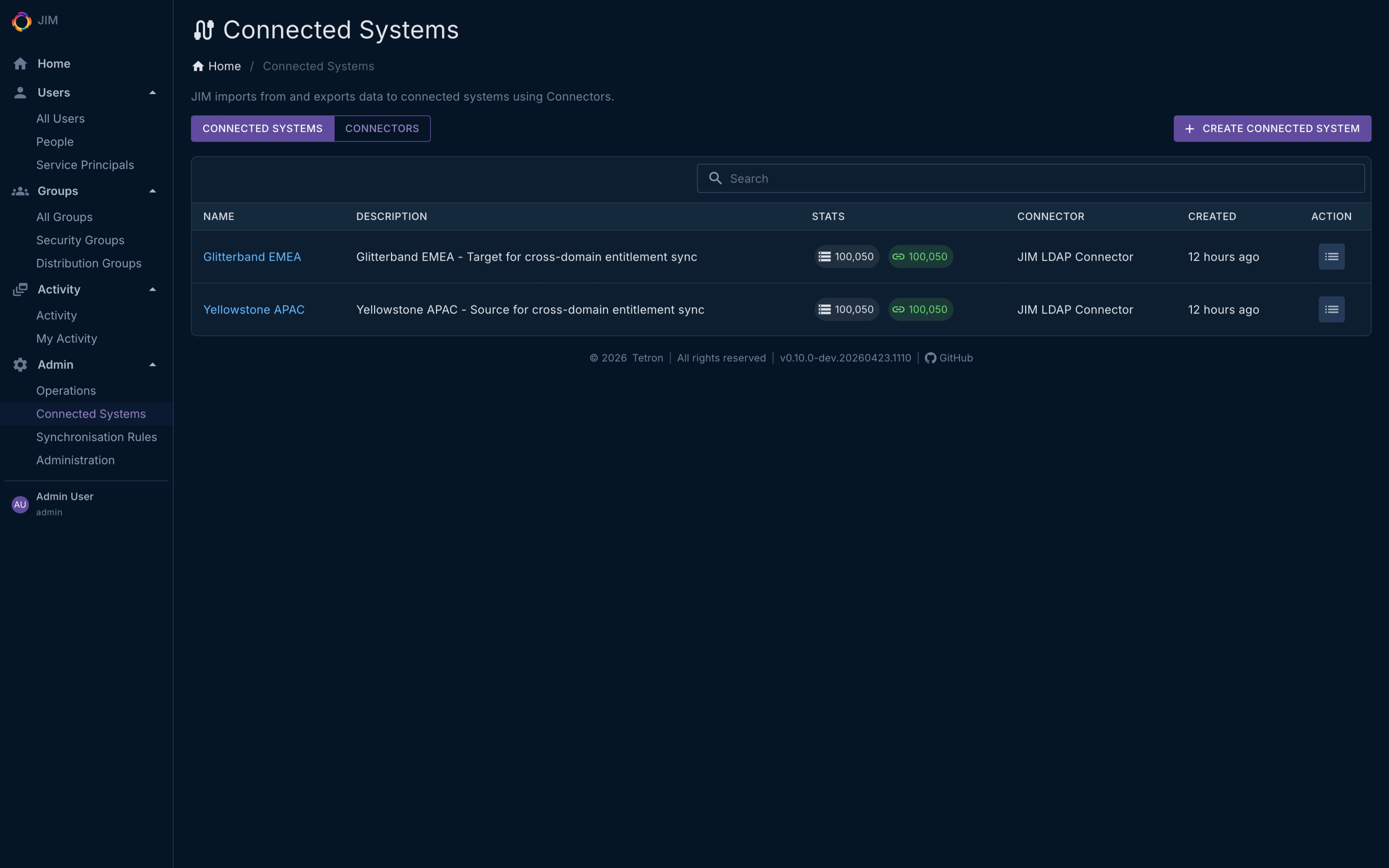
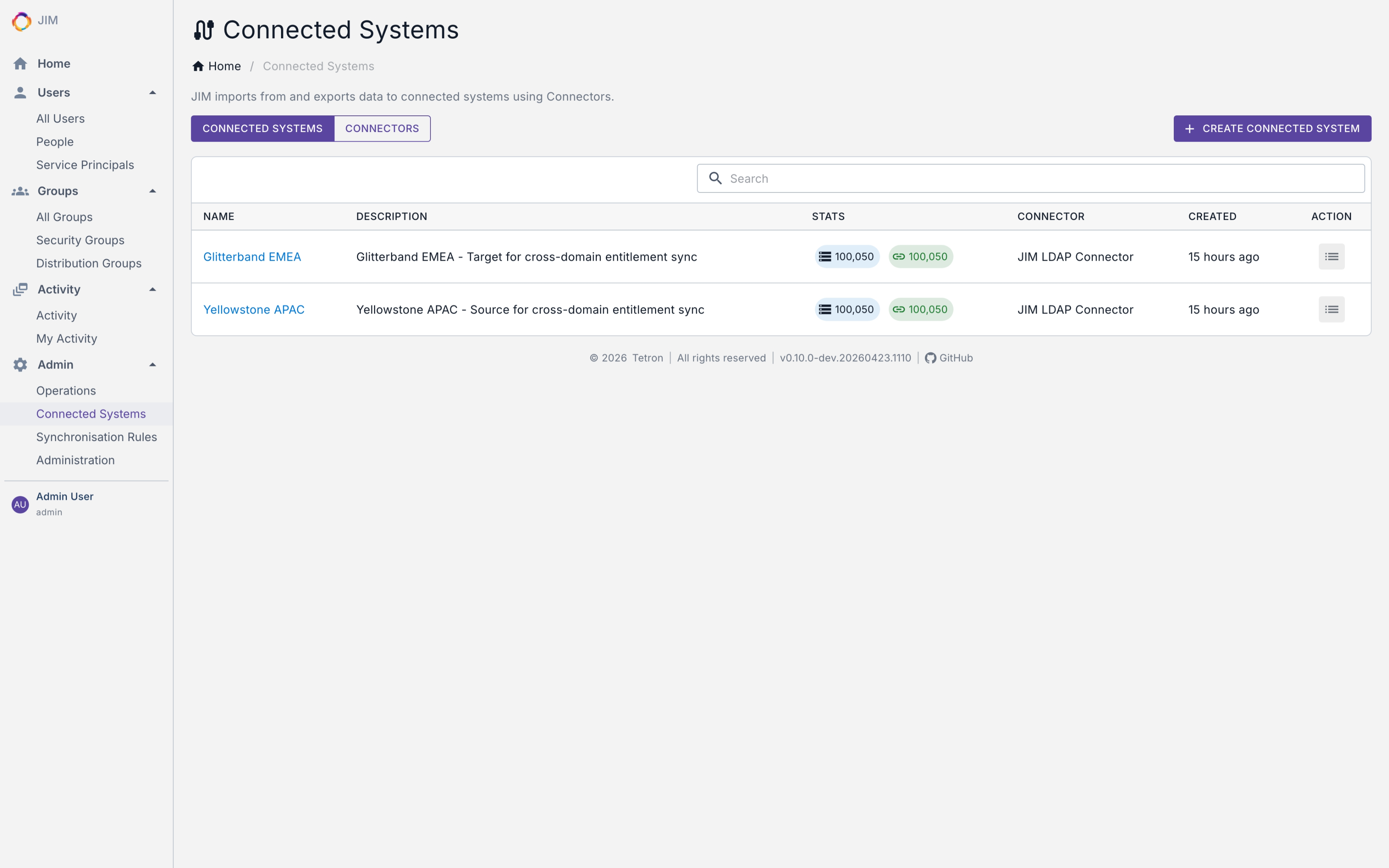
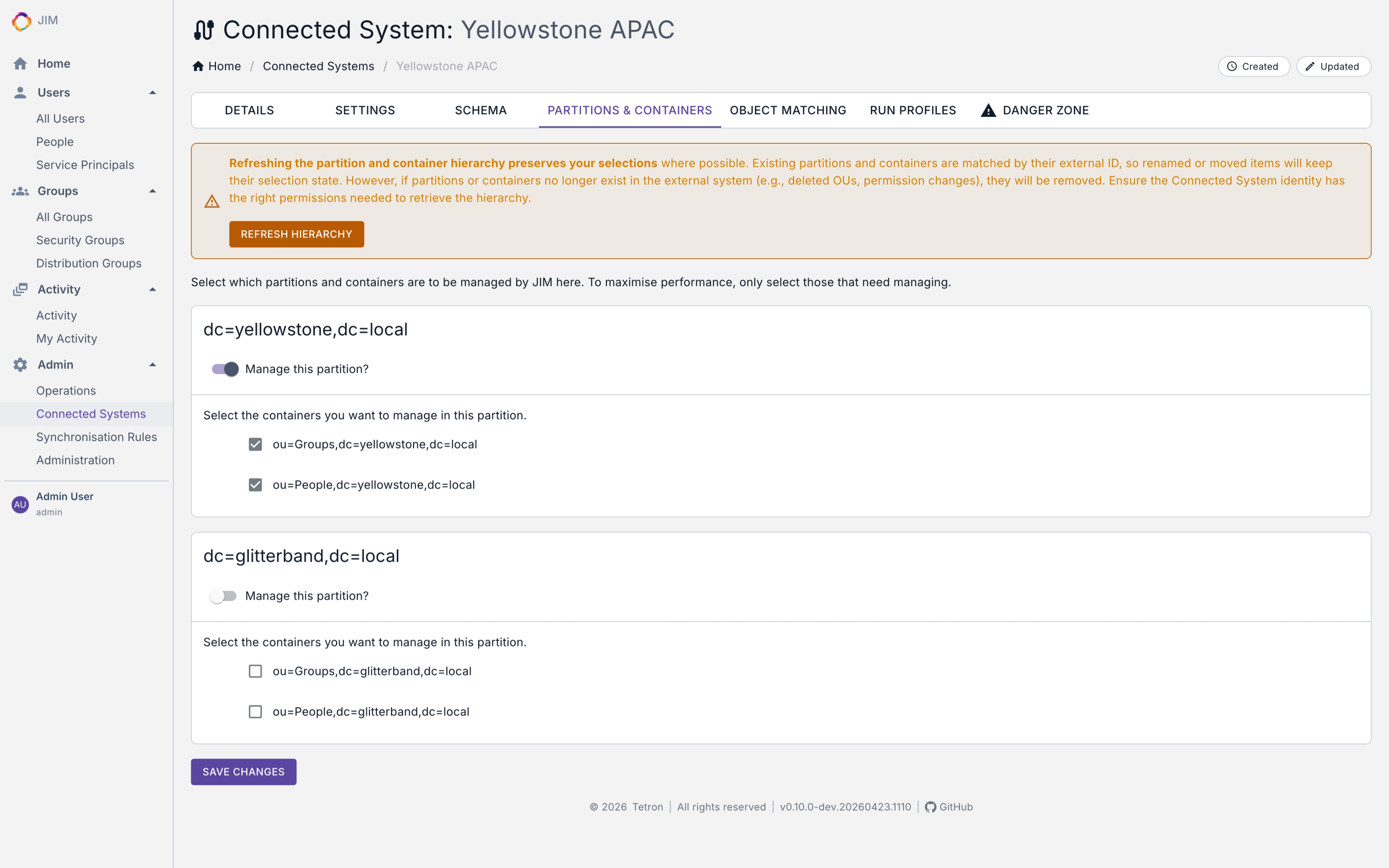
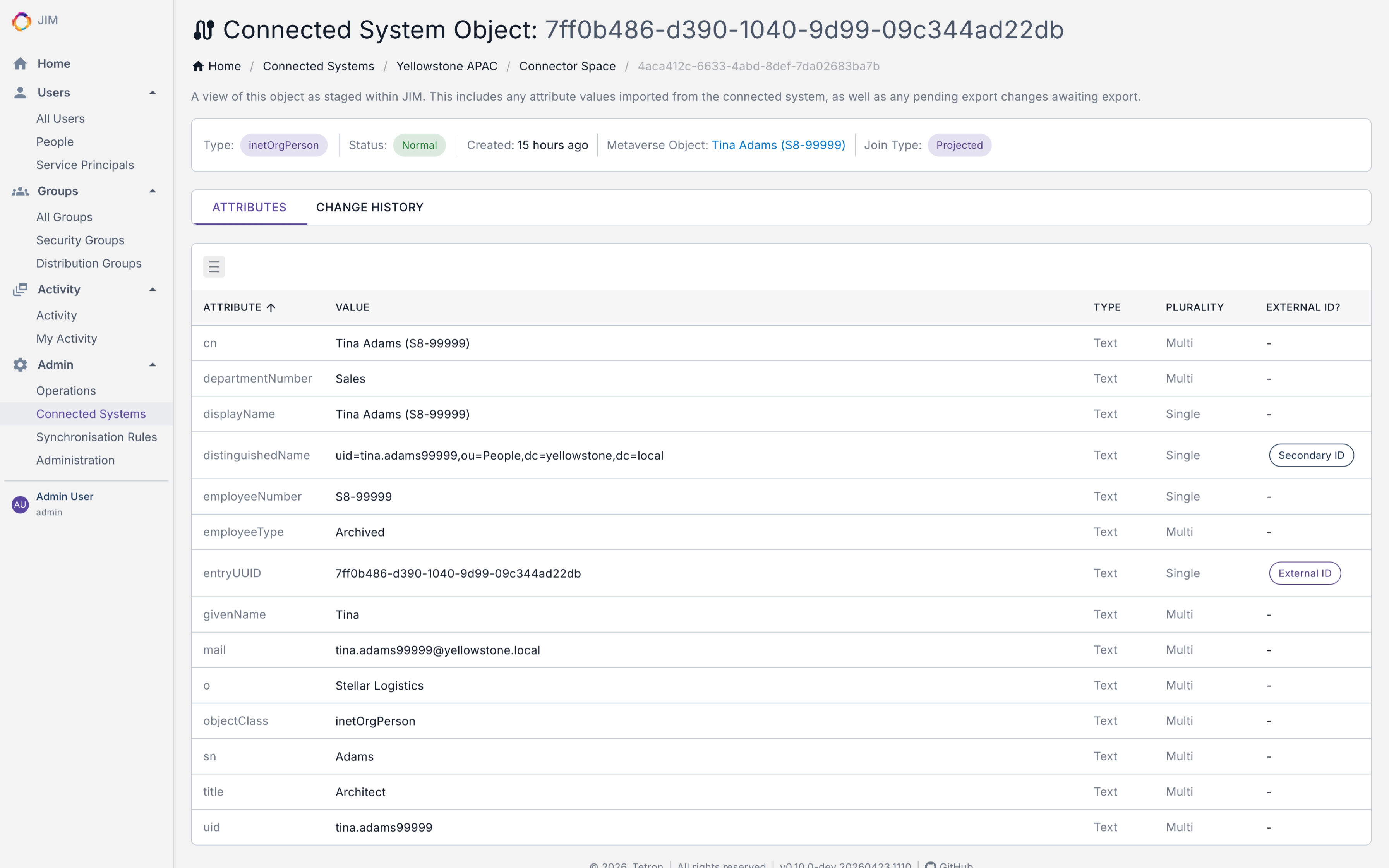
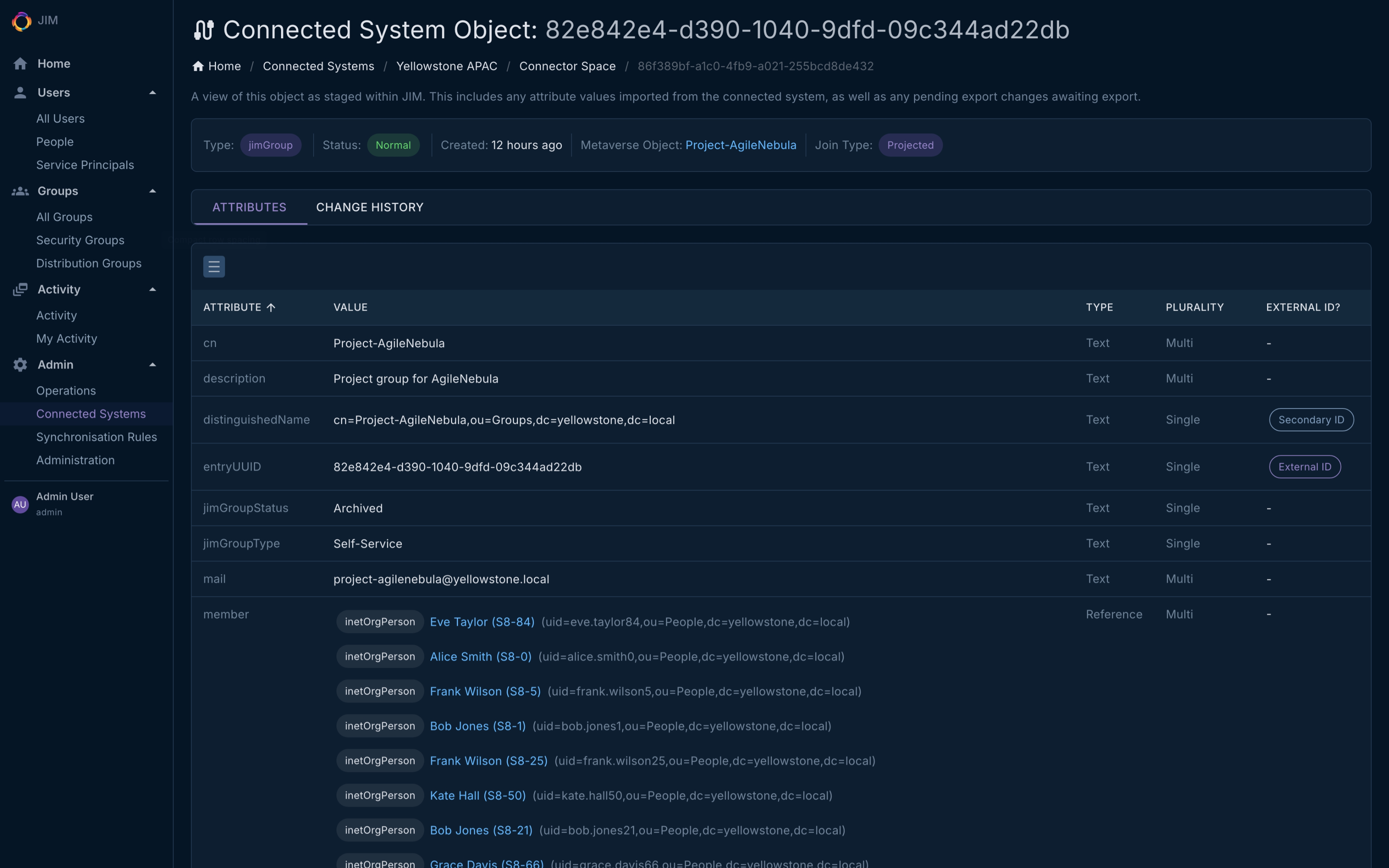
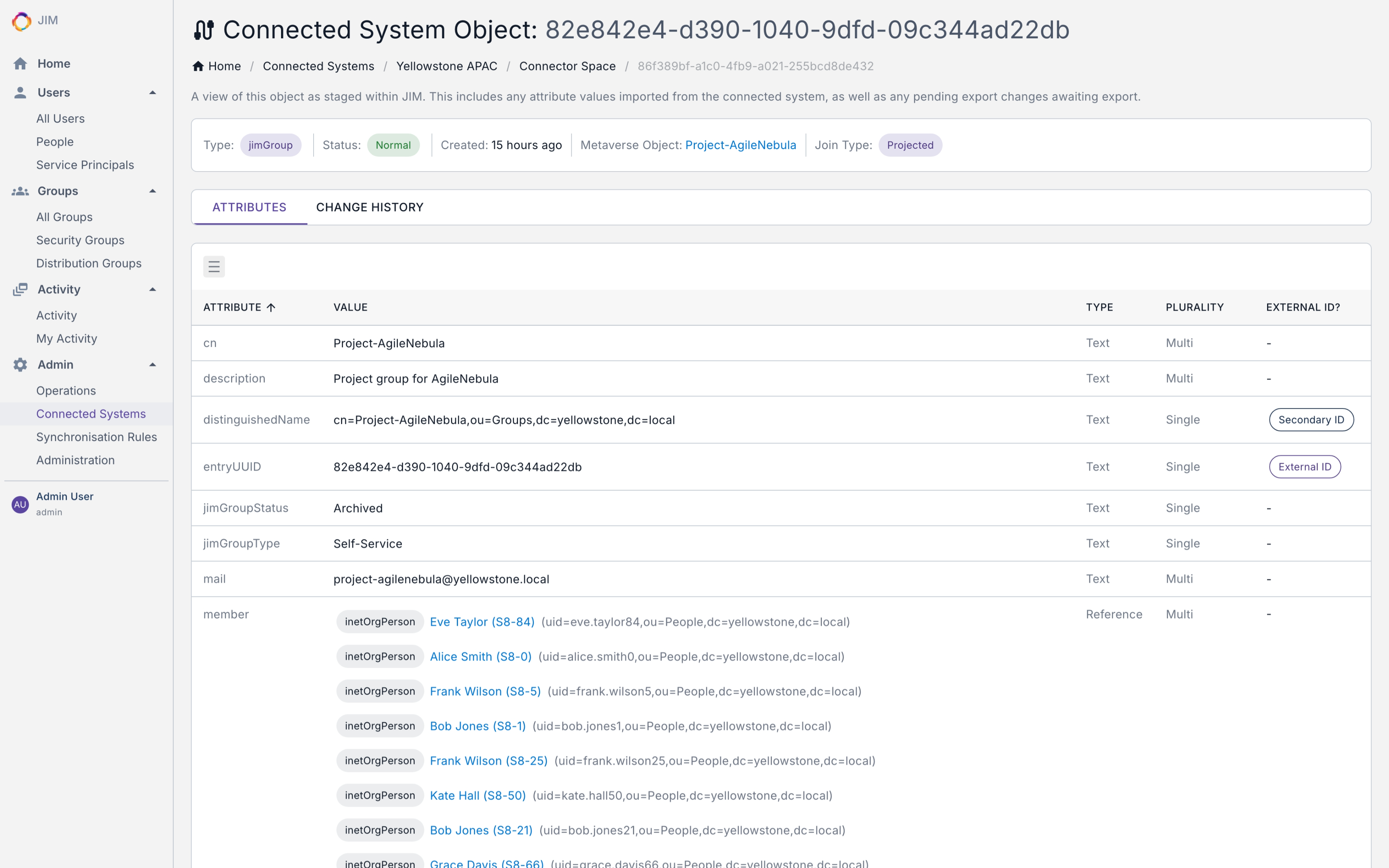
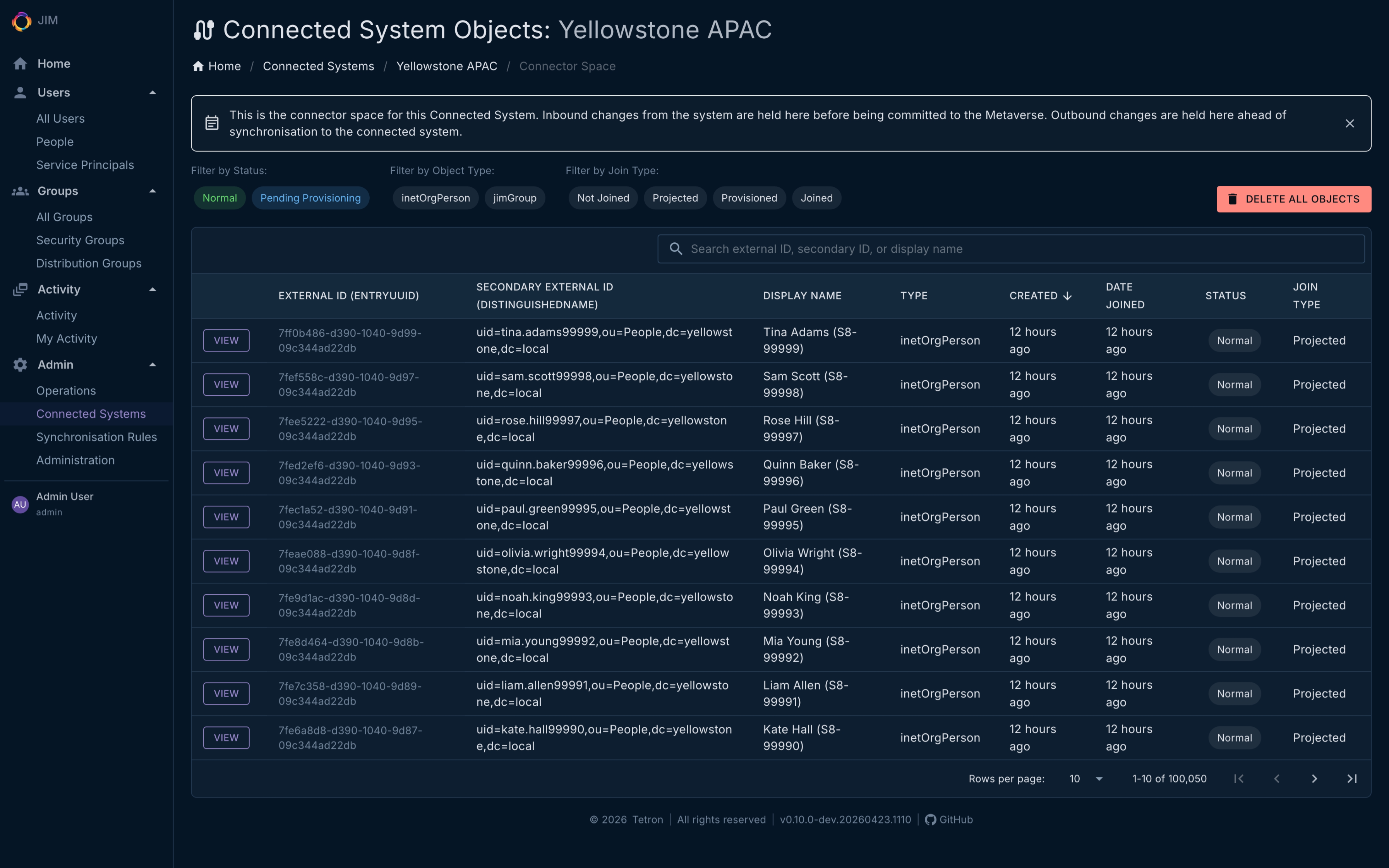
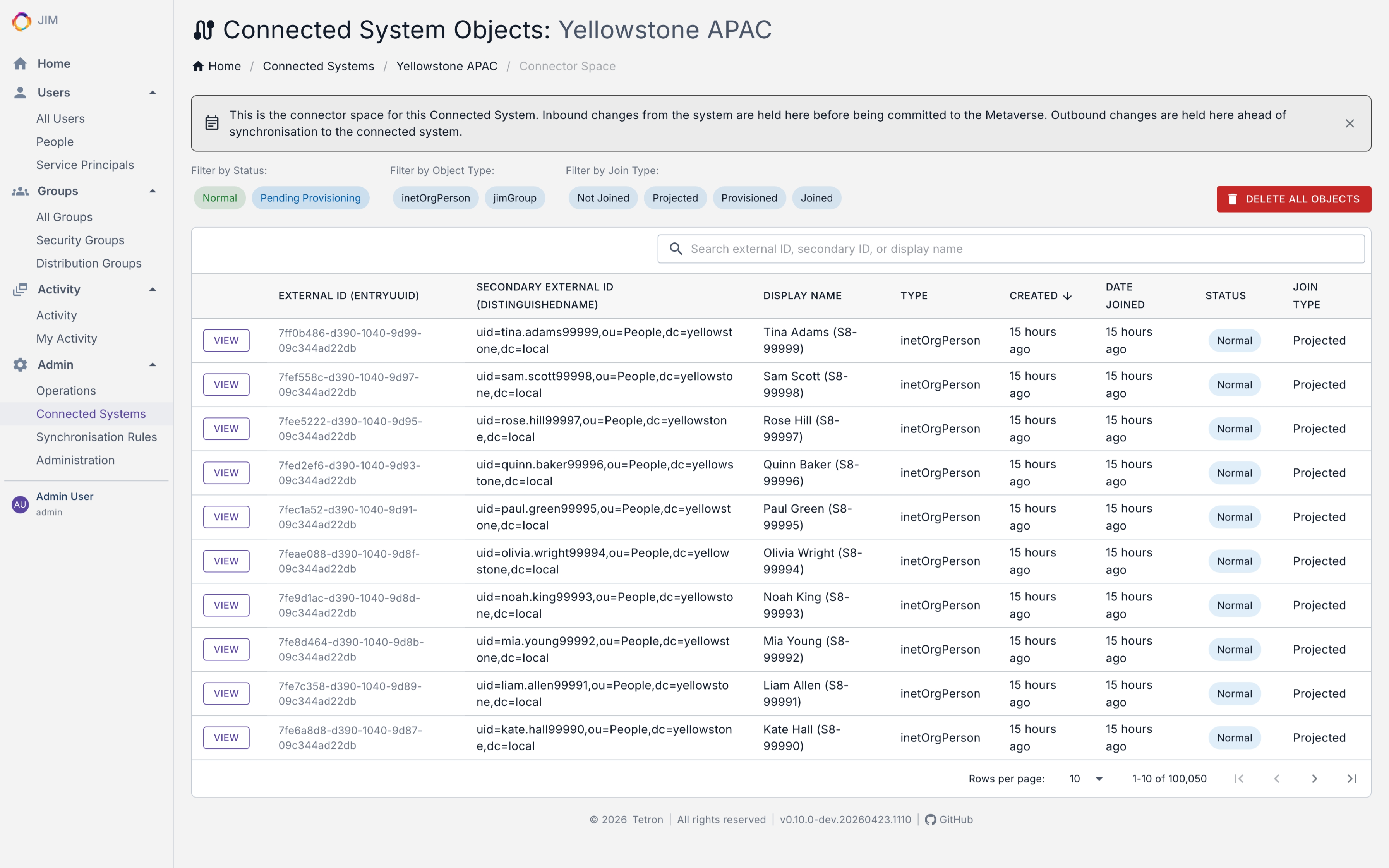
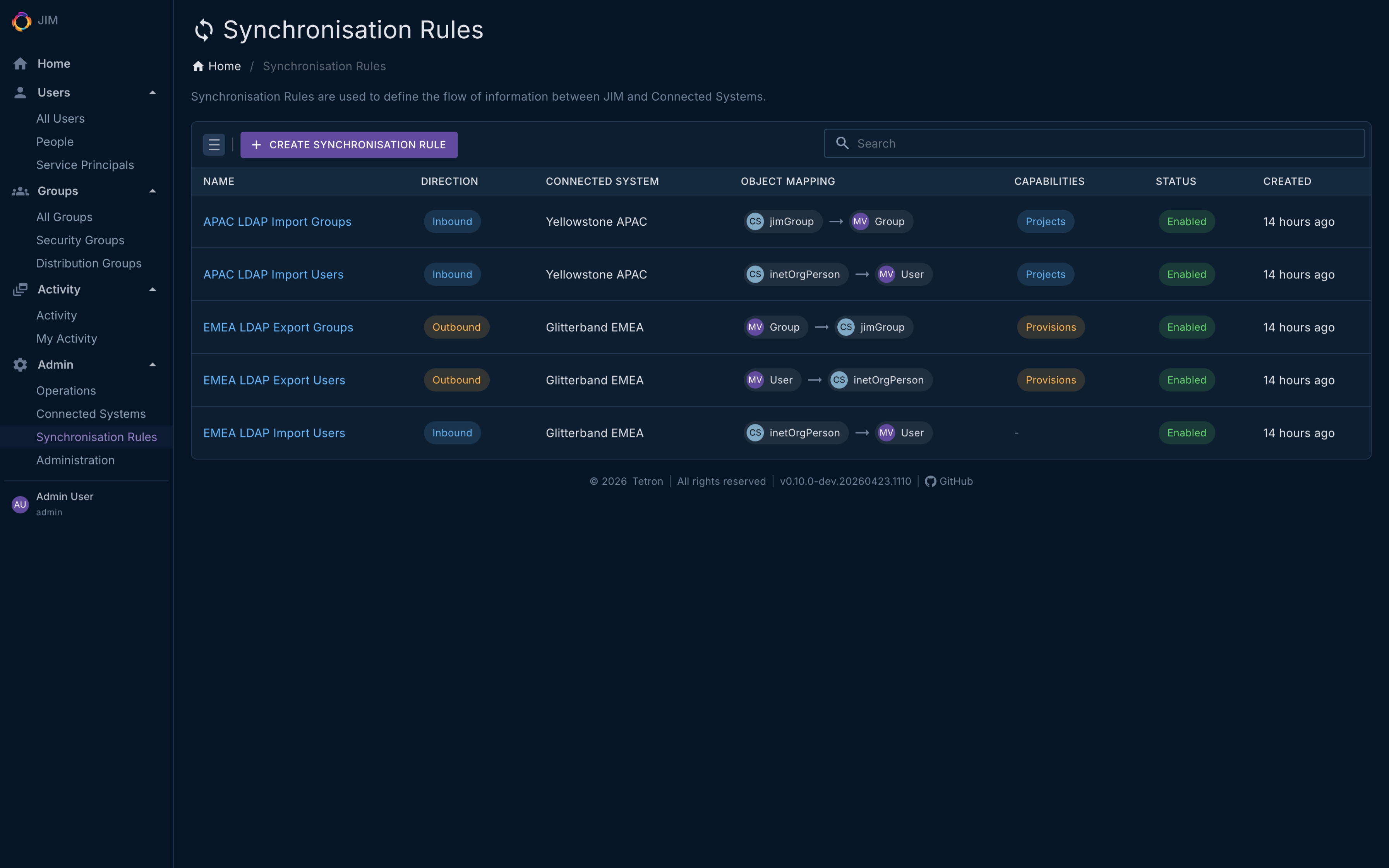
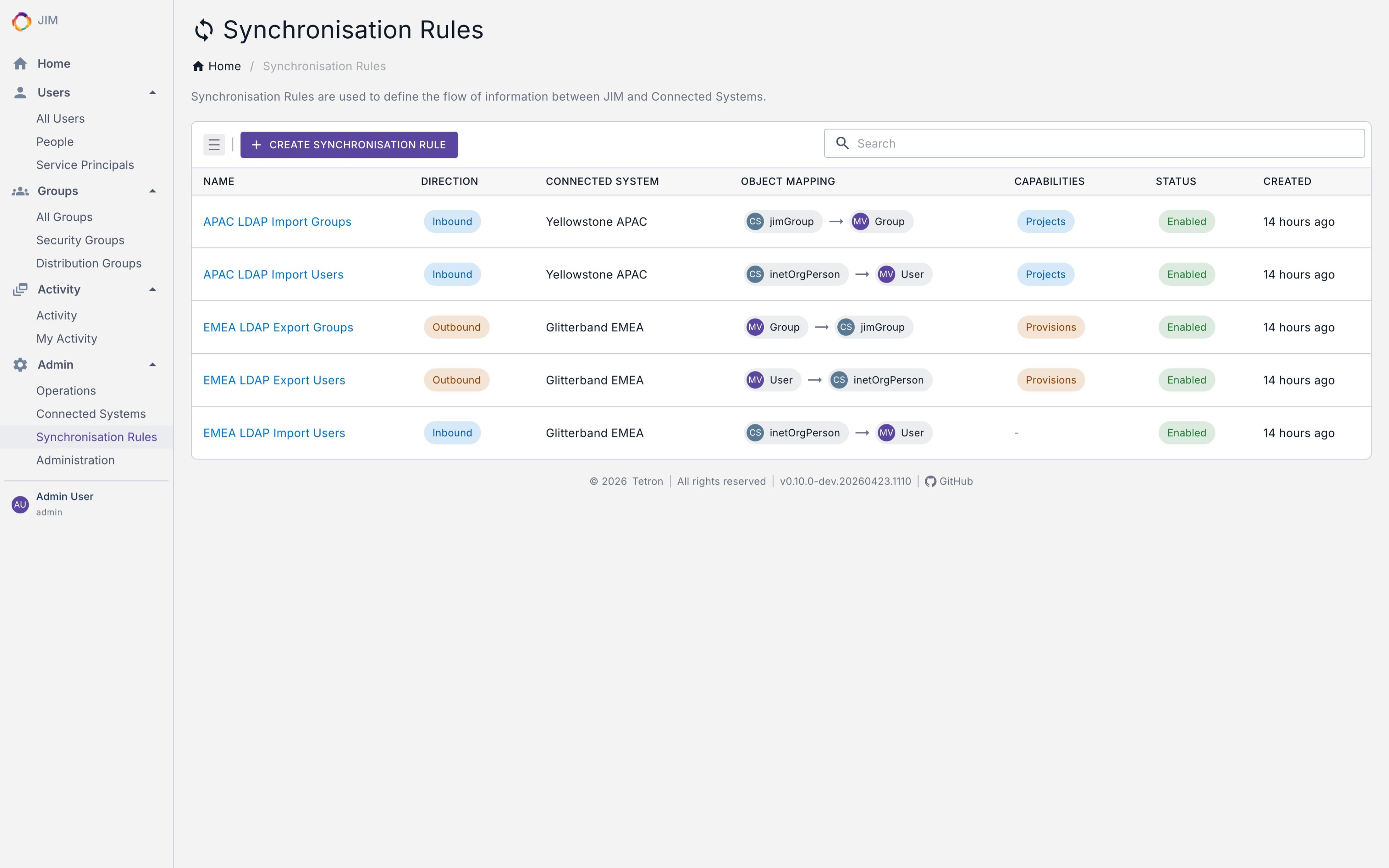
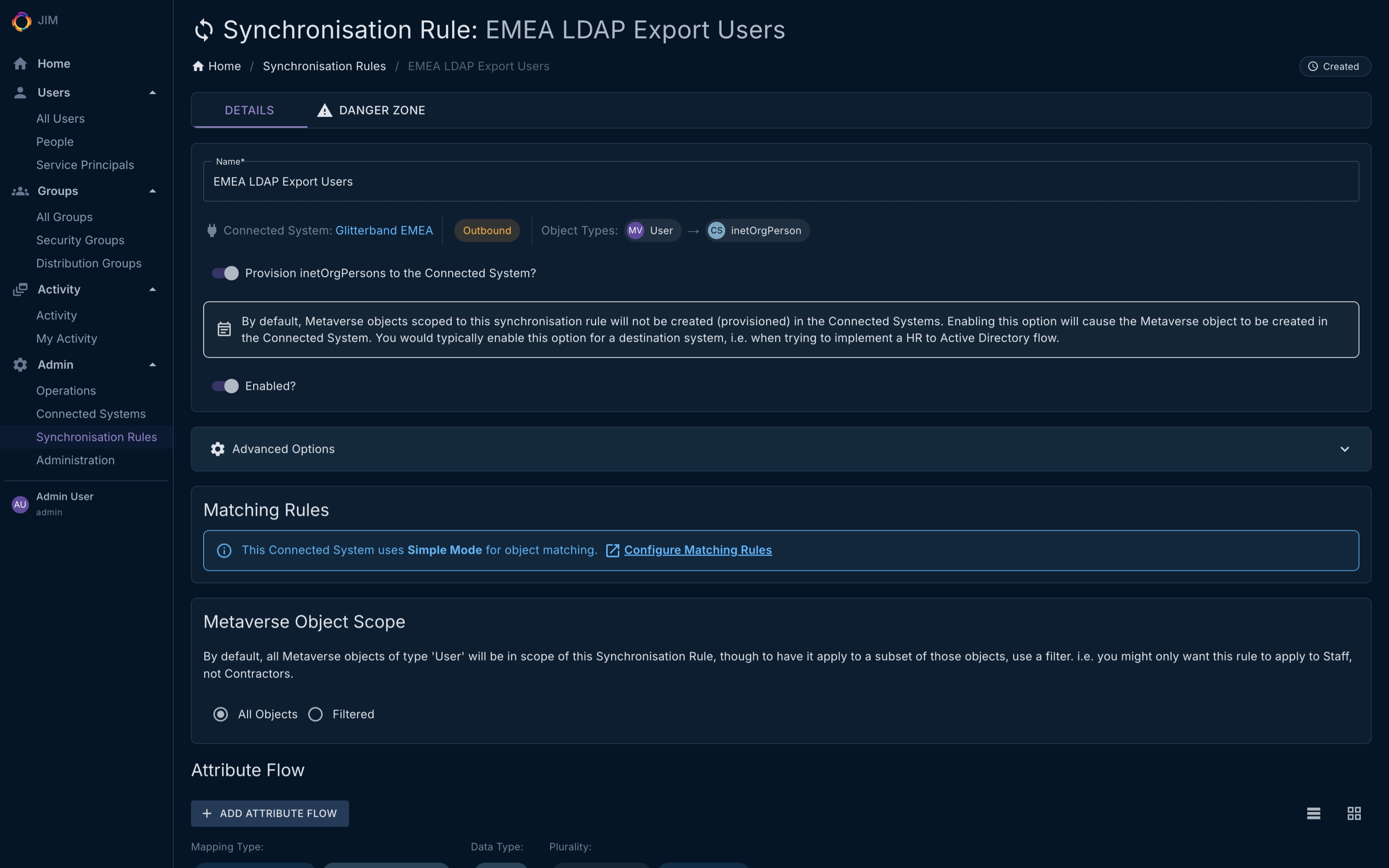
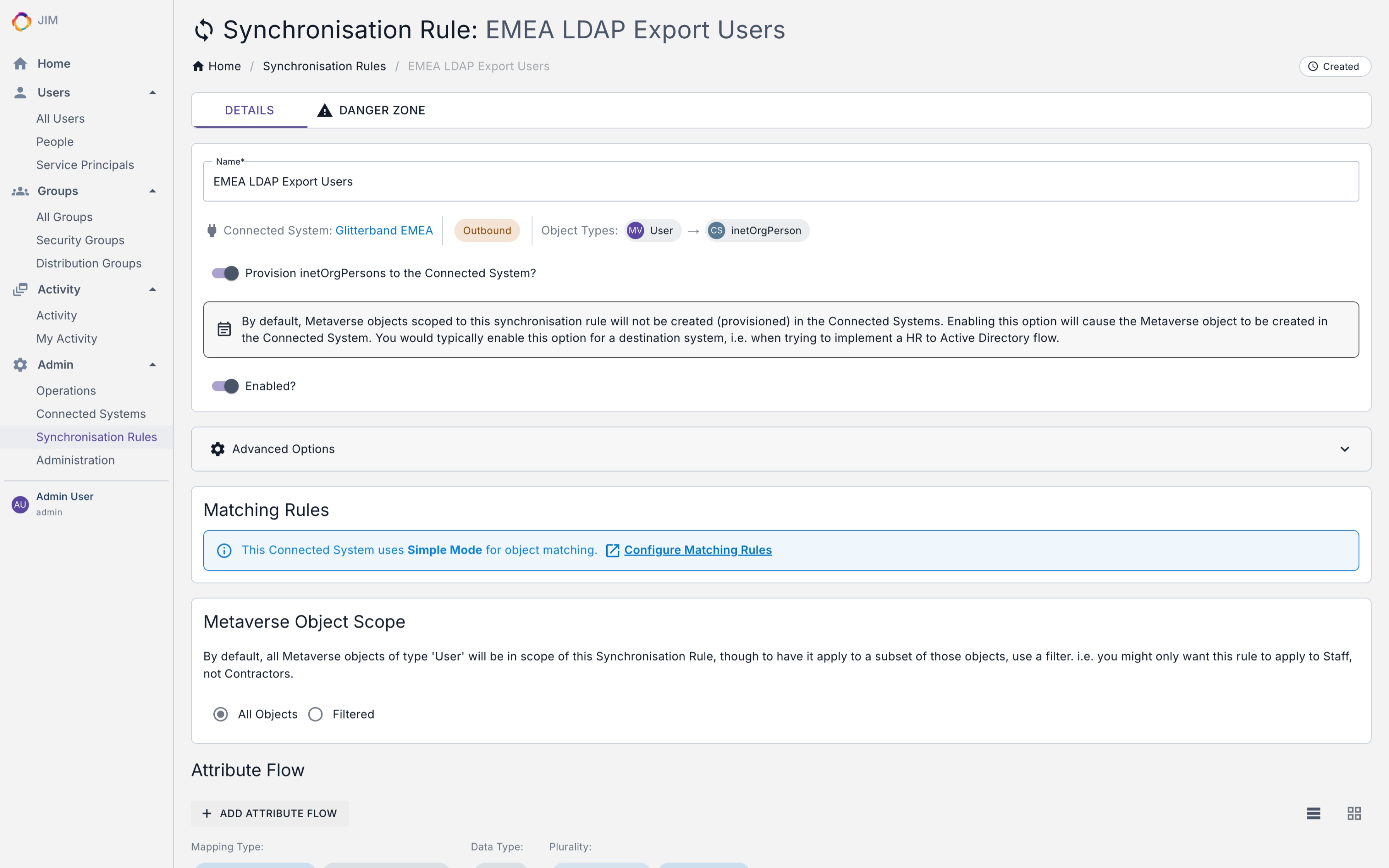
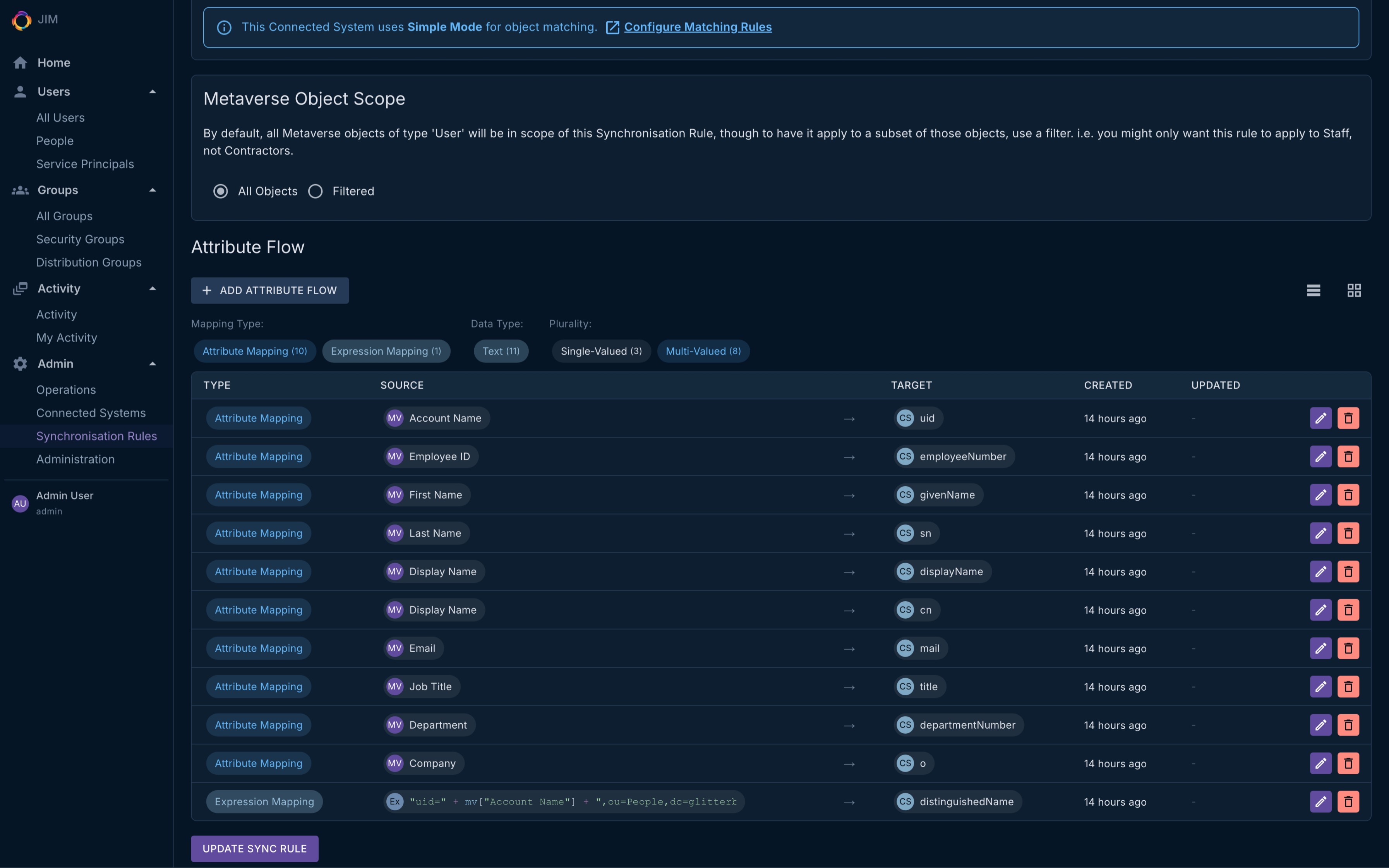
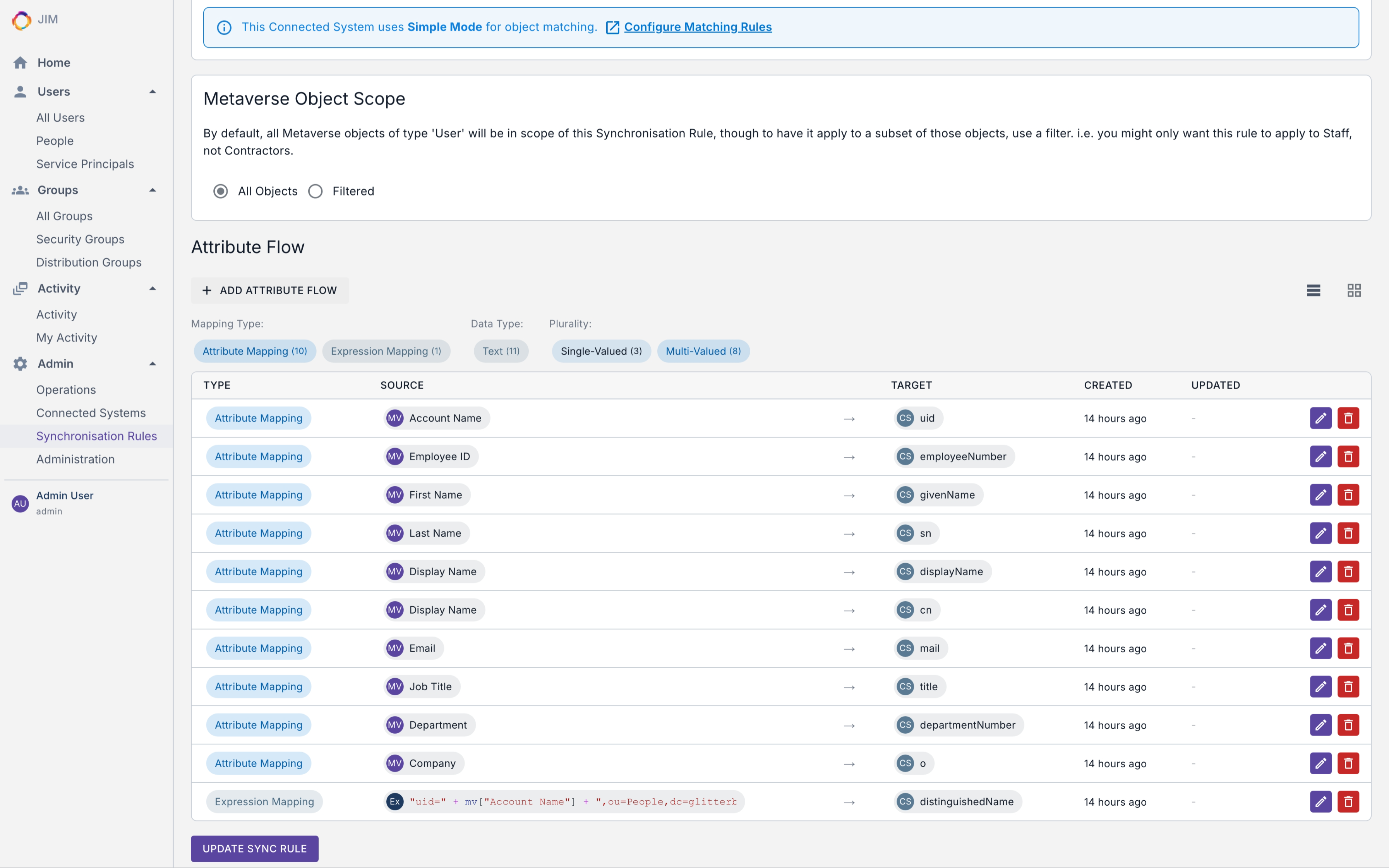
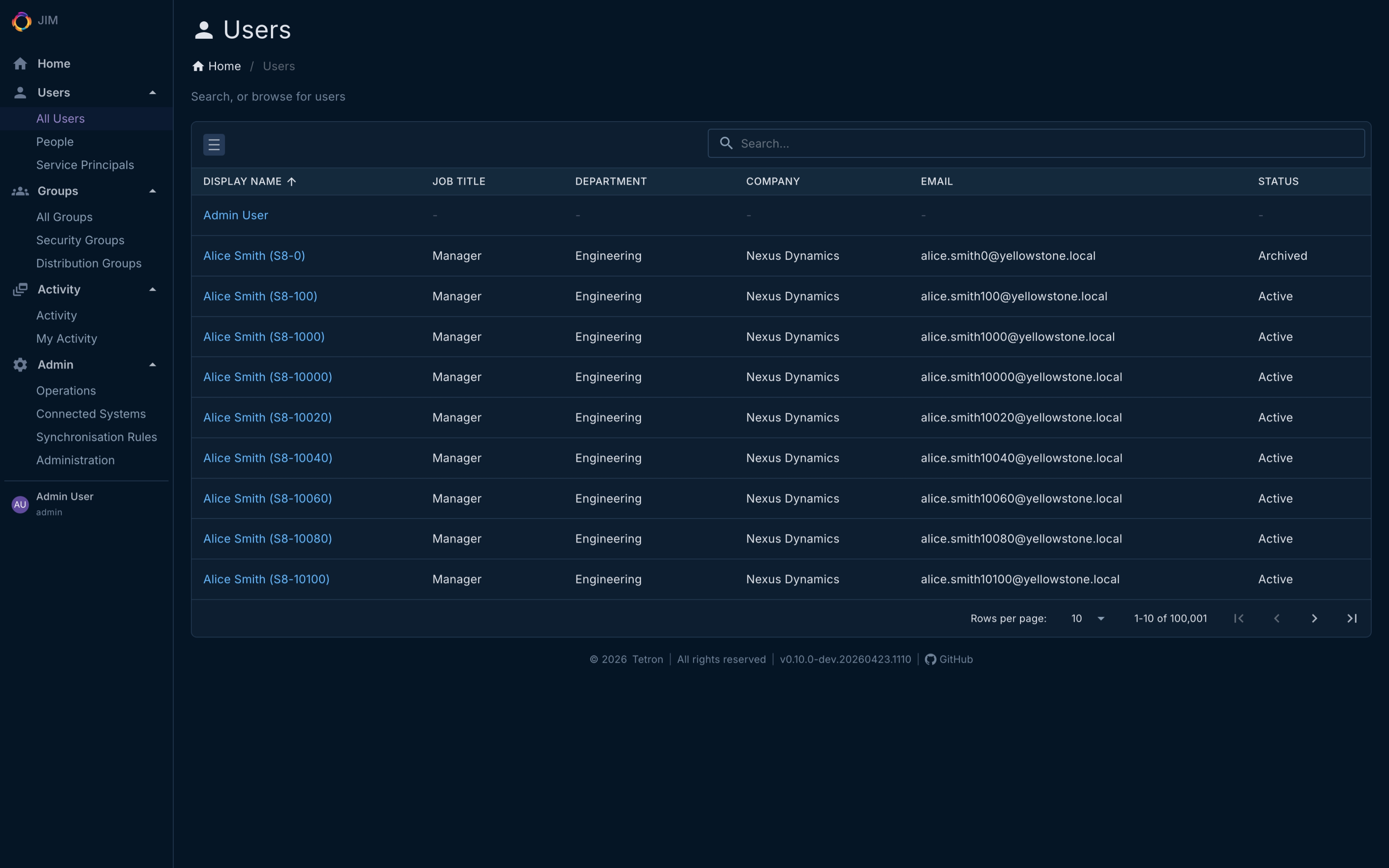
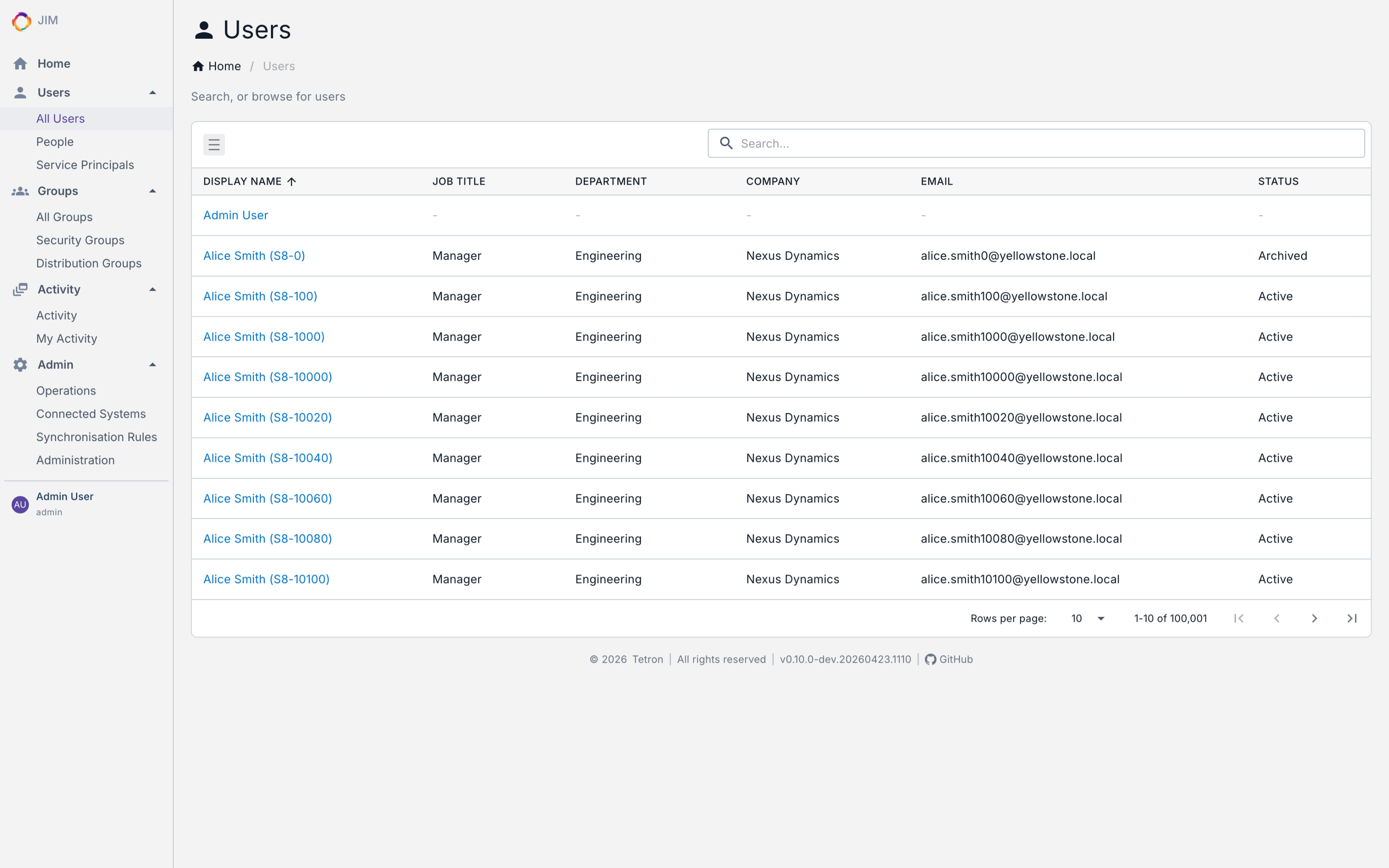
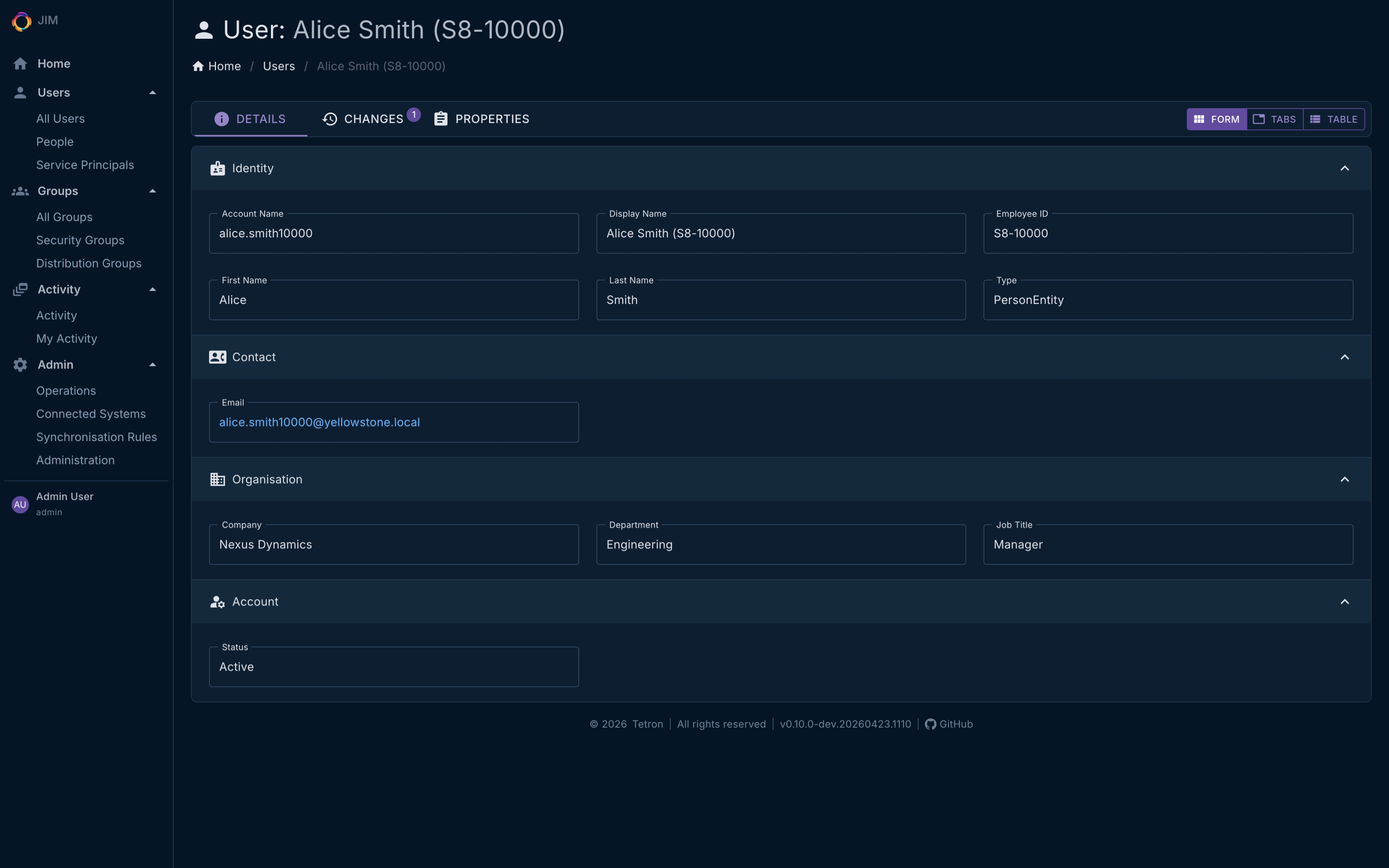
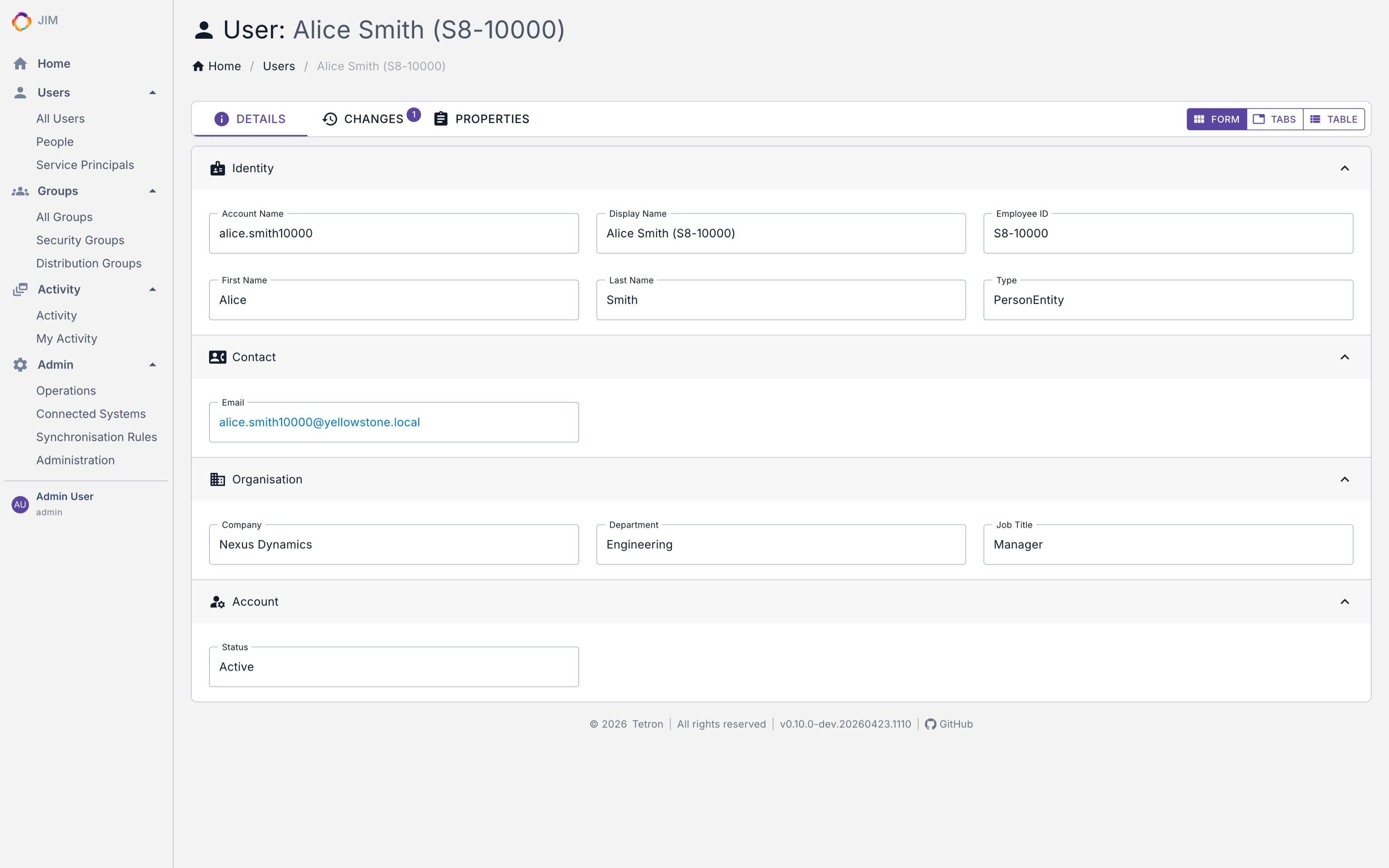
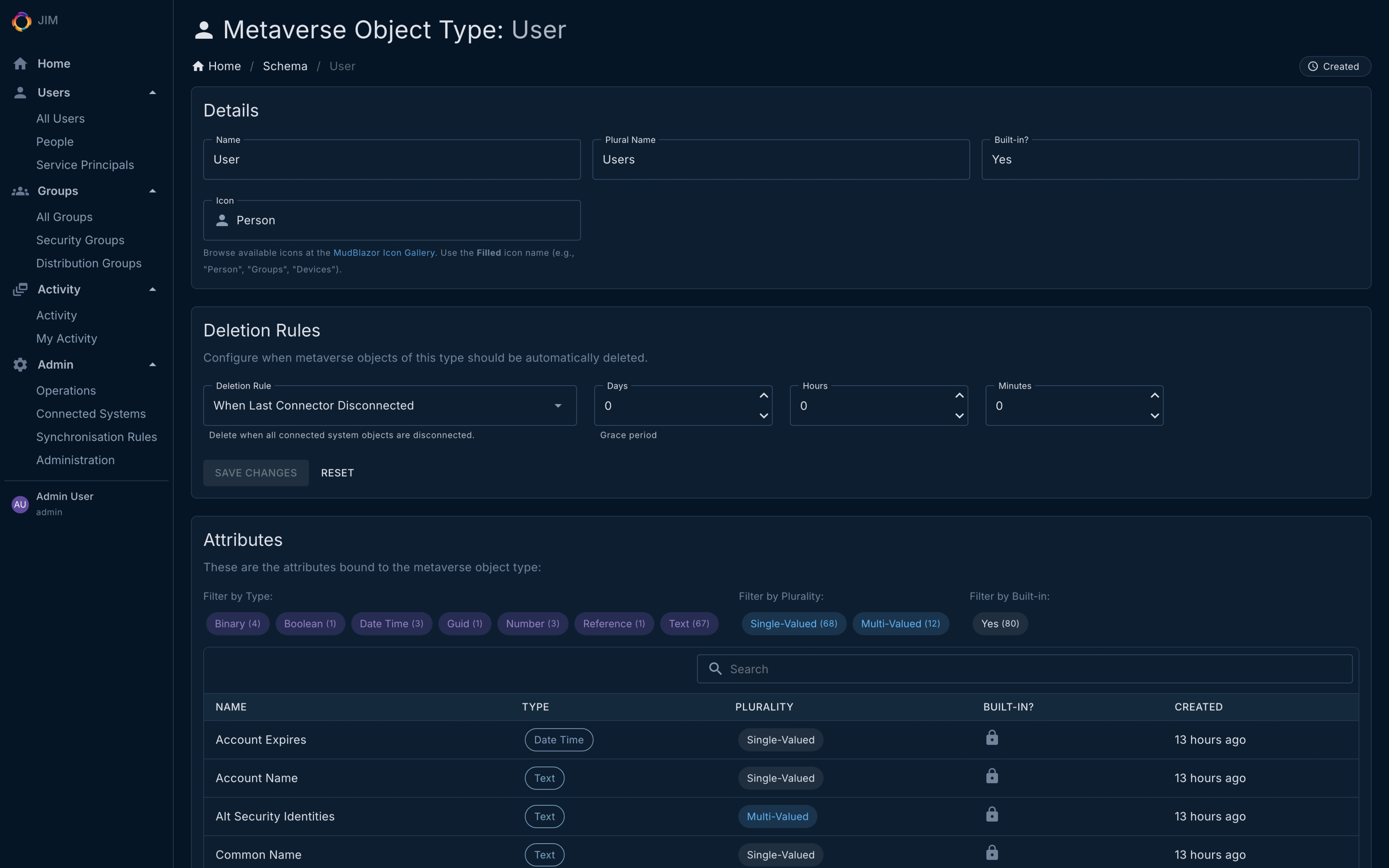
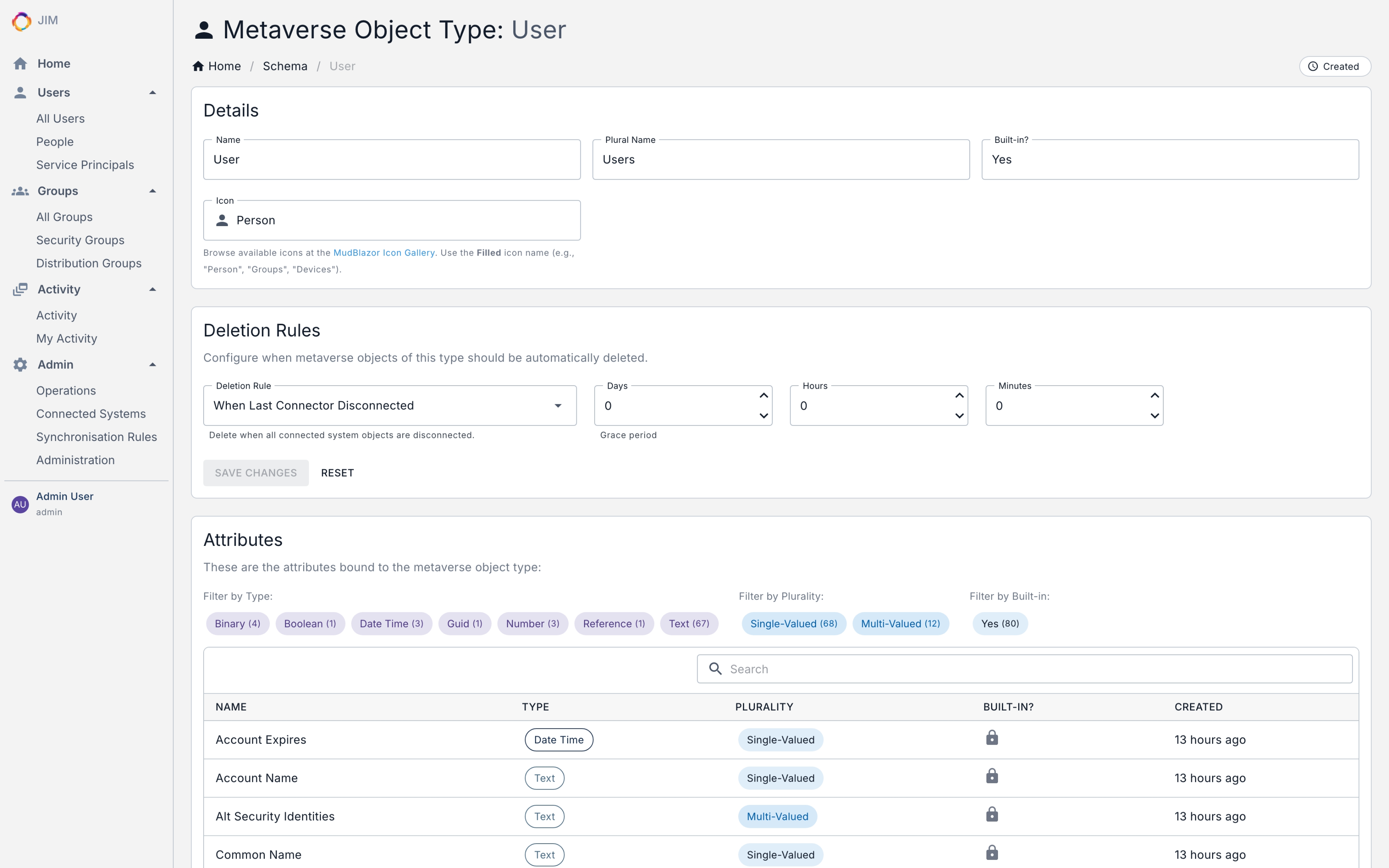
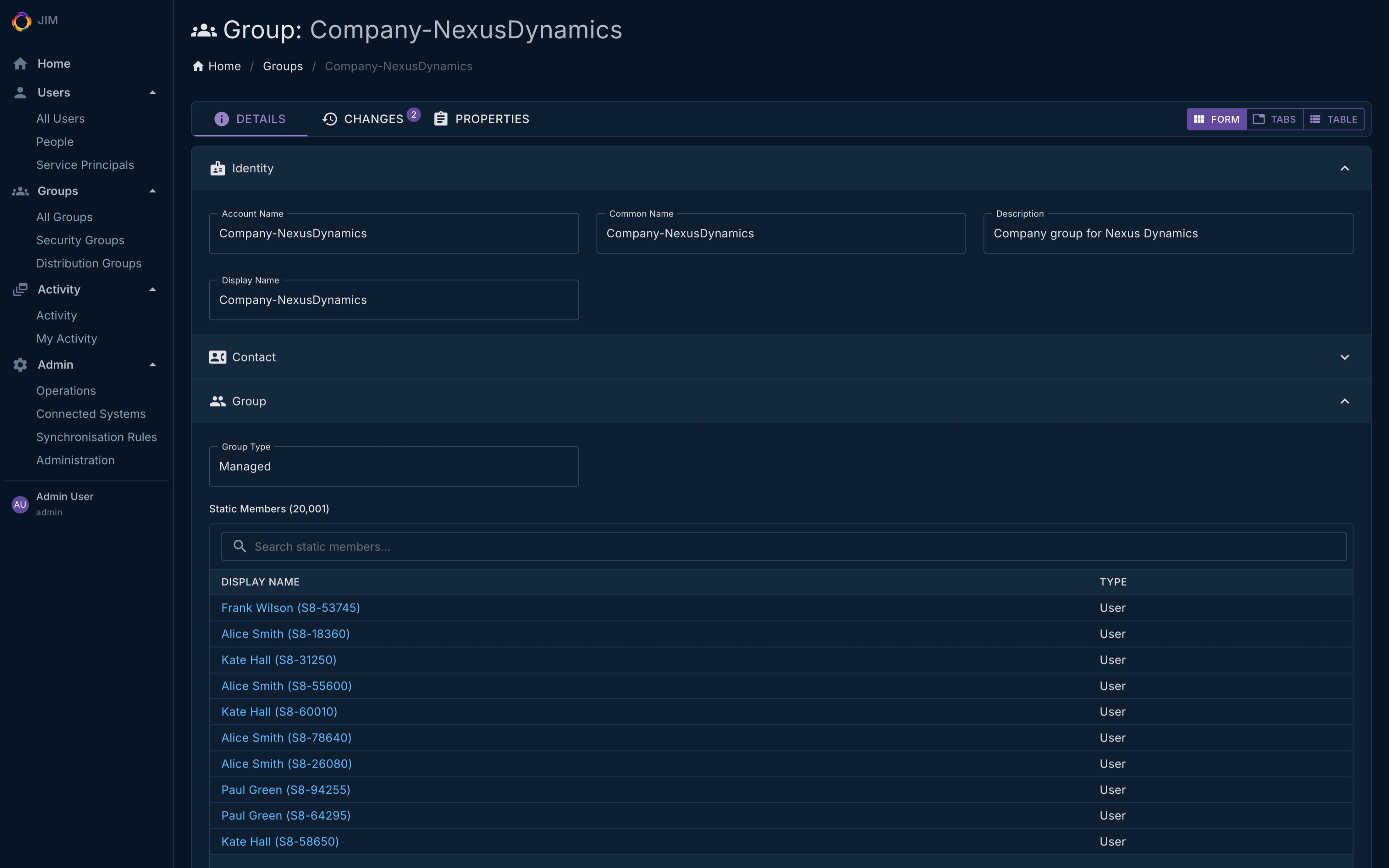
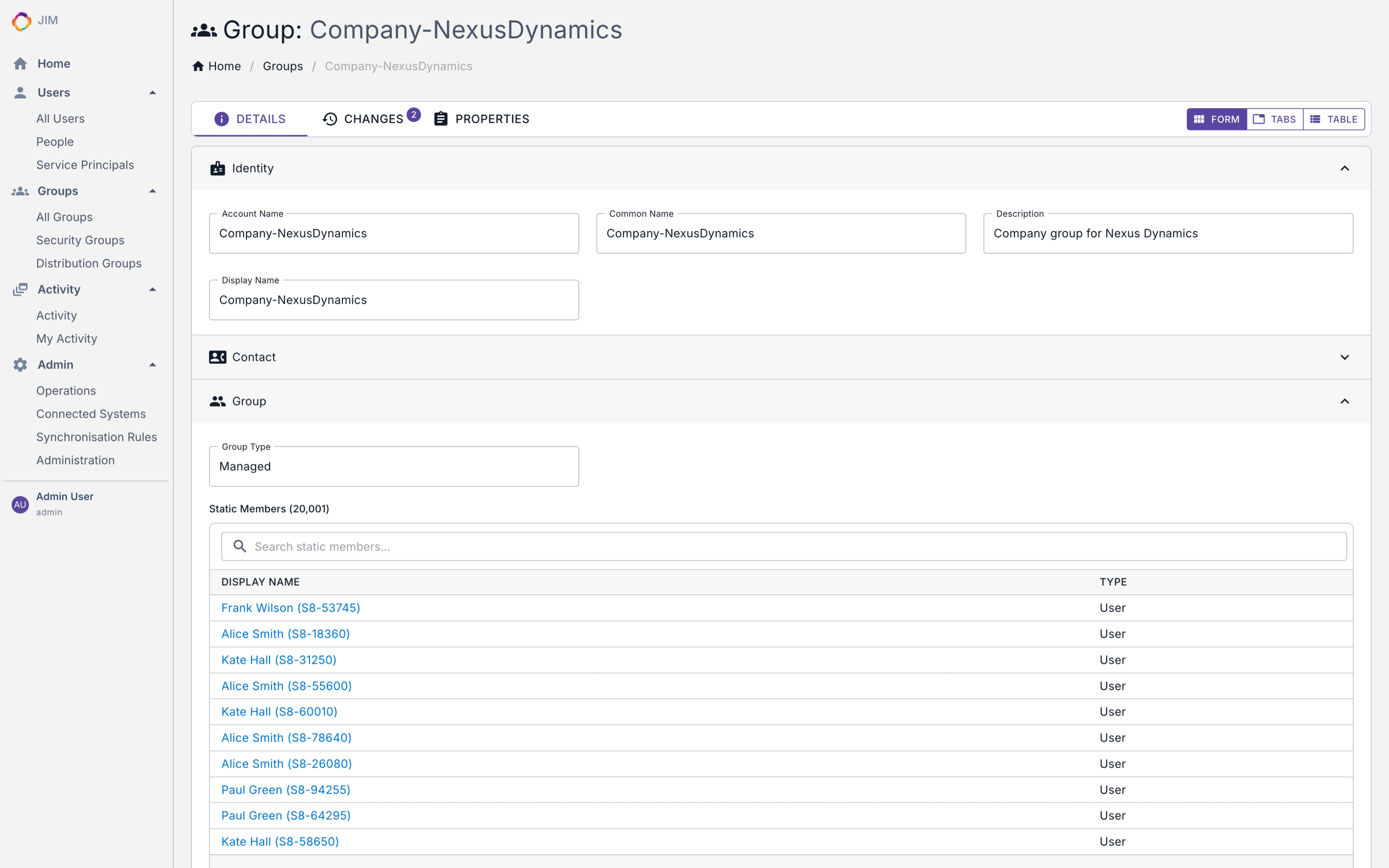
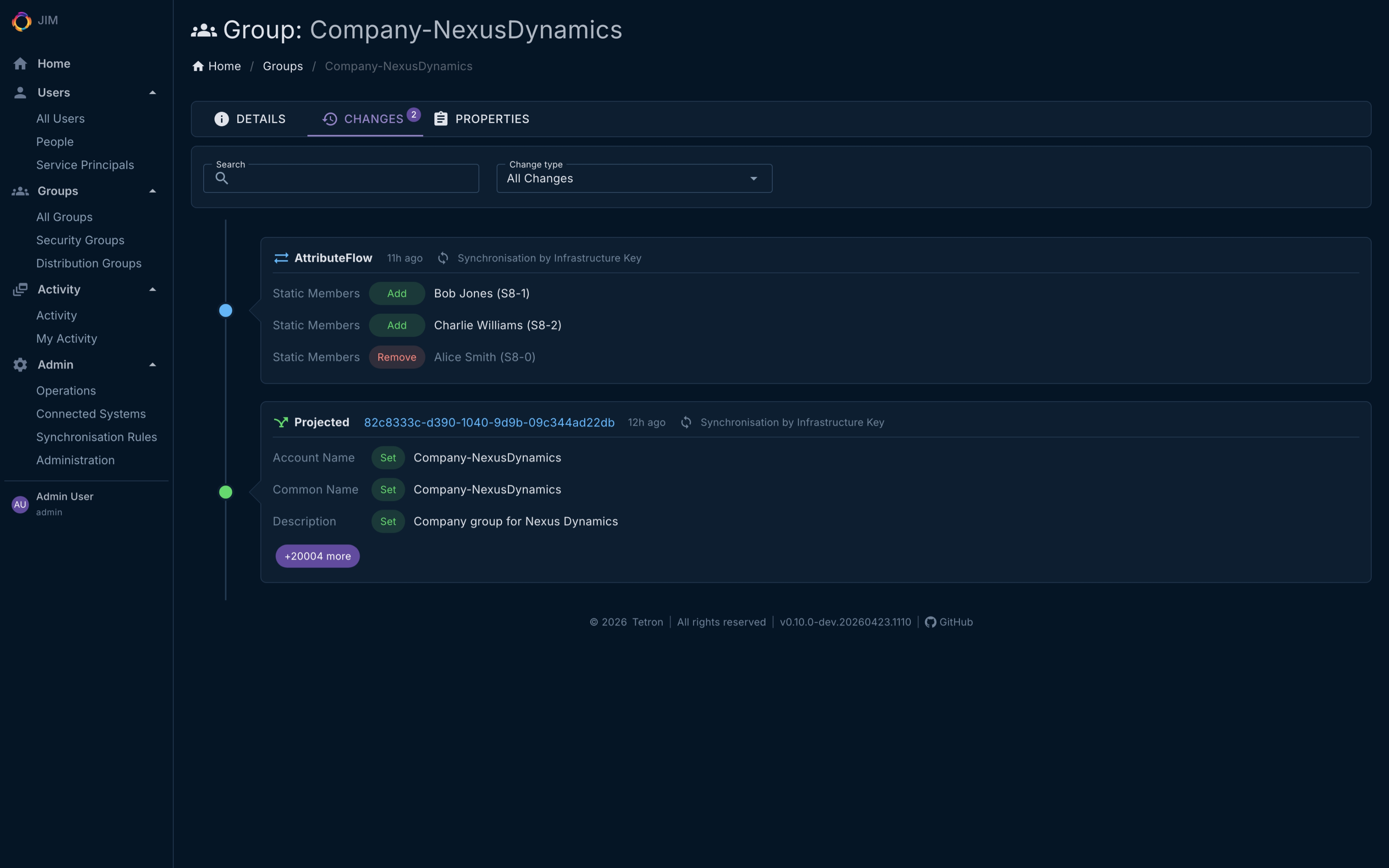
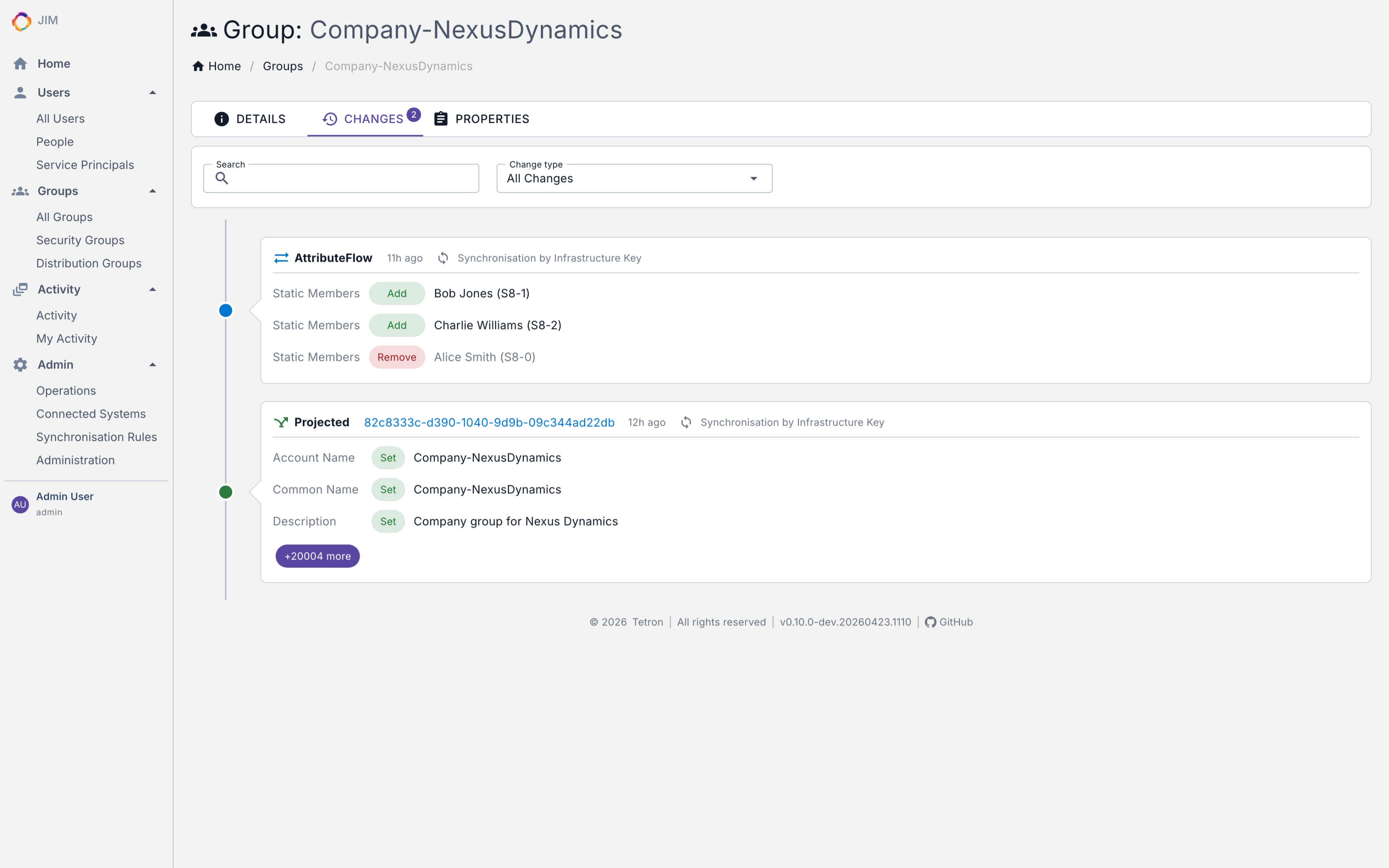
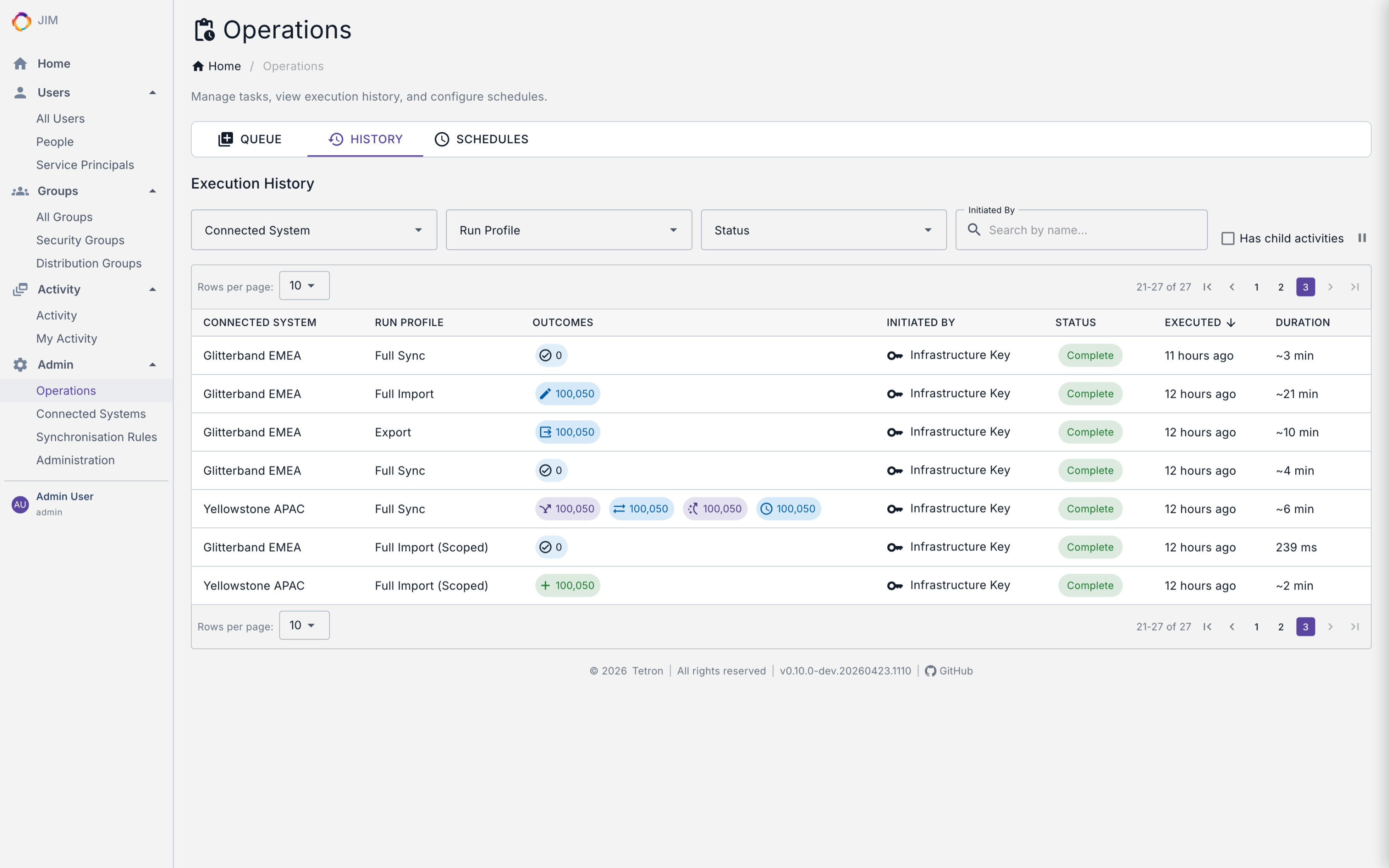
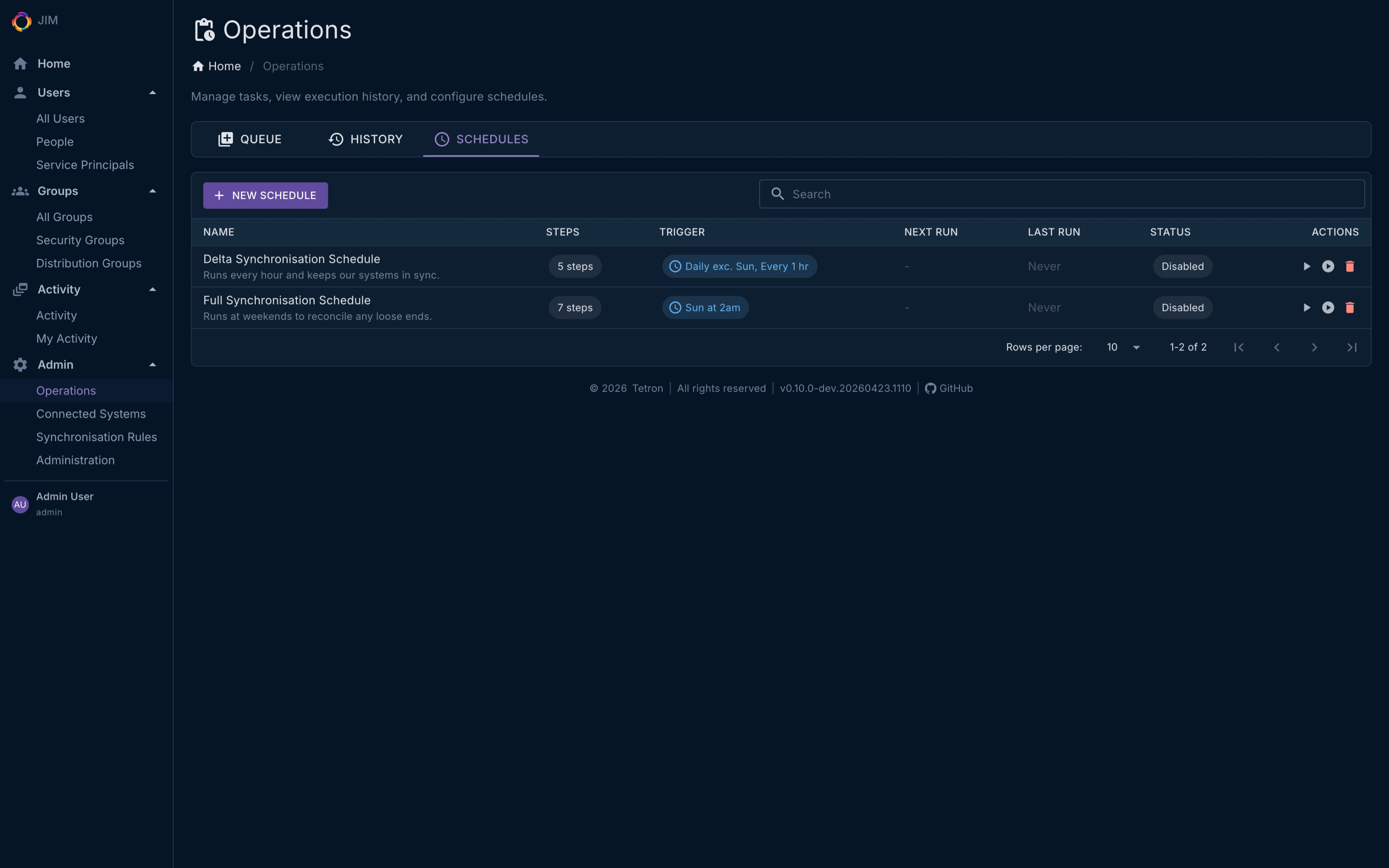
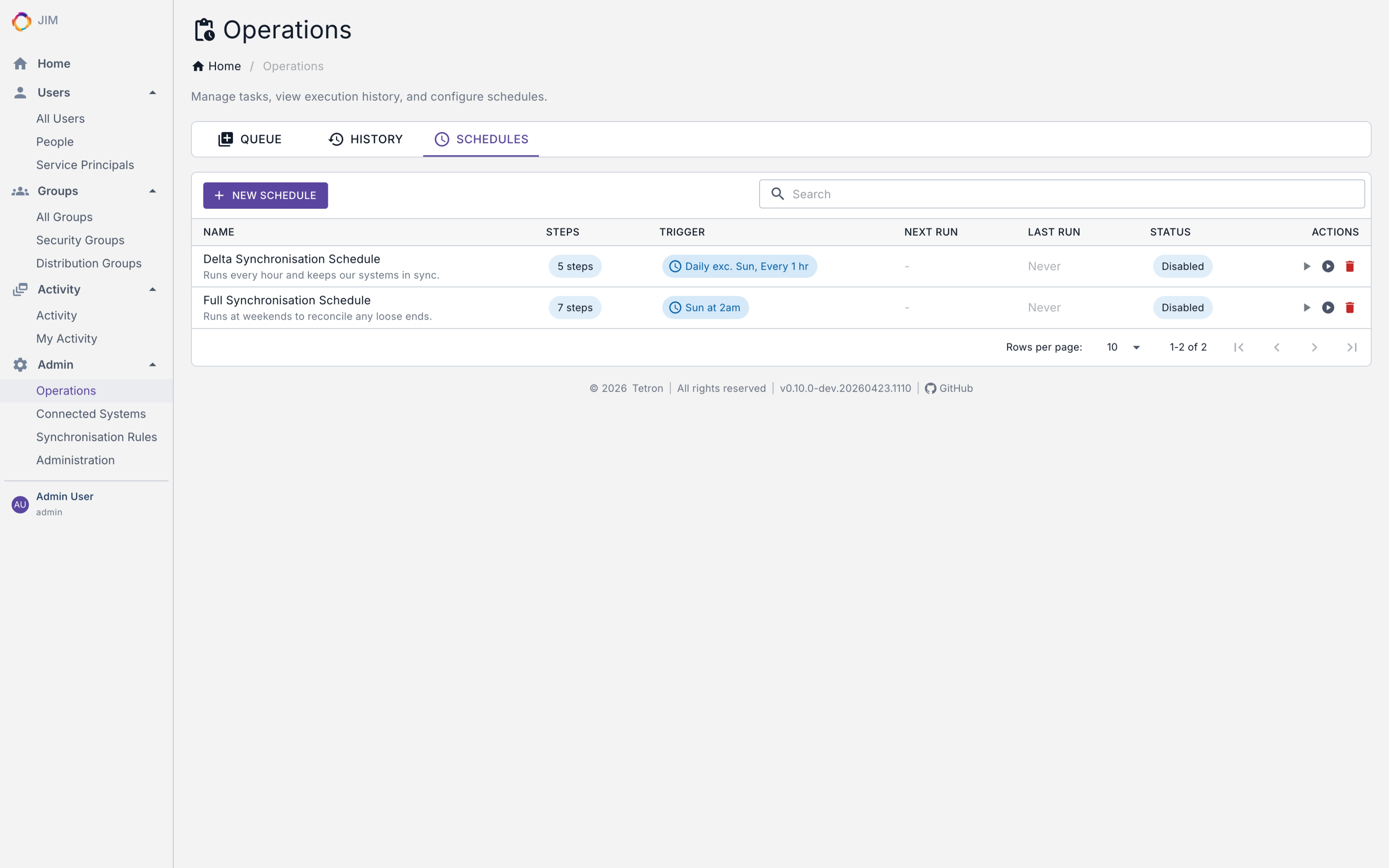
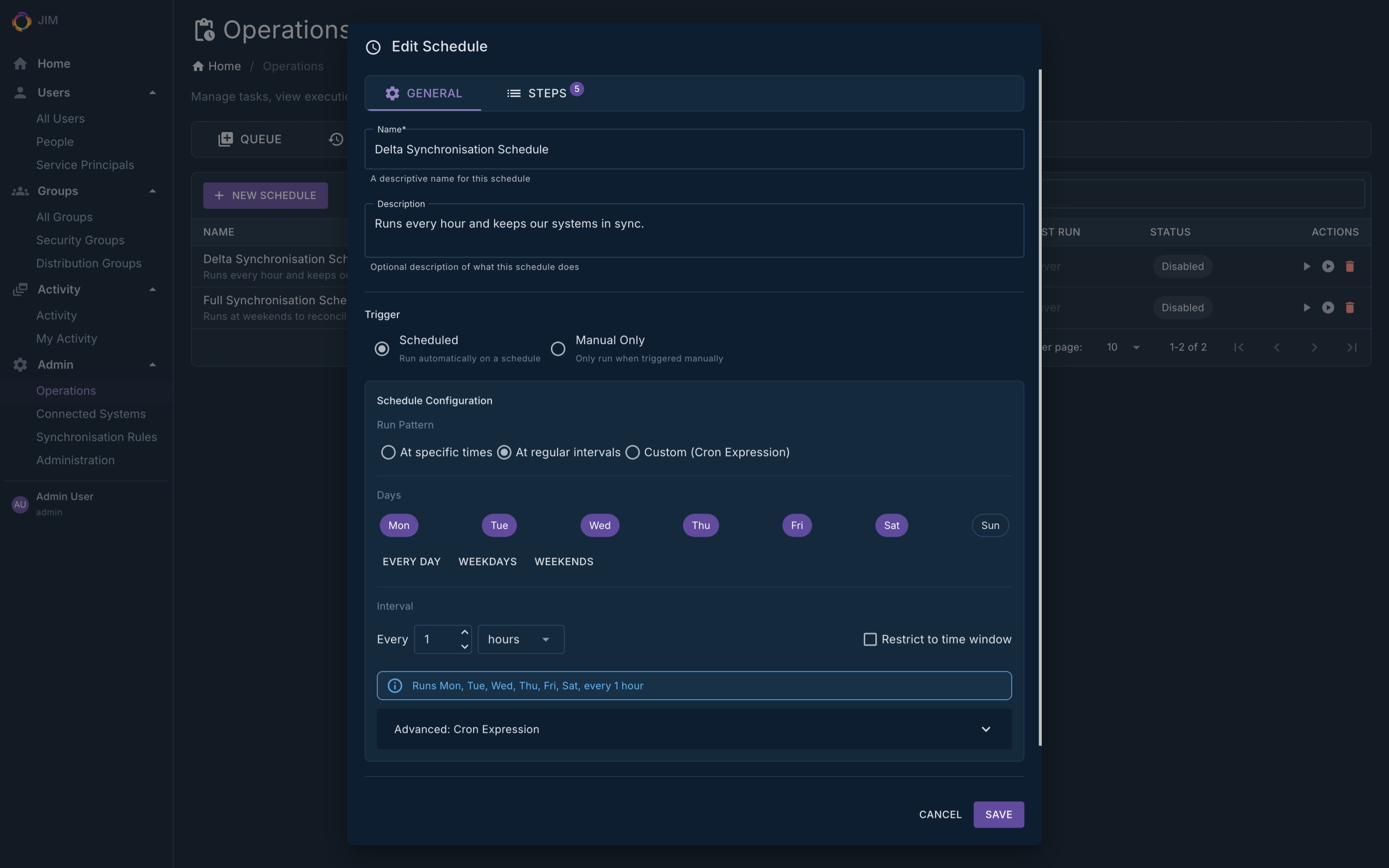
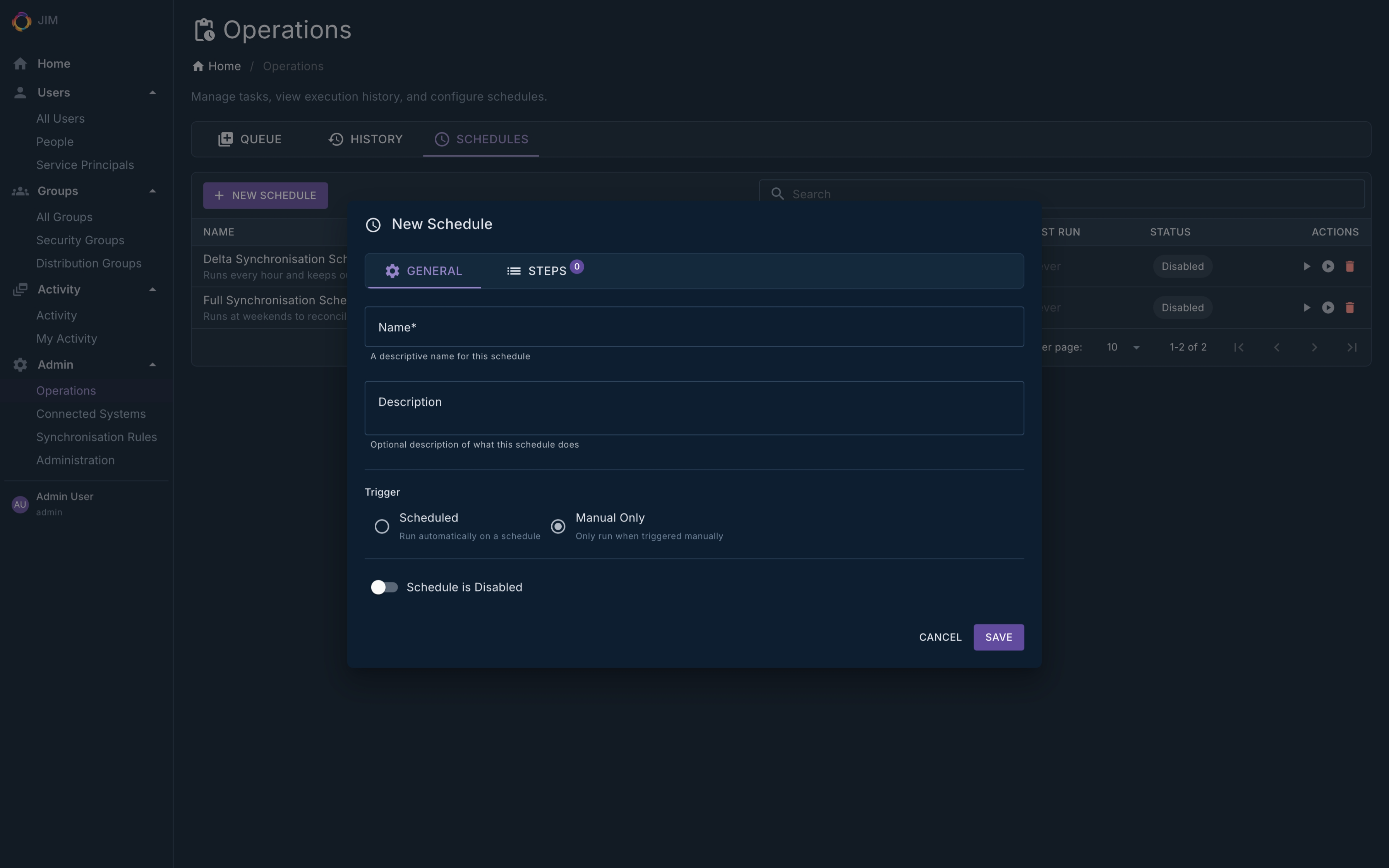
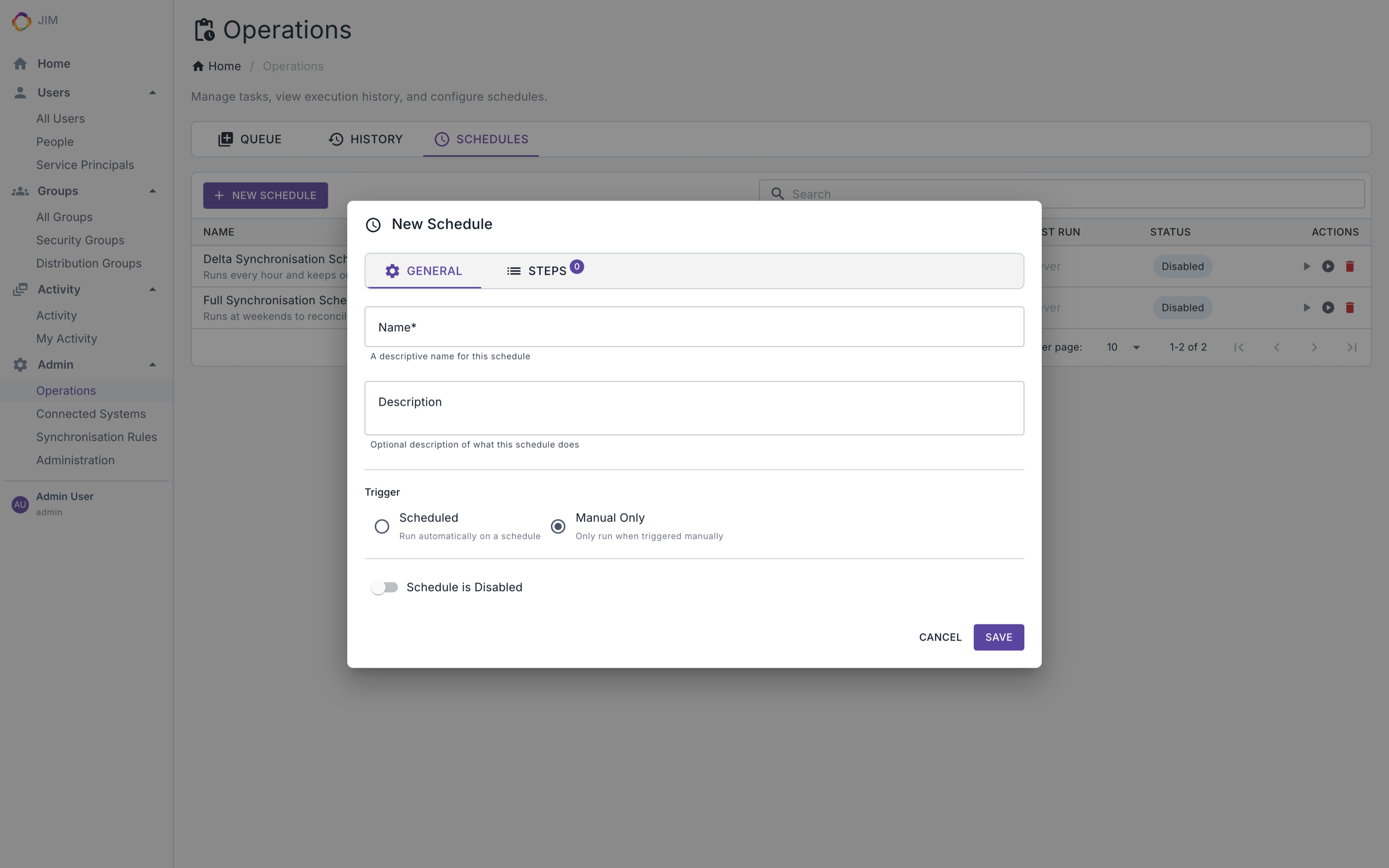
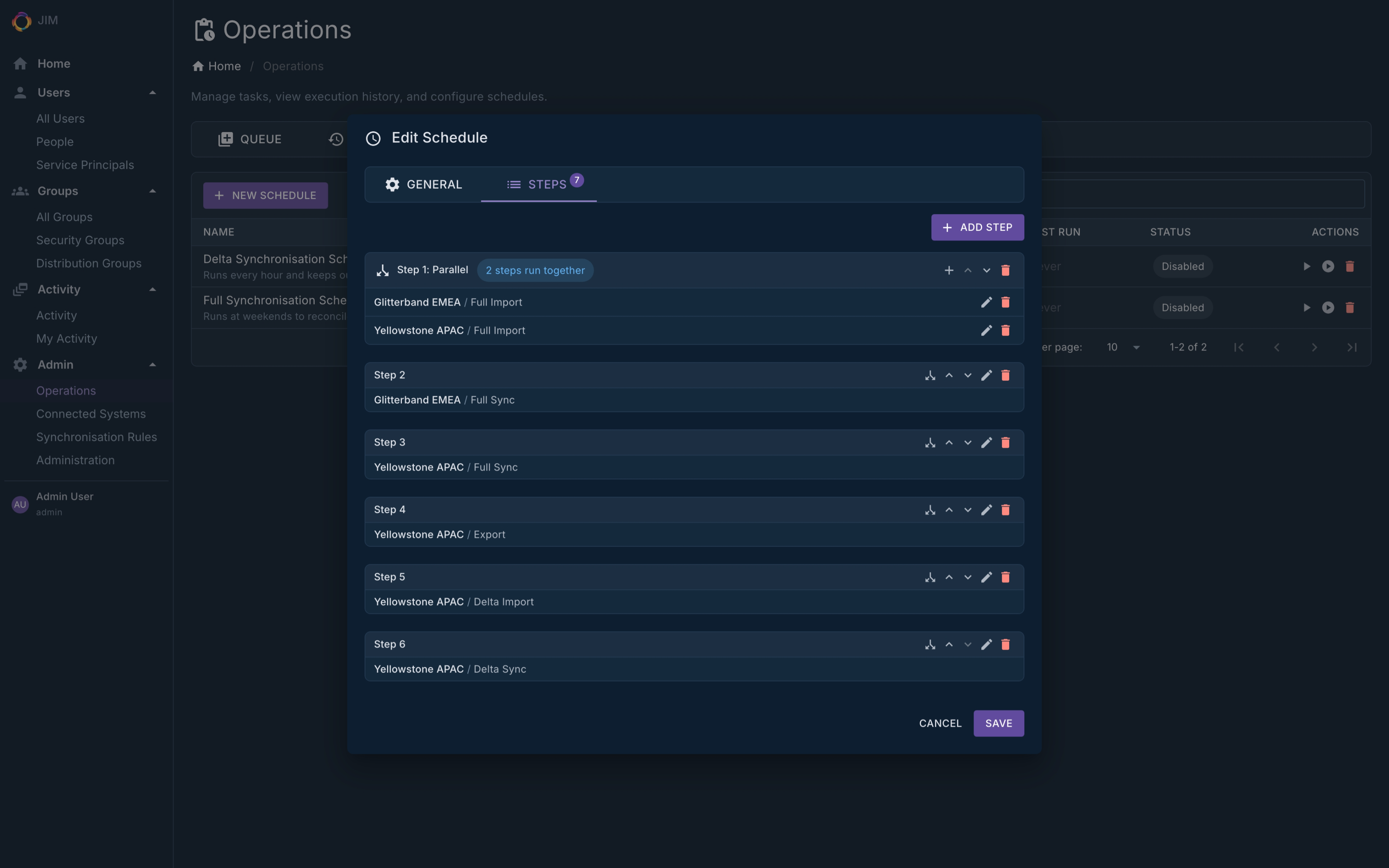
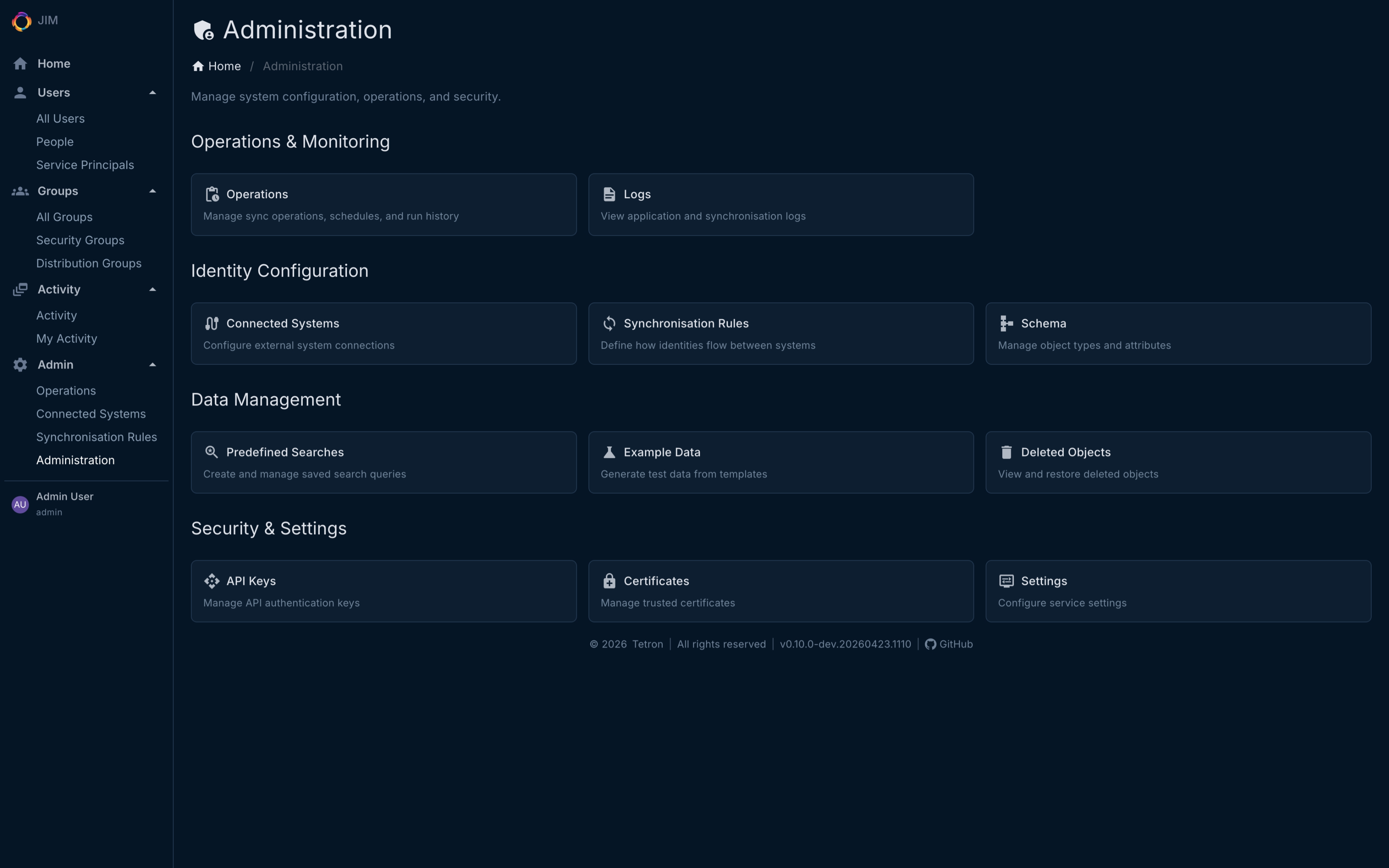
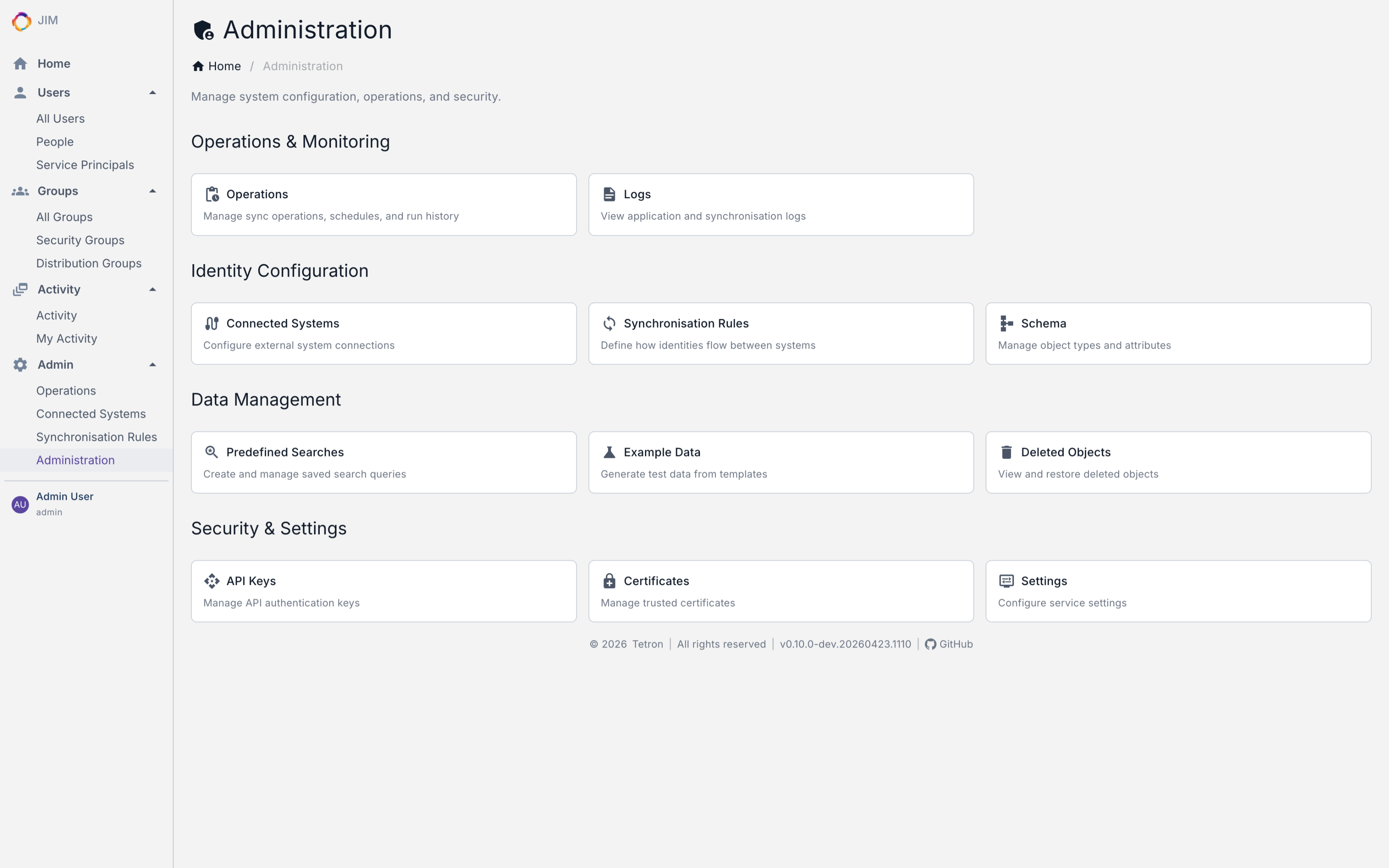
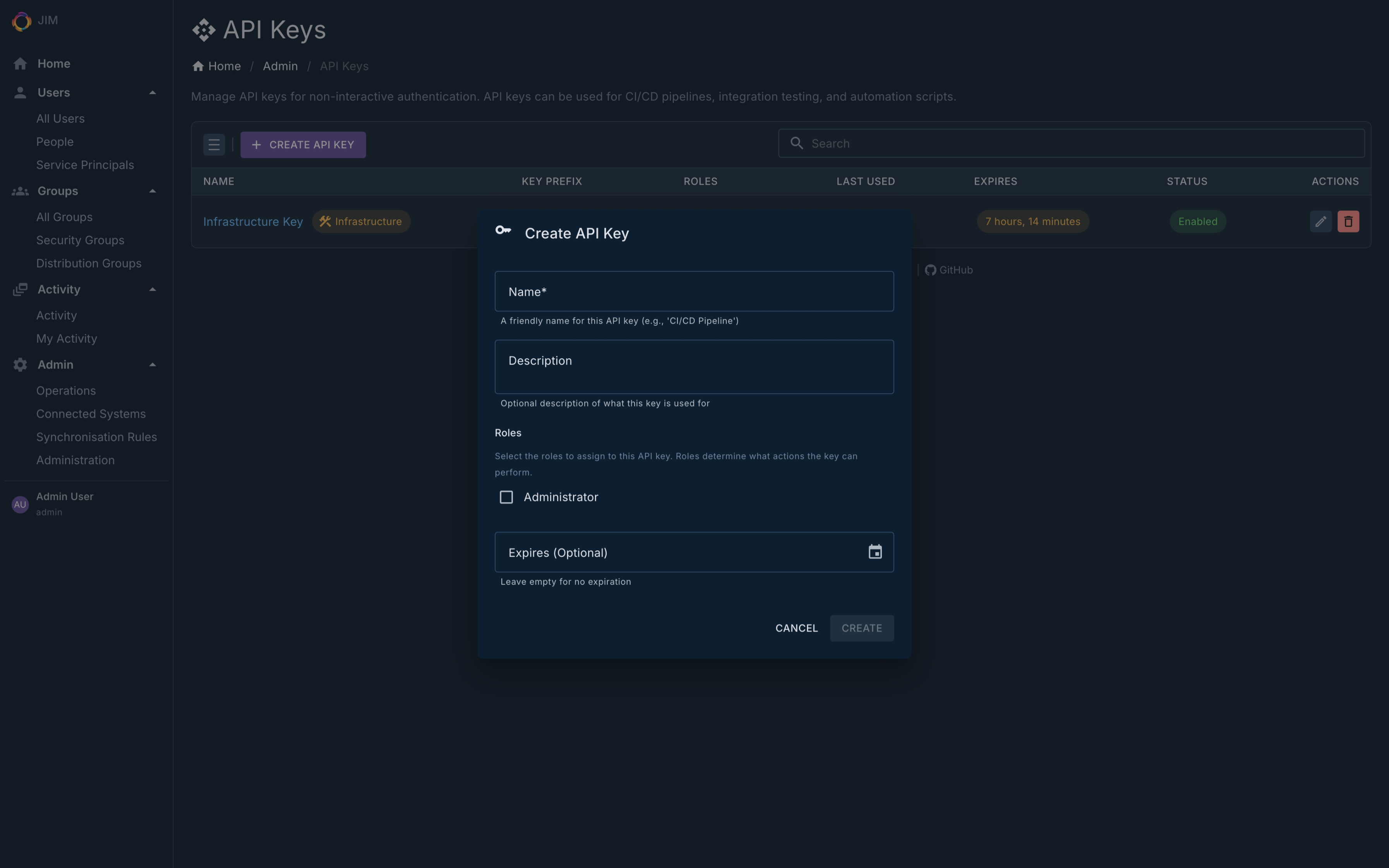
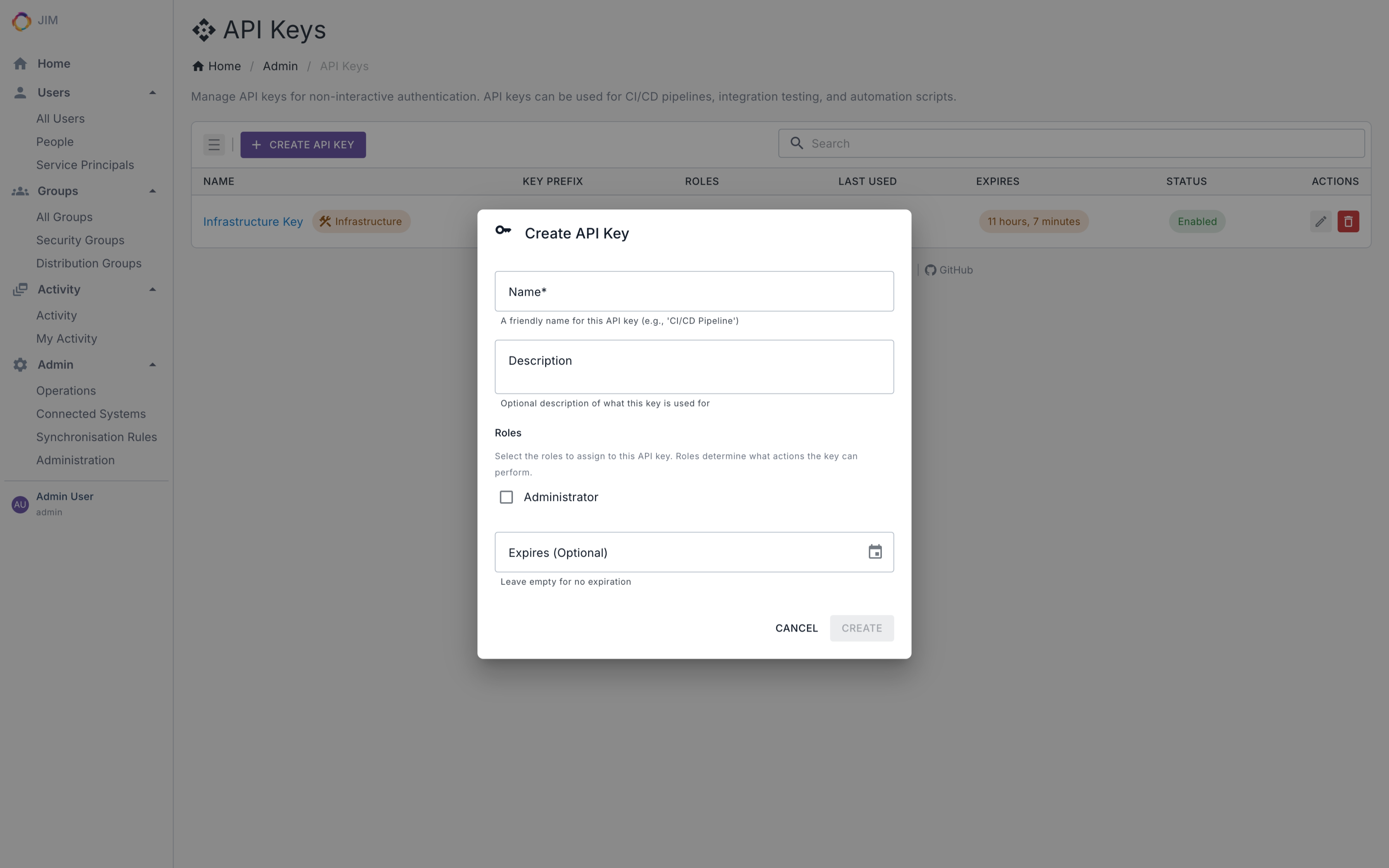
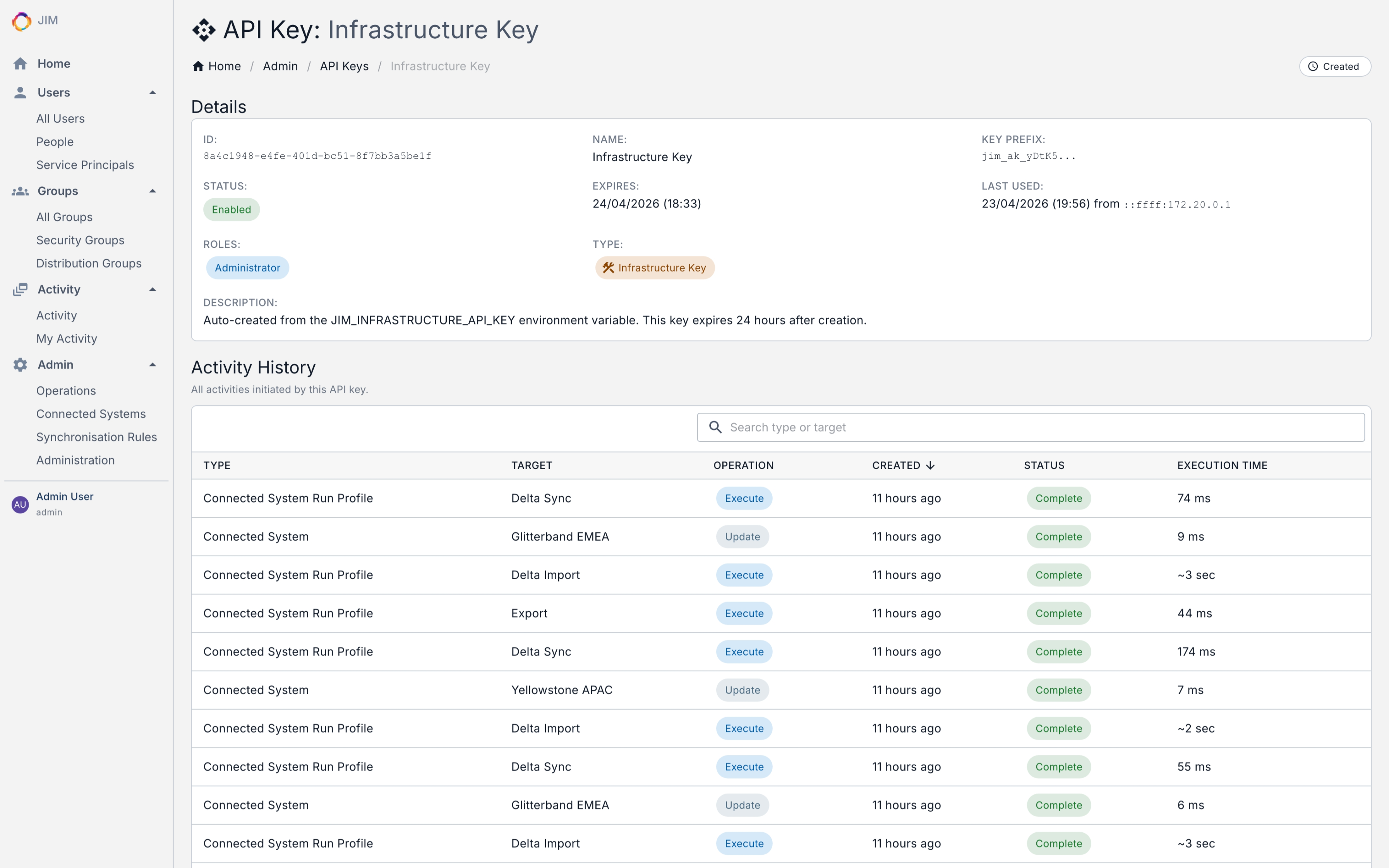
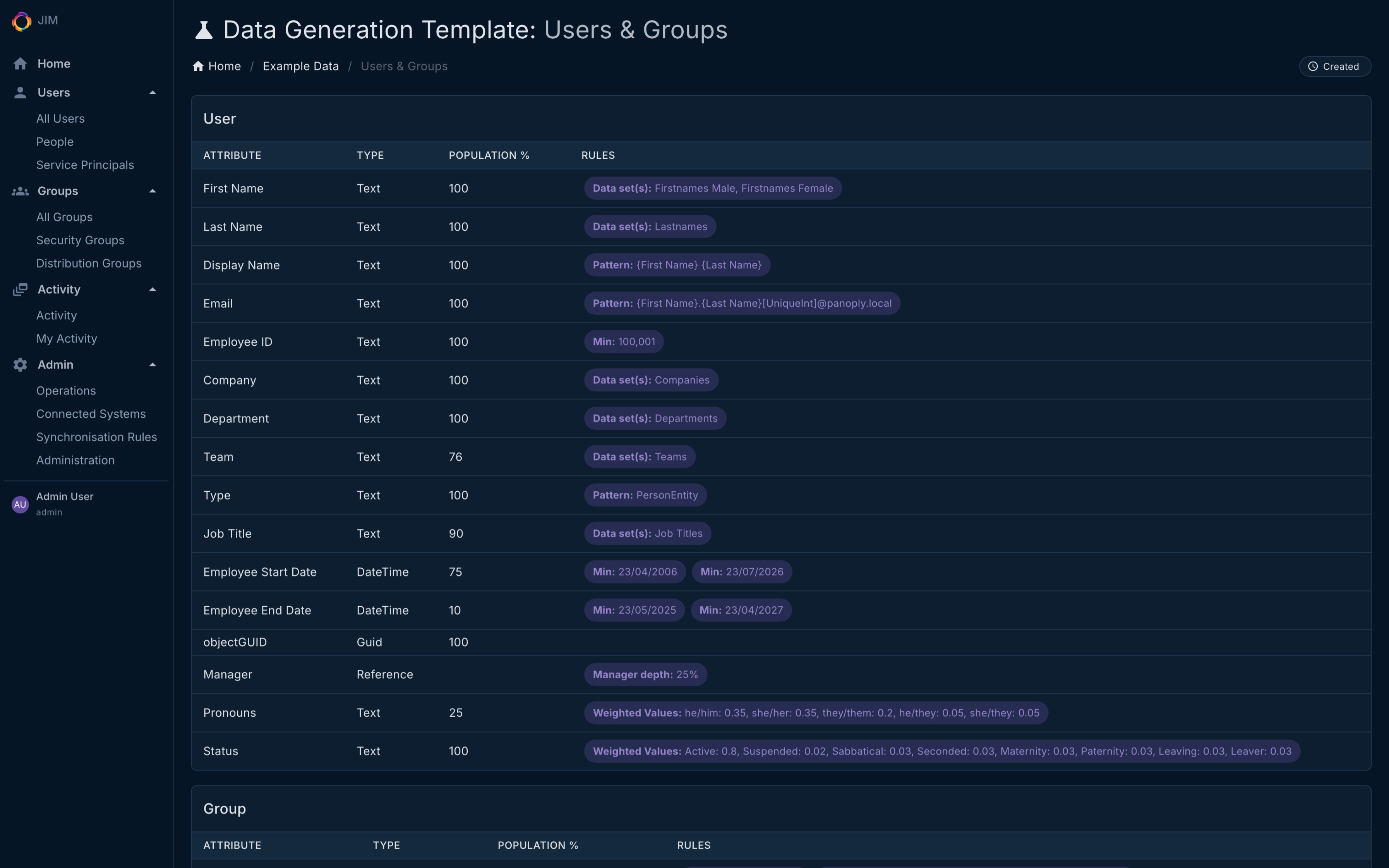
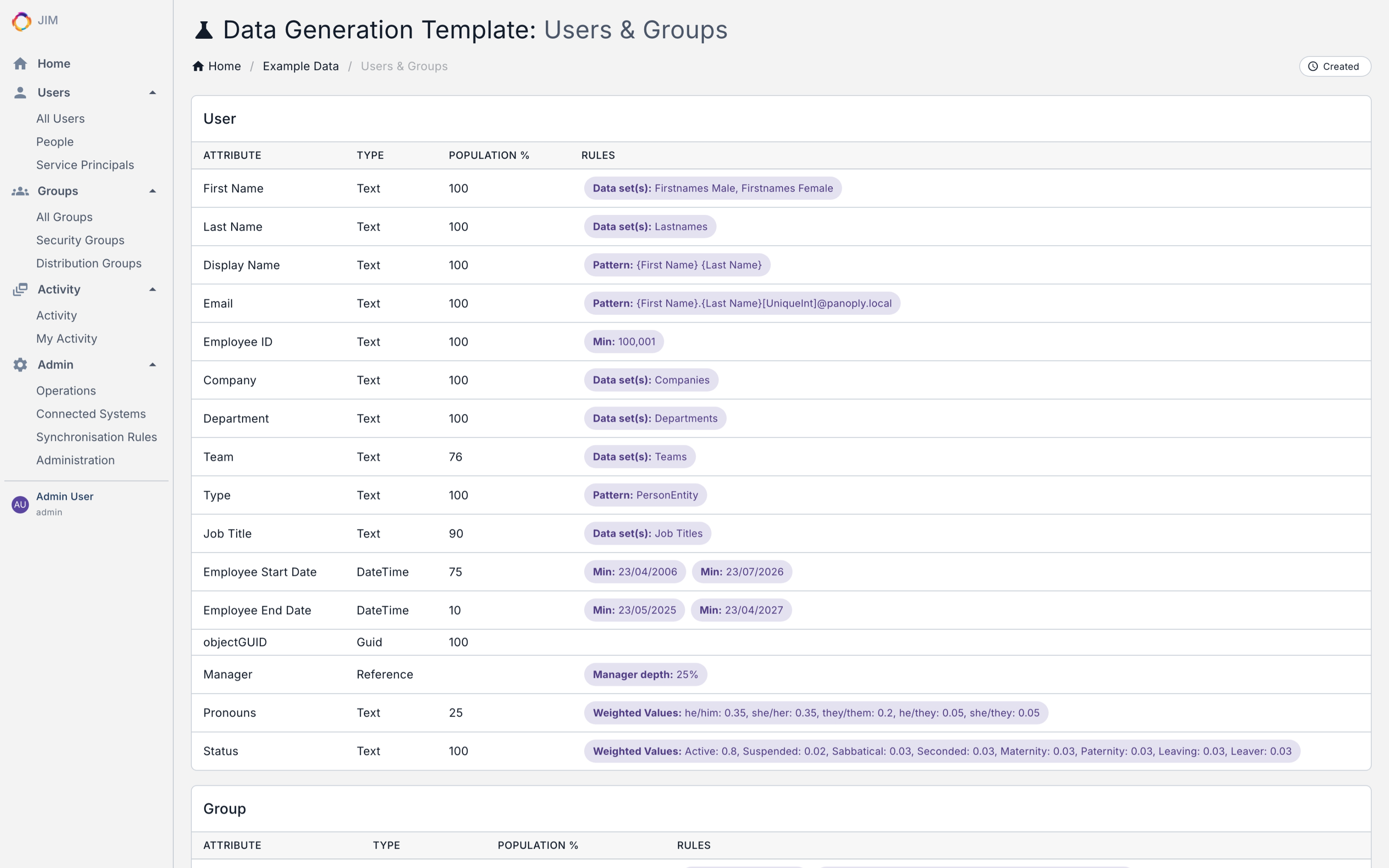
- Clean, responsive admin UI with dark and light themes
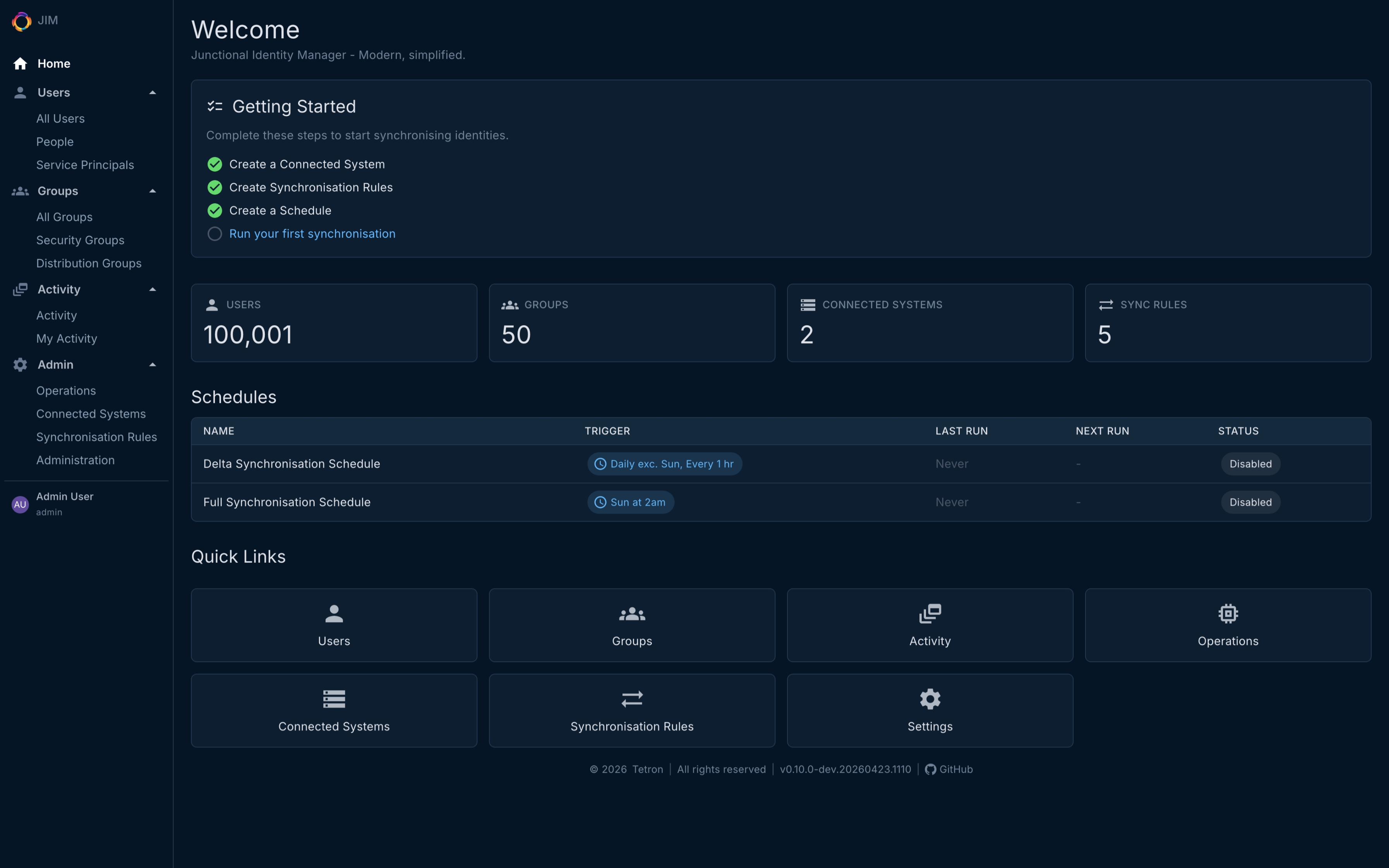
- Dashboard with system overview and real-time operation progress
- Object type icons for at-a-glance clarity across lists and detail views
- Live activity auto-refresh. Monitor running operations without leaving the page
- 17 REST API controllers with 140 endpoints, documented with an interactive Scalar reference at
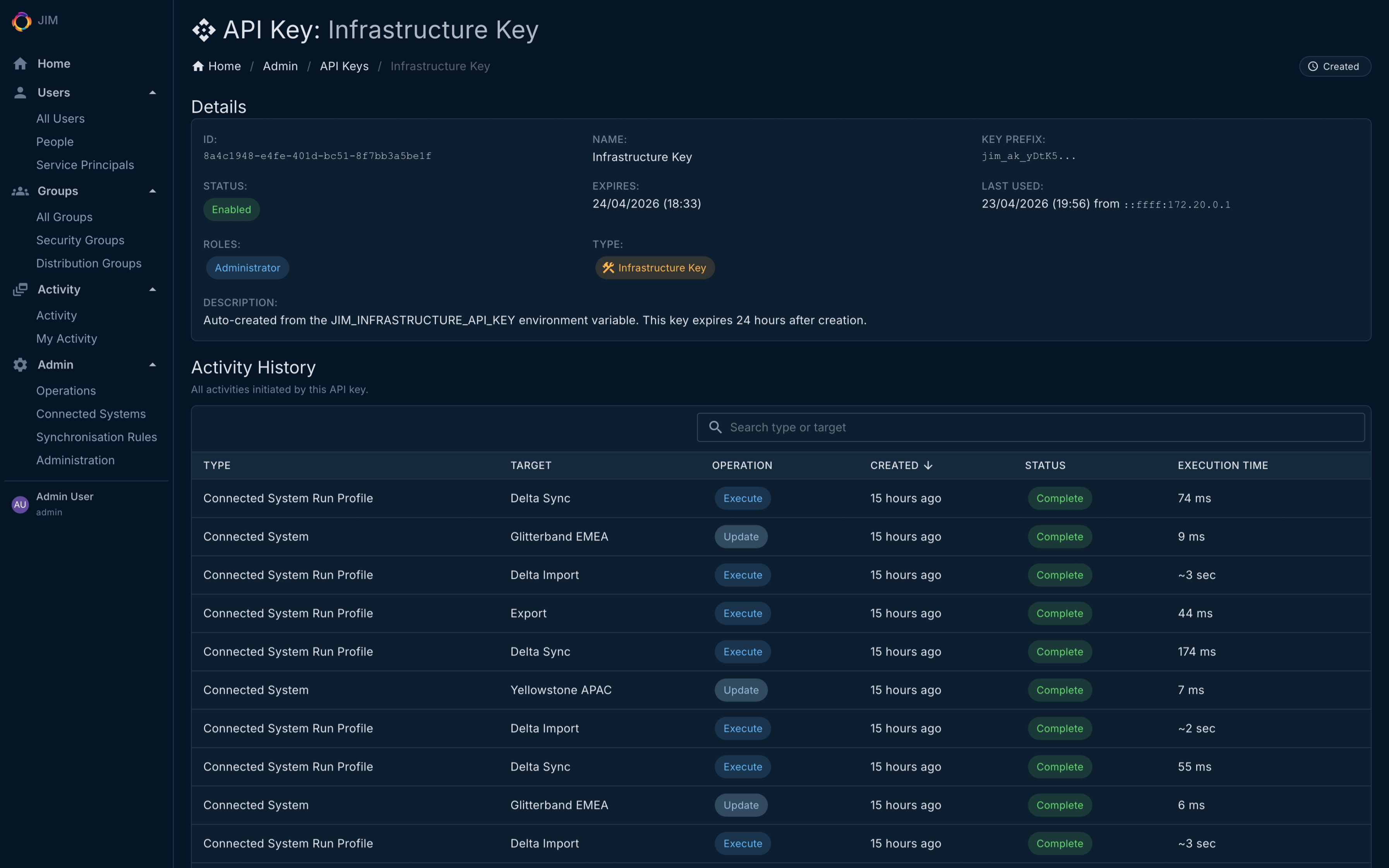
/api/referencein every environment (including air-gapped) - API key authentication for headless automation; OIDC with PKCE for the portal
Automation and Scheduling
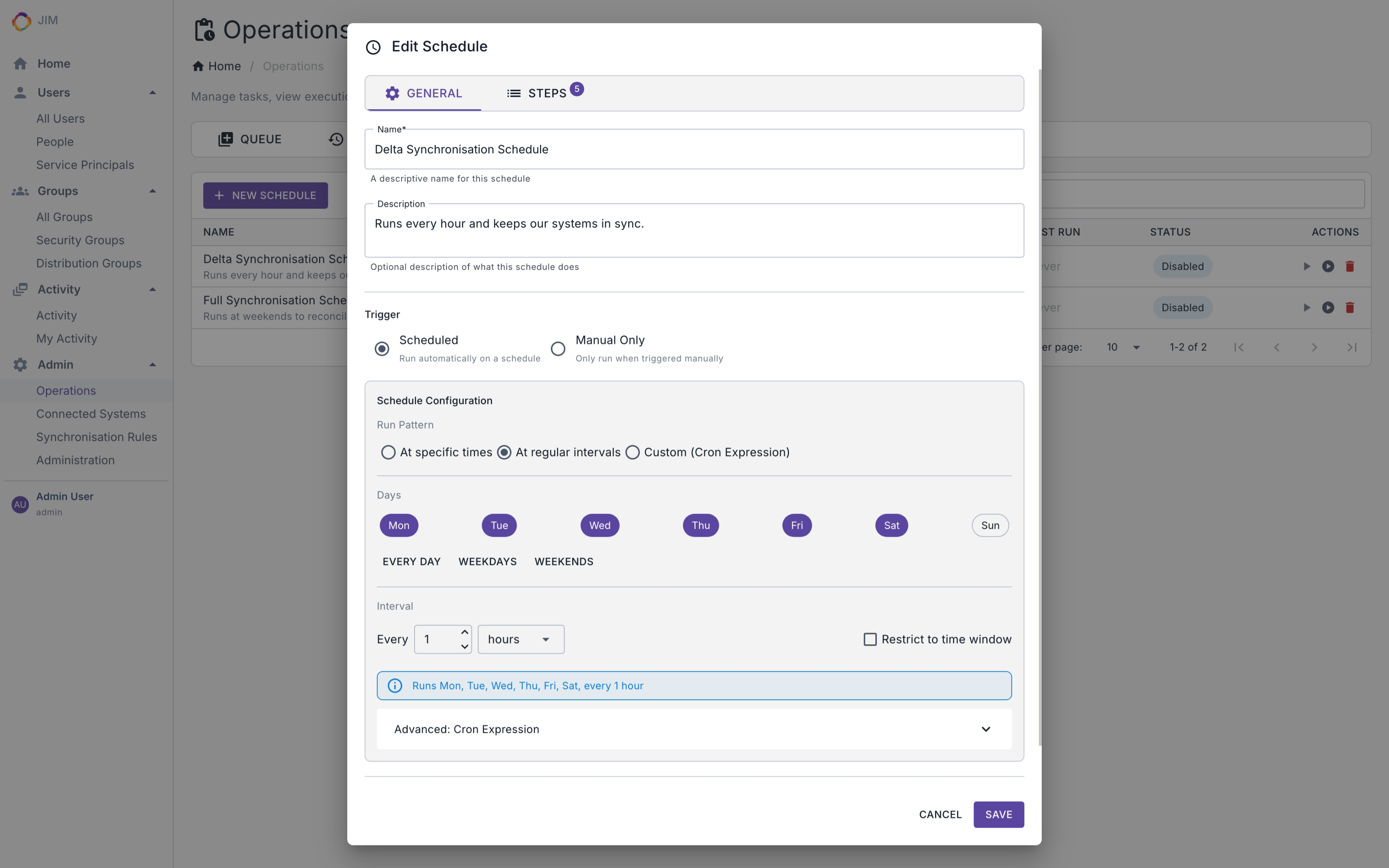
- Built-in scheduler with cron and interval triggers
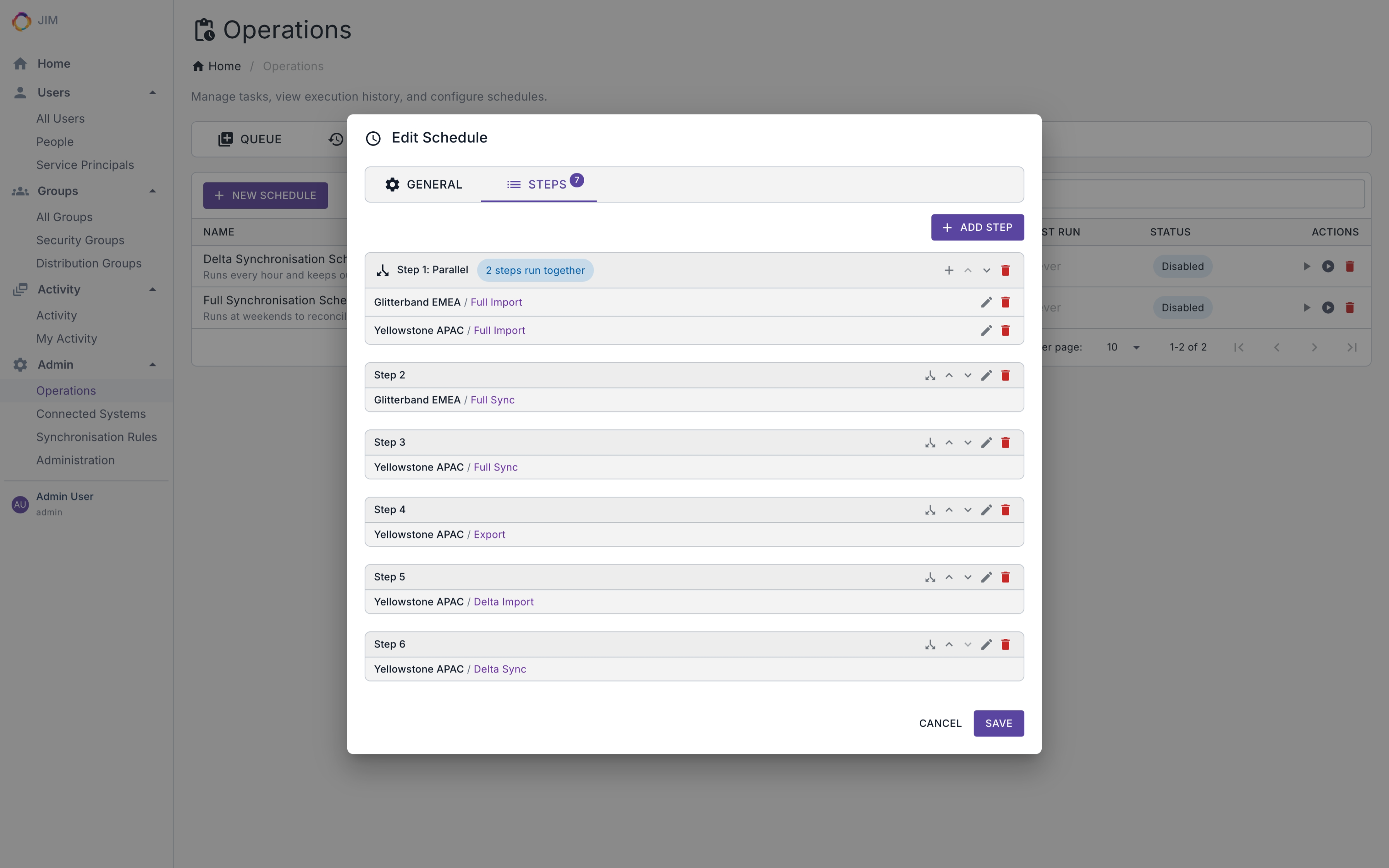
- Multi-step and parallel schedule execution
- 90+ PowerShell cmdlets for scripting any operation, enabling Identity as Code (IDaC)
- Cross-platform PowerShell module (Windows, macOS, Linux) published on the PowerShell Gallery
Security
- Single Sign-On via OpenID Connect (OIDC) with PKCE. No local accounts to manage
- IdP-agnostic: works with Entra ID, Google Cloud Identity, AWS Identity Center, Okta, Auth0, Keycloak, AD FS, and more
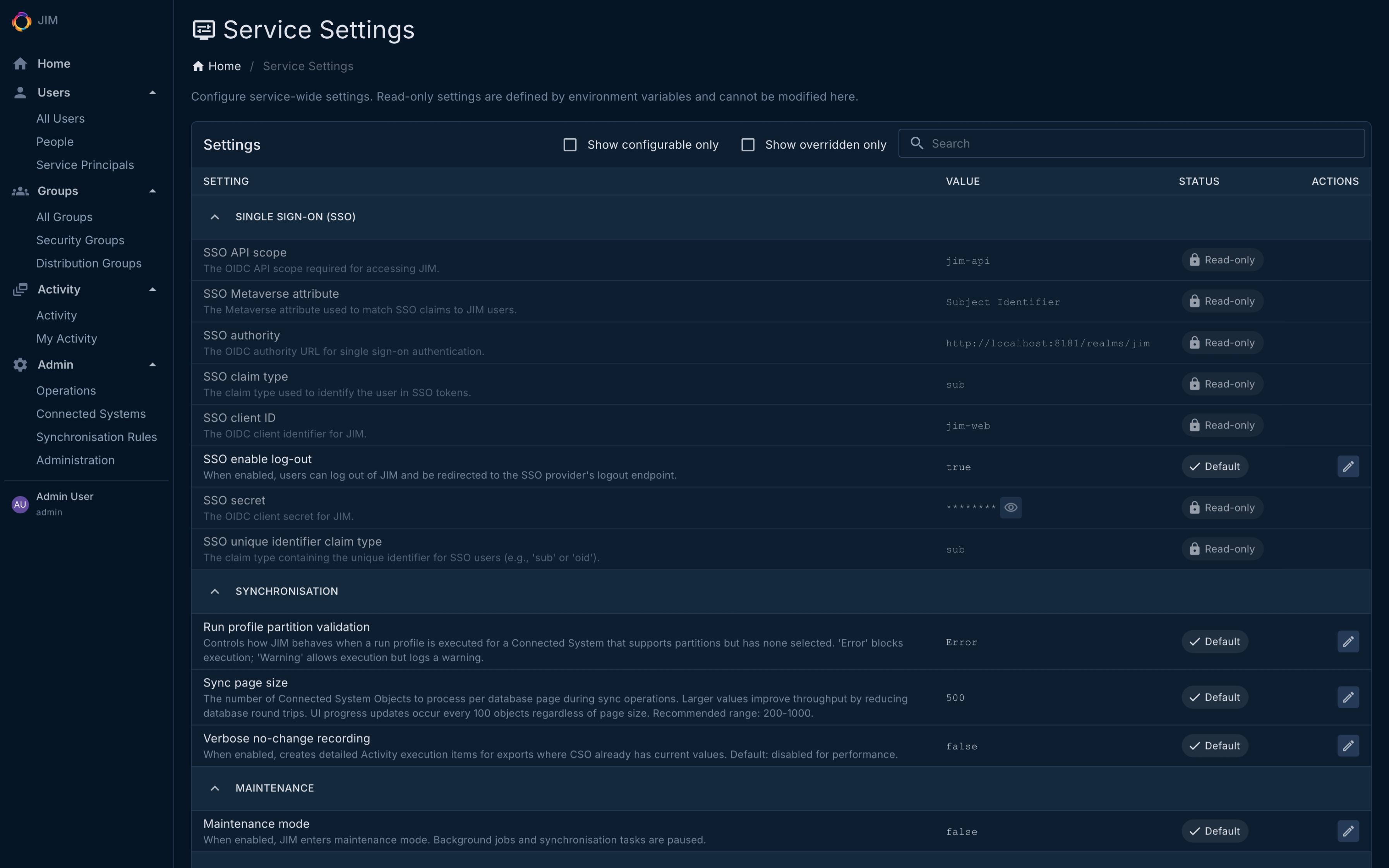
- Federated sign-out: end the user’s identity-provider session on logout, gated by an admin-configurable service setting
- Role-based authorisation with claims mapping from your identity provider
- Role membership management via API and PowerShell, with safety checks that prevent removing the last administrator
- AES-256-GCM credential encryption at rest
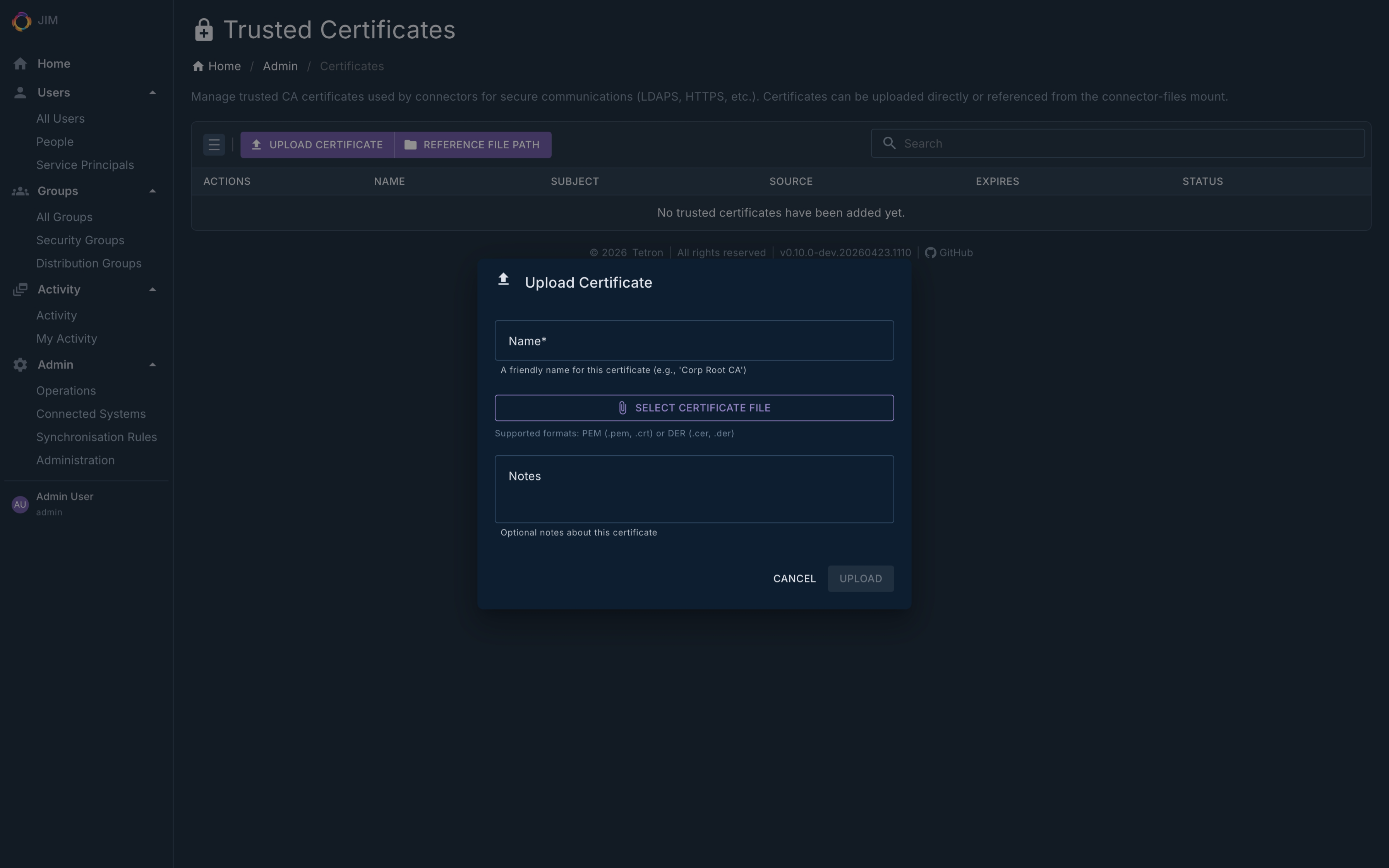
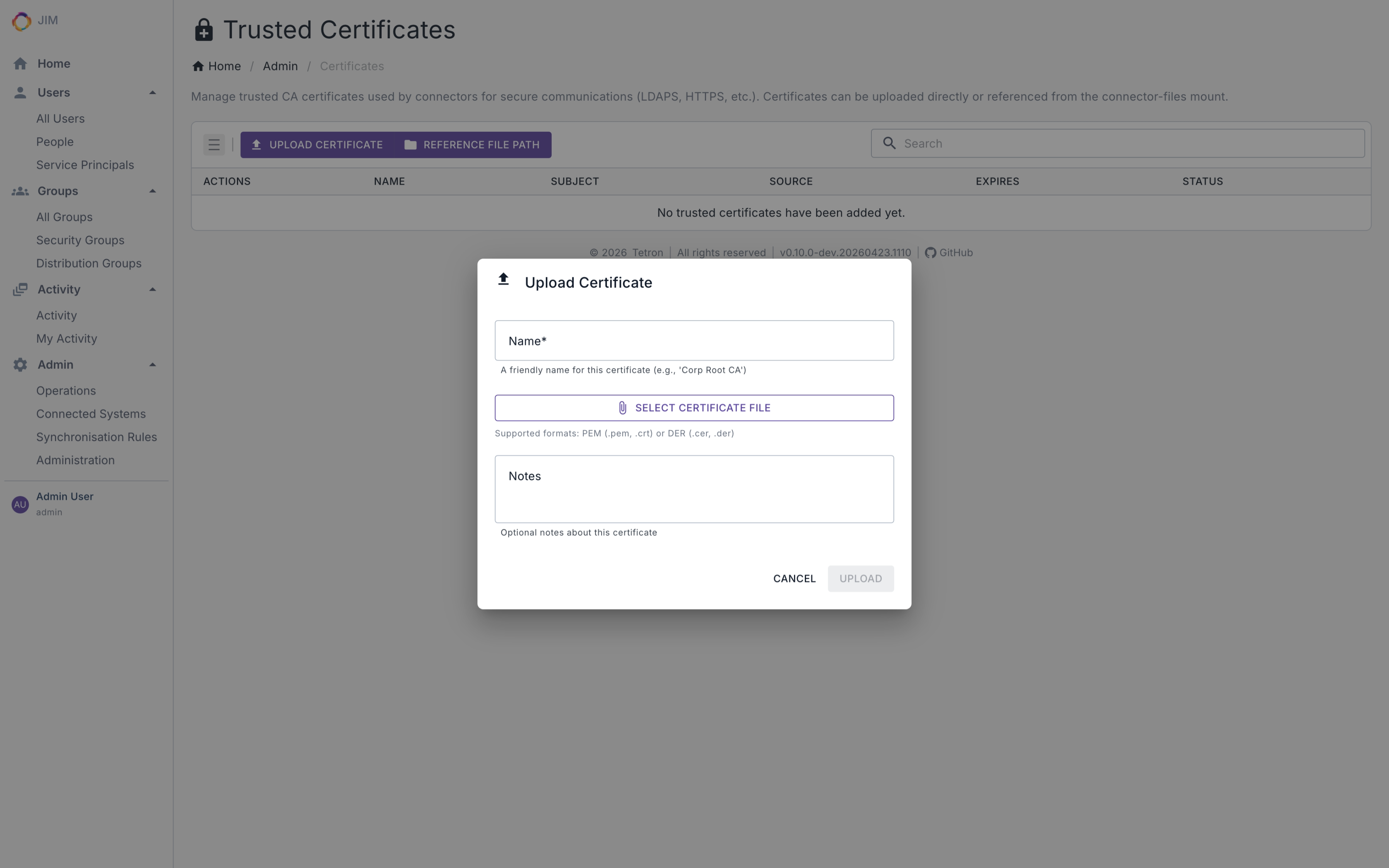
- Trusted certificate management for secure LDAP and service-to-service communication
- Every container runs as a non-root user with a read-only root filesystem, dropped Linux capabilities and
no-new-privilegesby default
Performance
- Bounded-memory pipelines validated at 100,000+ objects - predictable resource usage at any scale
- Batched database operations and LDAP async pipelining (1 to 64 concurrency) minimise I/O overhead
- Auto-tuned LDAP export concurrency per directory type. No manual performance tuning required
- Parallel export with configurable concurrency to match your environment’s throughput requirements
- Continuous performance investment across every release
Operations and Auditability
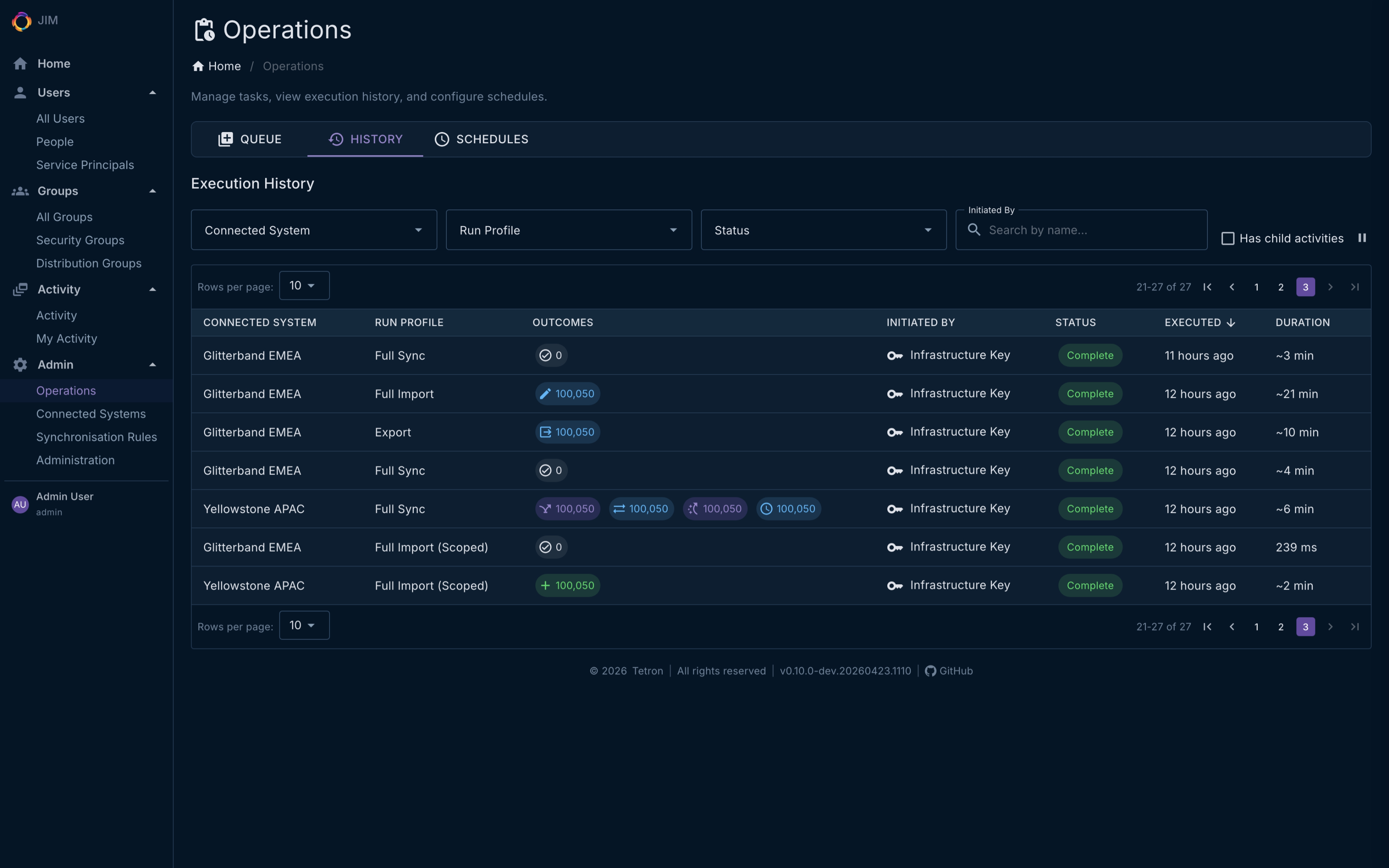
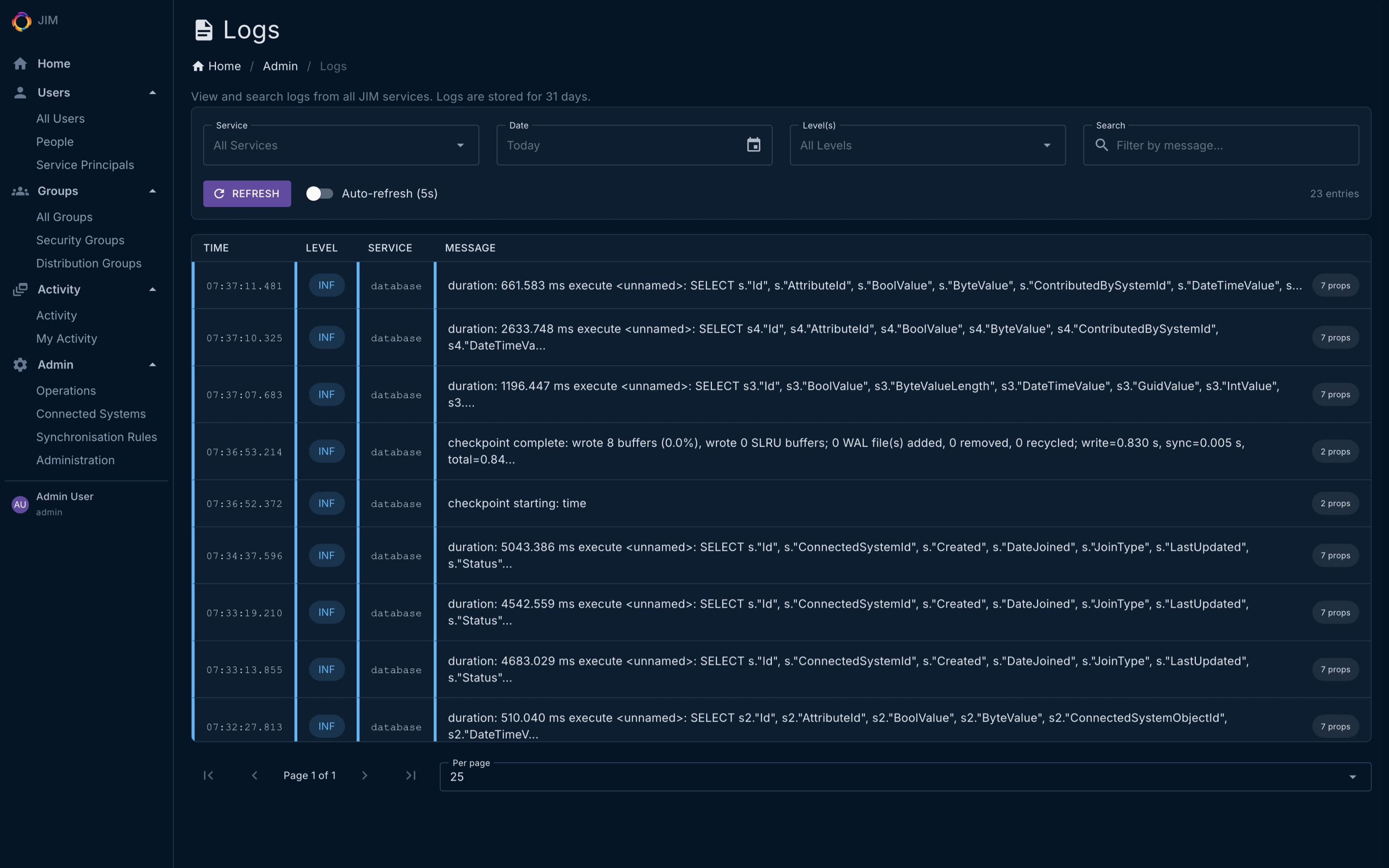
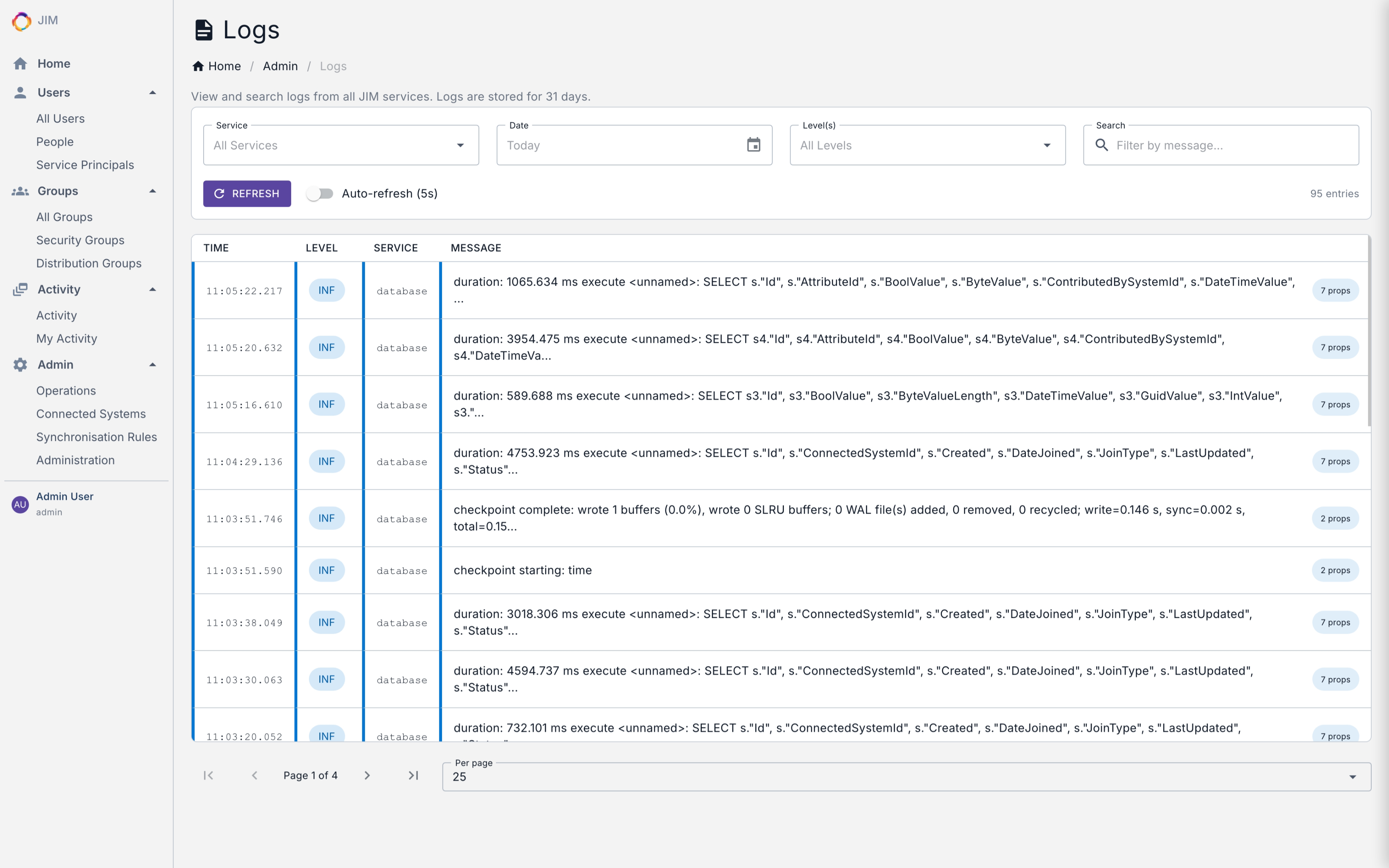
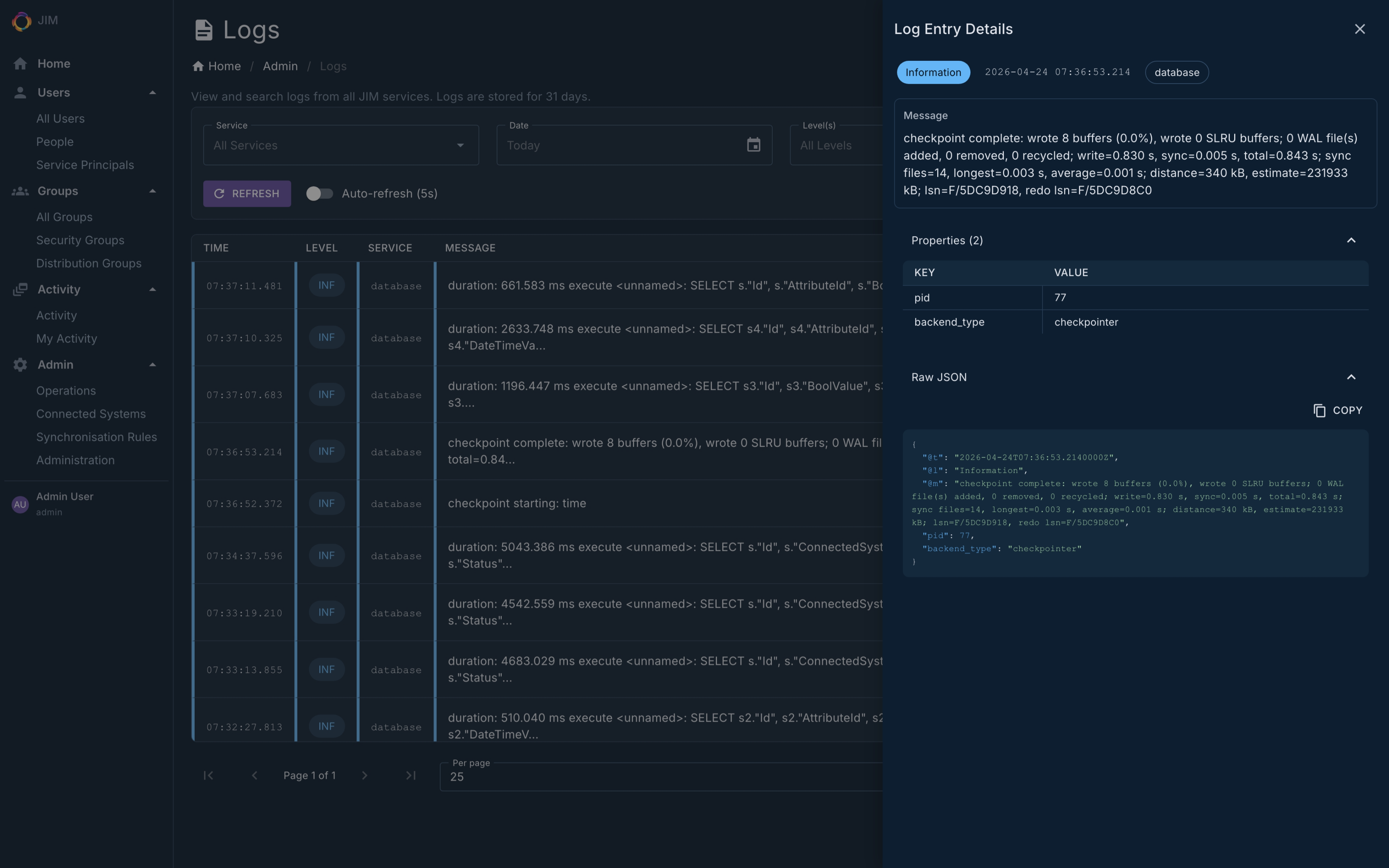
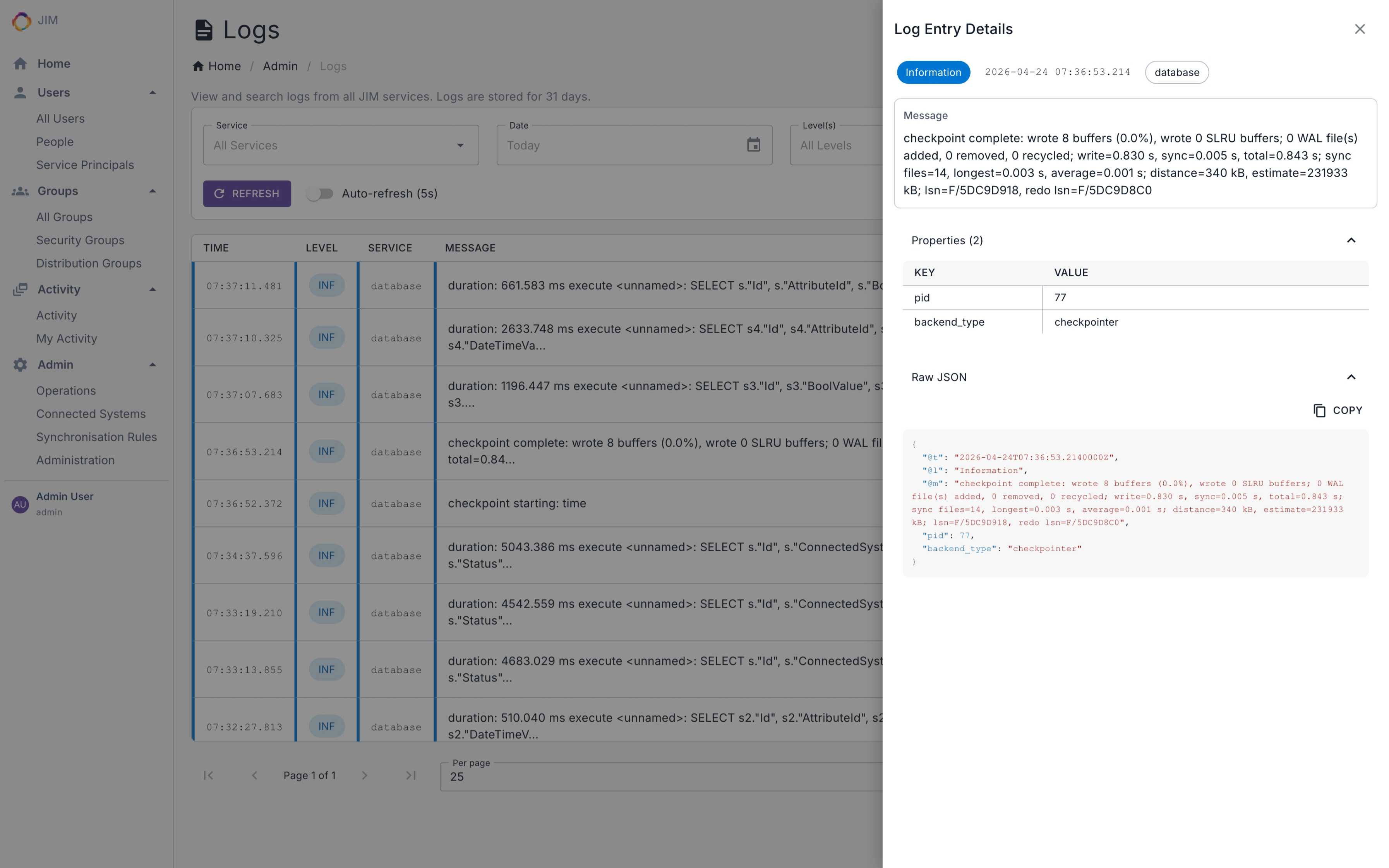
- Unified log viewer combining application and database logs
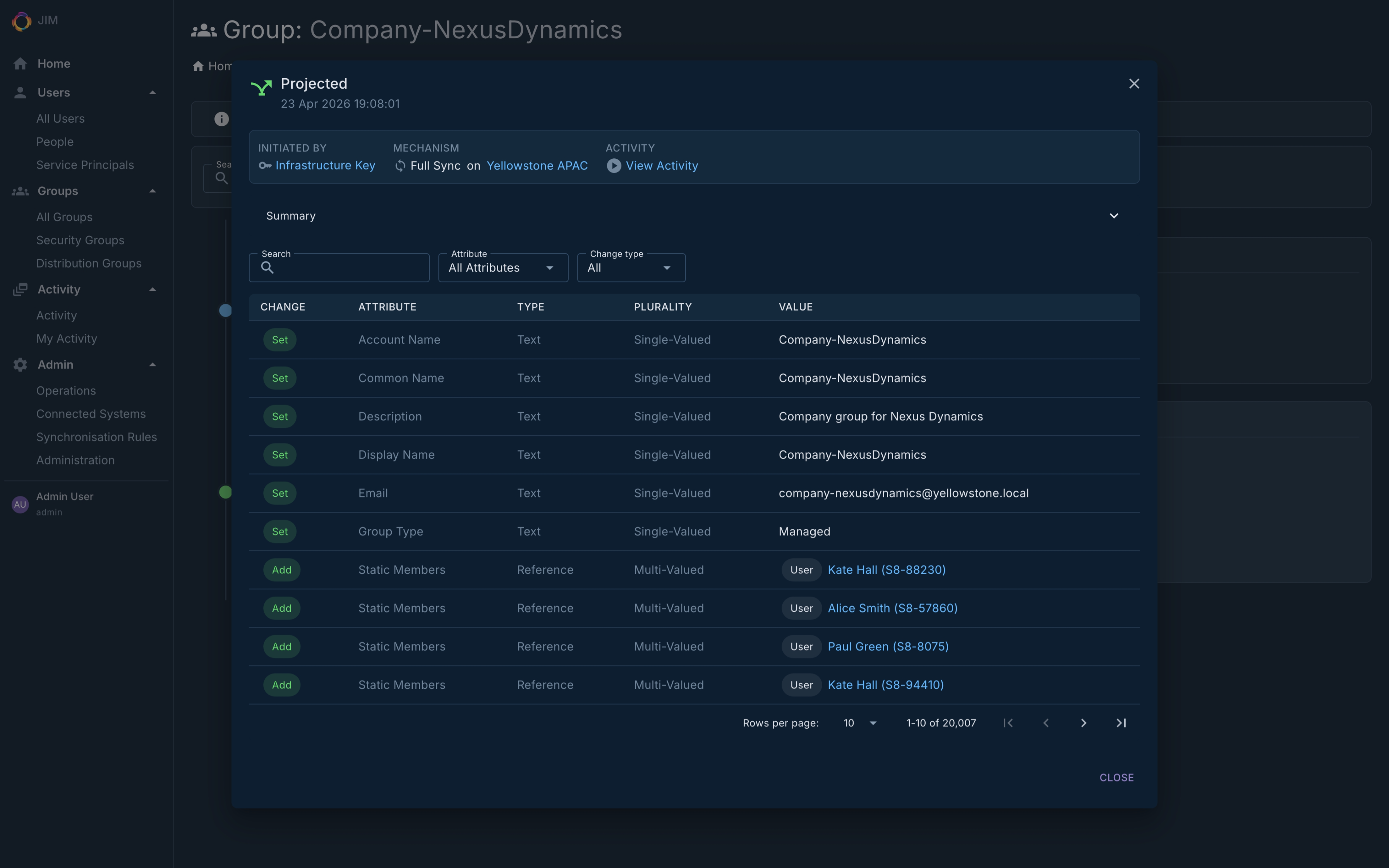
- Full change history with audit timeline
- Deleted object recovery
- Granular activity statistics with per-change-type breakdown
- Health, readiness and liveness probes for container orchestration
- Fast count endpoints for metaverse objects, connector space and pending exports - suitable for dashboards, SIEM integration and capacity monitoring
- Service Name and Service ID let you identify instances at a glance across the portal, logs and telemetry
Why Choose JIM?
- No legacy baggage
A modern platform built on .NET 10.0, PostgreSQL and Docker. No Windows Server dependencies, no ageing desktop UIs, no proprietary databases. - Self-hosted, your way
Run on-premises, in the cloud, or on air-gapped networks with no internet dependency. A one-command installer gets you running in minutes. - Engineered for regulated environments
OWASP Top 10:2025 assessed, supply chain hardened with digest-pinned Docker base images and SHA-pinned GitHub Actions, AES-256-GCM encryption at rest, and log-injection-safe by construction. - Scales with you
Bounded-memory pipelines handle 100,000+ objects on modest hardware, with predictable resource usage at any scale. - Source-available and transparent
Inspect every line of code. Understand exactly what’s running in your environment. No black boxes. - Built by practitioners
Developed using decades of hands-on experience integrating identity systems across complex enterprise environments. - Extensible by design
Custom connectors (fully unit-testable), custom object types, and a comprehensive API and PowerShell module let you adapt JIM to your environment, not the other way around. - Built in the open
Read the changelog to see what ships in every release.
Architecture
JIM is a container-based distributed application implementing the metaverse pattern for centralised identity governance. Source systems flow data in, the metaverse fuses it into authoritative identities, and target systems are kept in sync with the result.
%%{init: {
"theme": "base",
"themeVariables": {
"primaryColor": "#1f2142",
"primaryTextColor": "#e4e4f0",
"primaryBorderColor": "#6366f1",
"lineColor": "#8b8db8",
"clusterBkg": "#191a2c",
"clusterBorder": "#2a2c4a"
}
}}%%
flowchart LR
Sources[("Source Systems")] -.-> Worker
PS["JIM.PowerShell<br/>Automation Module"] -.-> Web
subgraph JIM["JIM Deployment"]
direction TB
Worker["JIM.Worker<br/>Sync Engine"]
Web["JIM.Web<br/>Admin Portal & REST API"]
Scheduler["JIM.Scheduler<br/>Cron & Intervals"]
DB[("PostgreSQL<br/>Metaverse")]
Worker --- DB
Web --- DB
Scheduler --- DB
end
Worker -.-> Targets[("Target Systems")]
All JIM services run as Docker containers and share a PostgreSQL database. The sync engine and scheduler are independent background services; the admin portal surfaces the REST API that also powers the cross-platform PowerShell module for Identity as Code automation.
Deployment
JIM runs as a Docker stack and can be deployed to on-premises infrastructure, cloud container services (Azure, AWS, etc.), or fully air-gapped networks with no Internet connectivity.
Prerequisites: Docker, Docker Compose v2, PostgreSQL 18 (bundled in the standalone topology), and an OpenID Connect identity provider (e.g., Entra ID, Keycloak, AD FS) for production deployments.
Zero-config SSO for evaluation: JIM ships with a pre-configured Keycloak profile – realm, clients and test users all set up. Sign in with admin / admin and you’re in, no external identity provider required.
Option 1 - Automated setup (recommended):
An interactive installer auto-detects the latest release, configures SSO and the database, and gets you running in minutes:
curl -fsSL https://tetron.io/jim/get | bashOr download and inspect the script before running:
curl -fsSL -o setup.sh https://tetron.io/jim/get
less setup.sh    # review the script
bash setup.sh
Option 2 - Manual setup:
mkdir jim && cd jim

# Download compose files and environment template
curl -fsSL -o docker-compose.yml https://github.com/TetronIO/JIM/releases/latest/download/docker-compose.yml
curl -fsSL -o docker-compose.production.yml https://github.com/TetronIO/JIM/releases/latest/download/docker-compose.production.yml
curl -fsSL -o .env https://github.com/TetronIO/JIM/releases/latest/download/.env.example

# Edit .env with your SSO settings, then start JIM with bundled PostgreSQL
docker compose -f docker-compose.yml -f docker-compose.production.yml --profile with-db up -d
Option 3 – Air-gapped deployment:
Each release also includes a downloadable bundle with pre-built Docker images, compose files, the PowerShell module and documentation - ready for air-gapped deployment.
Deployment topologies:
- Standalone (single server, bundled PostgreSQL) - ideal for smaller organisations or pre-production environments. The current default.
- External database - Connect to an existing PostgreSQL instance for resilience and scale.
- Scaled-out web front-ends - For organisations requiring redundancy or supporting larger numbers of concurrent users.
Connectors
Available Now
| Connector | Capabilities |
|---|---|
| LDAP / Active Directory | Full CRUD import and export across Active Directory, AD-LDS, Samba AD, OpenLDAP, 389 Directory Server and RFC 4512-compliant directories. SSL/TLS and OU creation, object class and attribute discovery via RFC 4512 subschema, automatic directory-type detection from rootDSE, accesslog-based delta import for OpenLDAP, auto-tuned export concurrency per directory type, and async pipelining (1 to 64 concurrency) |
| File (CSV/Text) | Import and export with configurable delimiters and auto-confirm export. Named Docker volume (jim-connector-files-volume) with zero-setup exports out of the box, plus bind-mount support for external file shares |
On the Roadmap
| Connector | Status |
|---|---|
| SCIM 2.0 | Design phase |
| Entra ID / Microsoft Graph API | Planned |
| SQL (SQL Server, PostgreSQL, MySQL, Oracle) | Planned |
| PowerShell | Custom script connector planned |
| REST / Web Services | OAuth2 and API key authentication planned |
Custom connectors are fully supported and unit-testabl. Build your own to integrate any system.
Licensing
JIM is licensed under a Source-Available model:
- Free for non-production use – development, testing and evaluation
- Commercial licence required for production deployments
As JIM approaches its first production release, commercial licensing details will be published soon.
View the full licence agreement
Roadmap
Now at v0.10.0 – proven at 100,000+ object scale and approaching v1.0. The core identity lifecycle (import, sync, export and scheduling) is fully functional and actively being hardened for production. Here’s what’s next:
| Milestone | Focus |
|---|---|
| v0.9 | Completing configuration controls, integration test coverage and sync engine refinement; extracting a clean domain engine to underpin connector extensibility and future IGA work |
| v1.0 | First production release: robust sync rules, further identity fusing options, additional lifecycle automation triggers and operational monitoring |
| v1.x | Expanded connector coverage: broader LDAP, SQL databases, SCIM endpoints, HR systems, Entra ID, plus connector framework improvements and operational polish |
| v2.0 | Step-change into identity governance: direct metaverse object management, entitlement visibility, access request workflows and basic attestation |
Community contributions are welcome. Visit the GitHub repository to get involved.
Screenshots
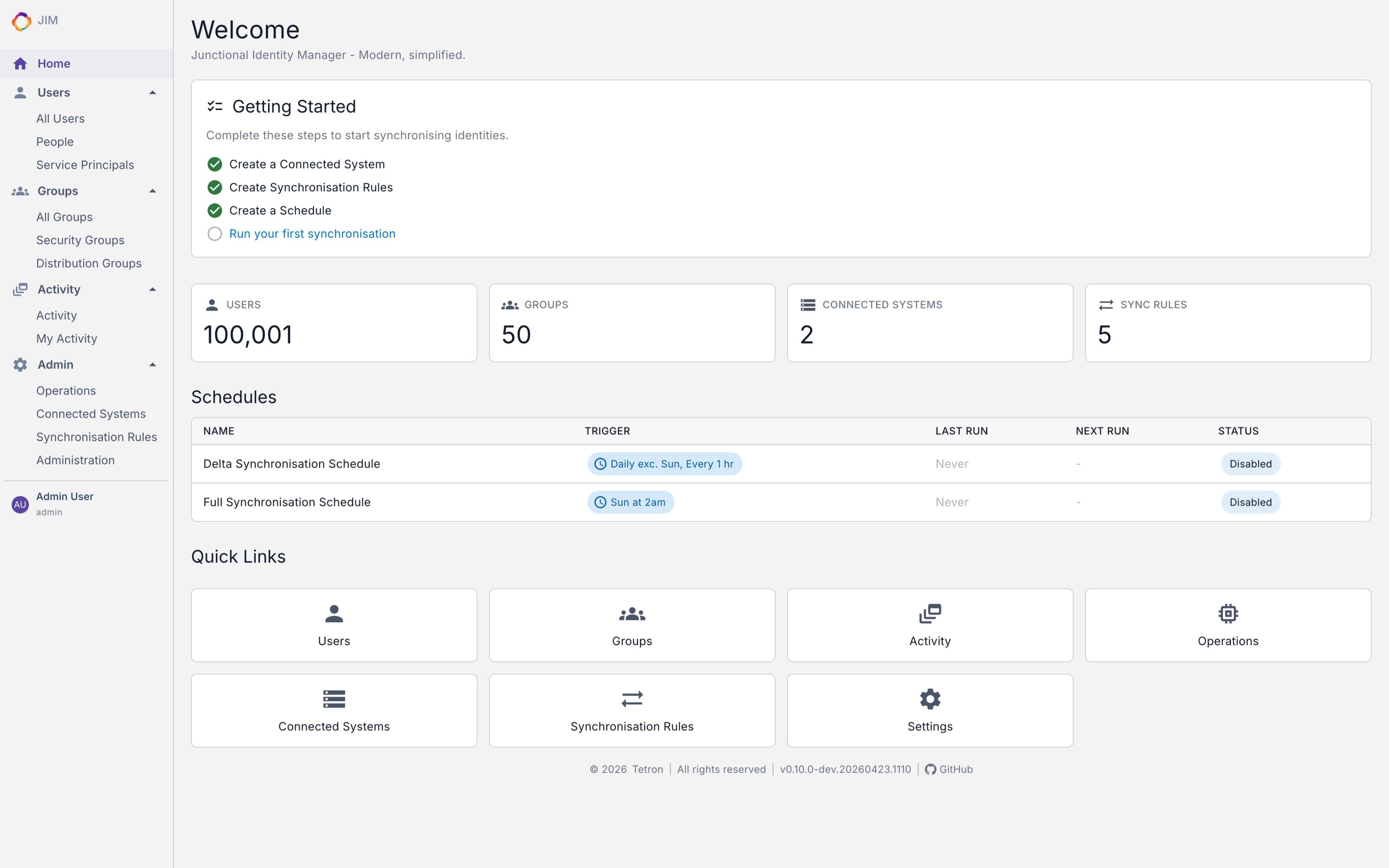
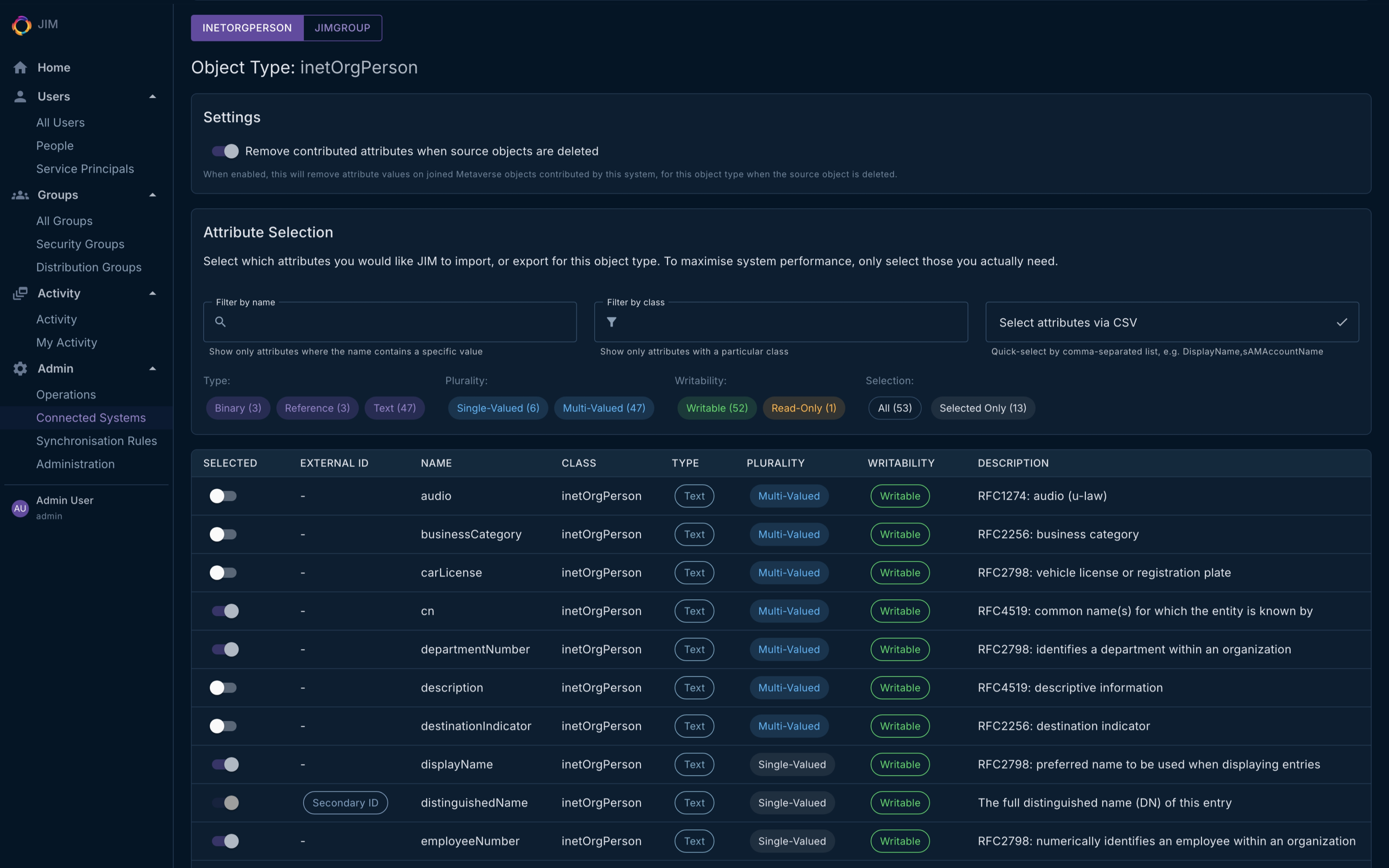
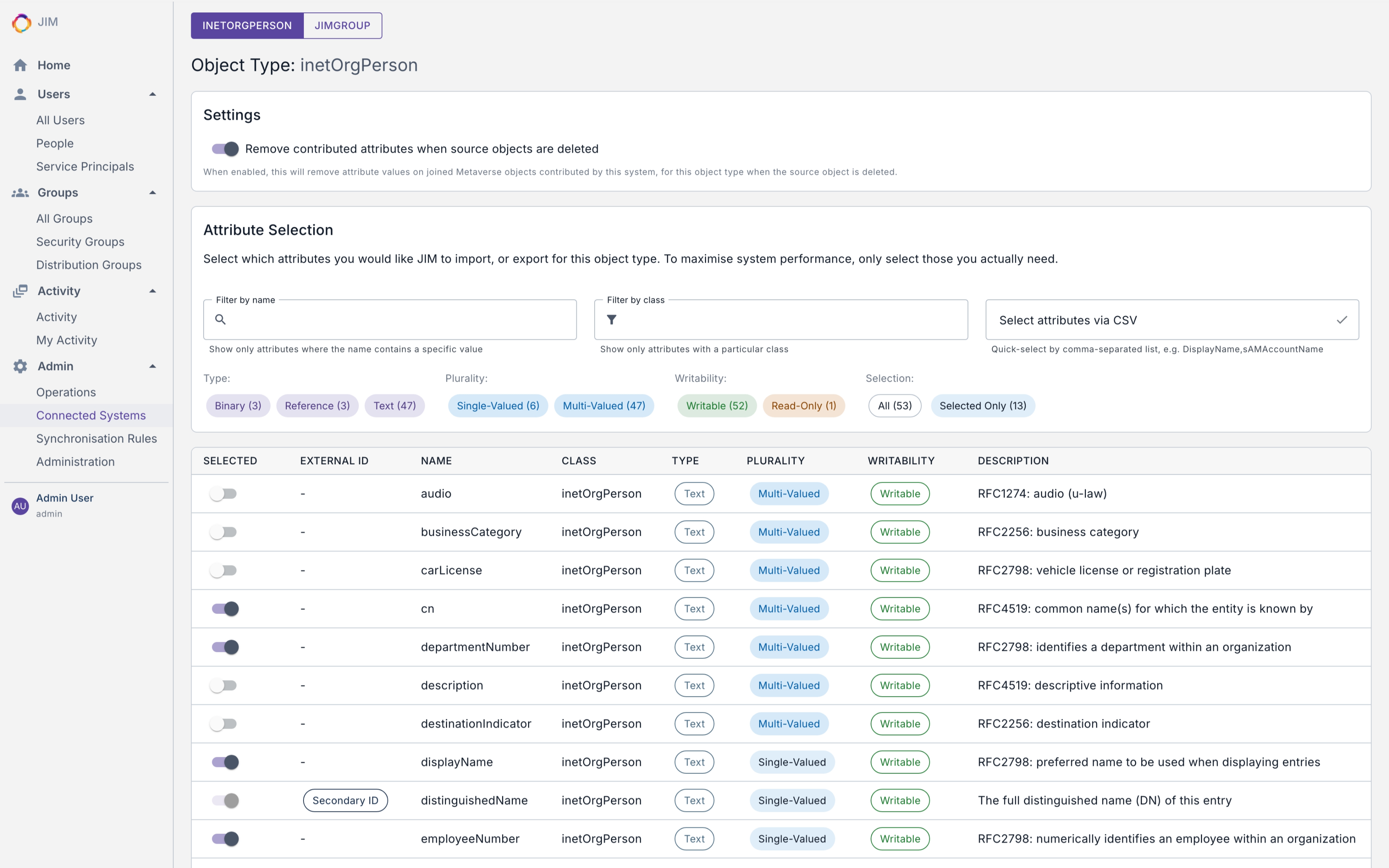
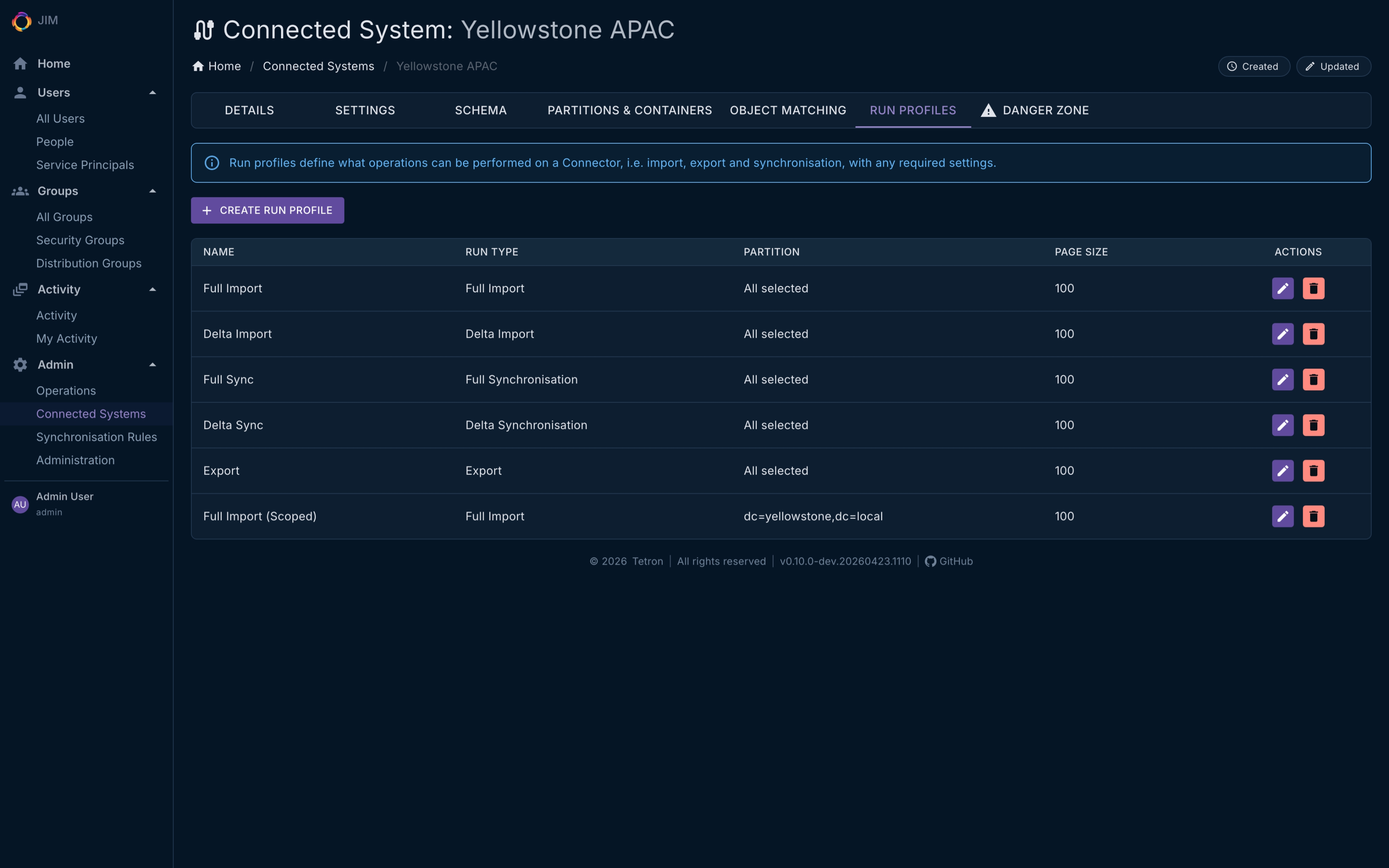
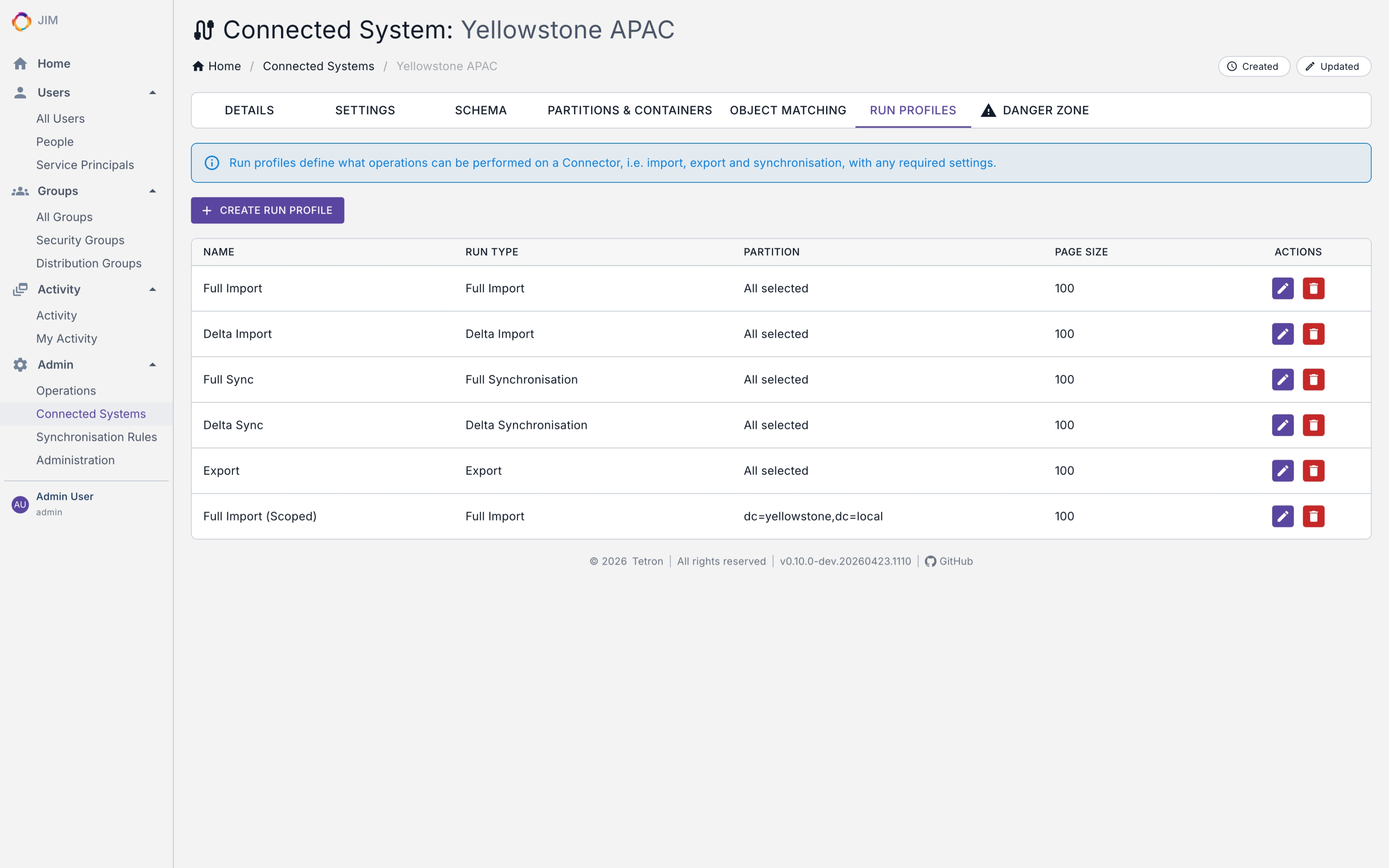
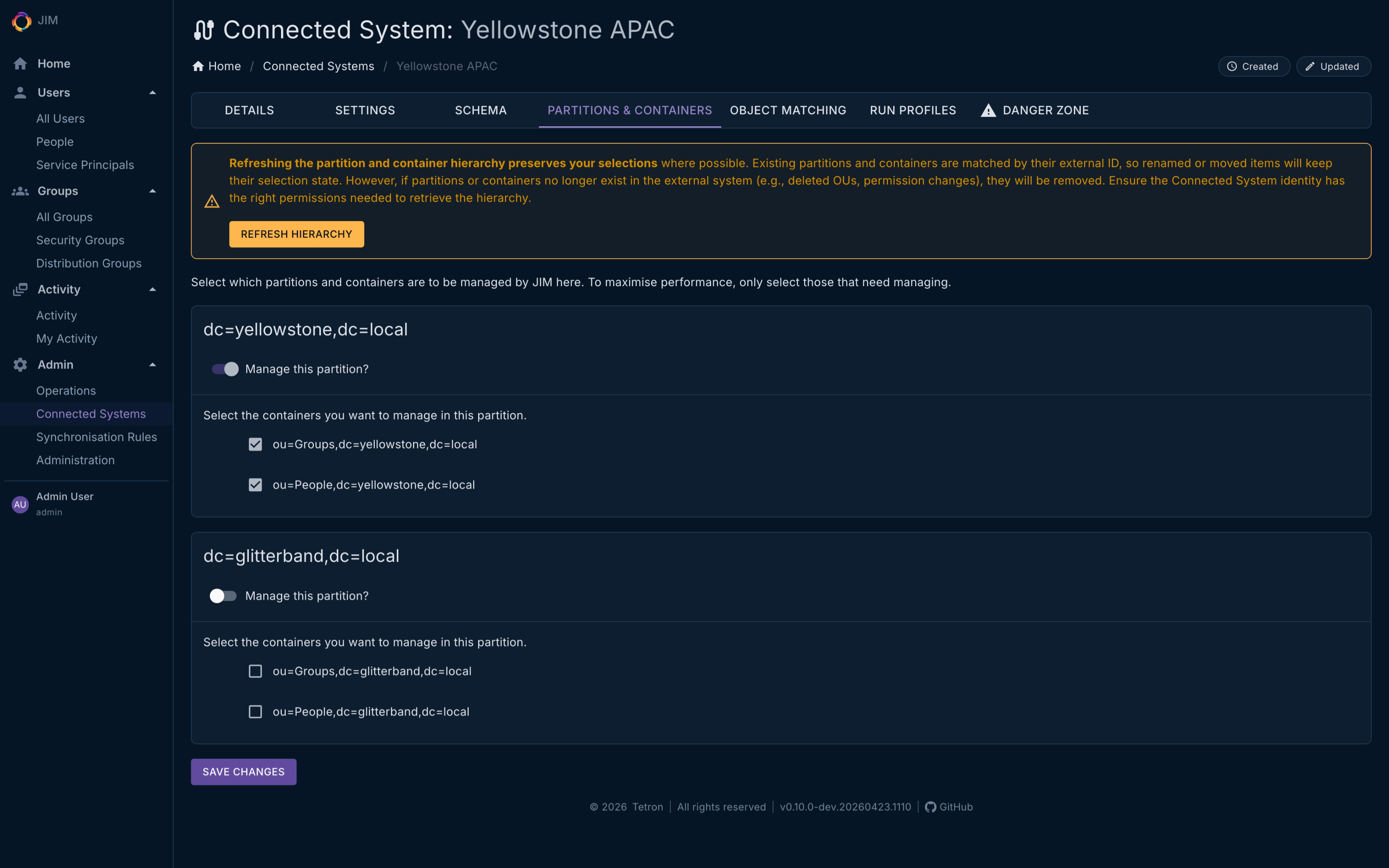
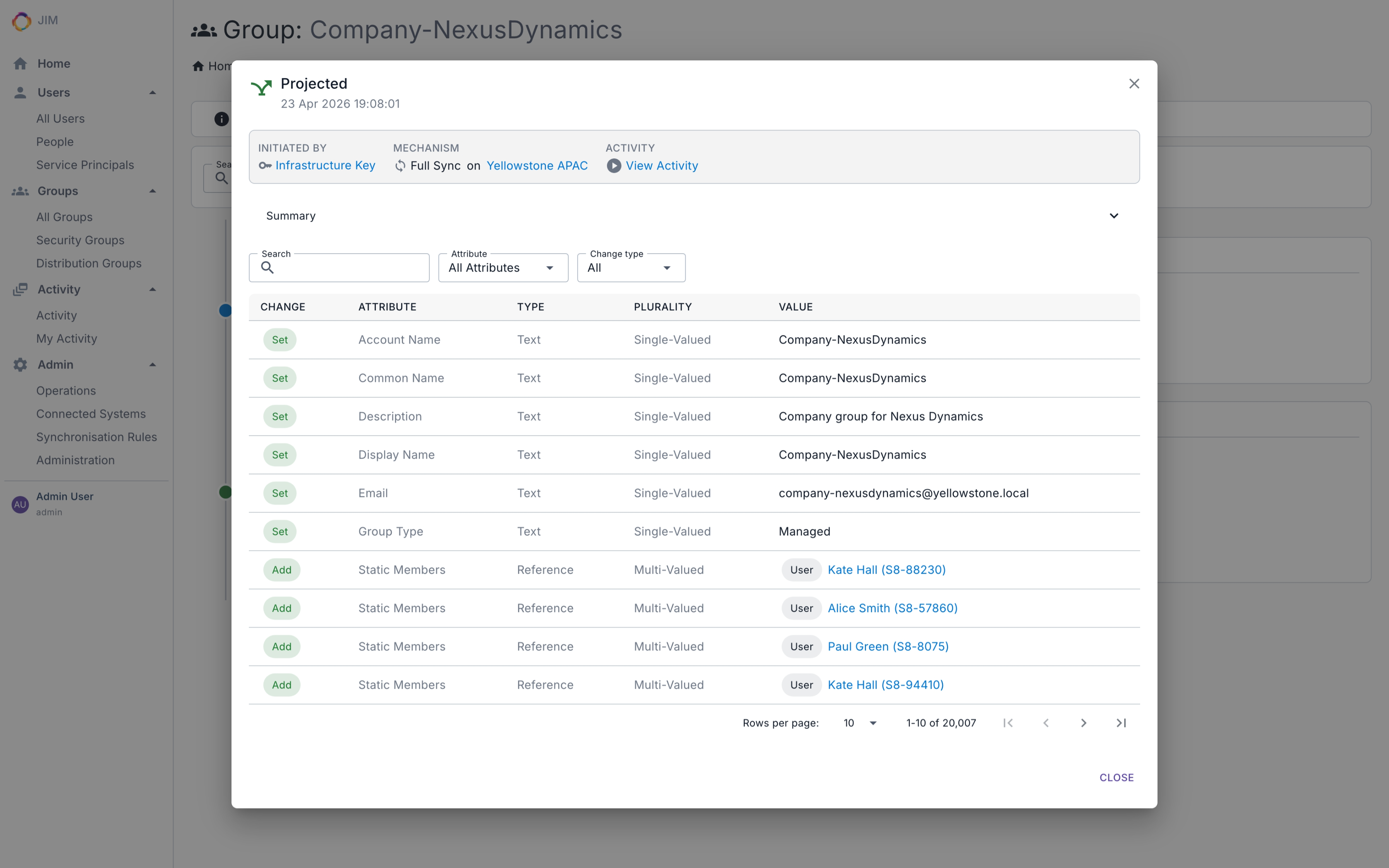
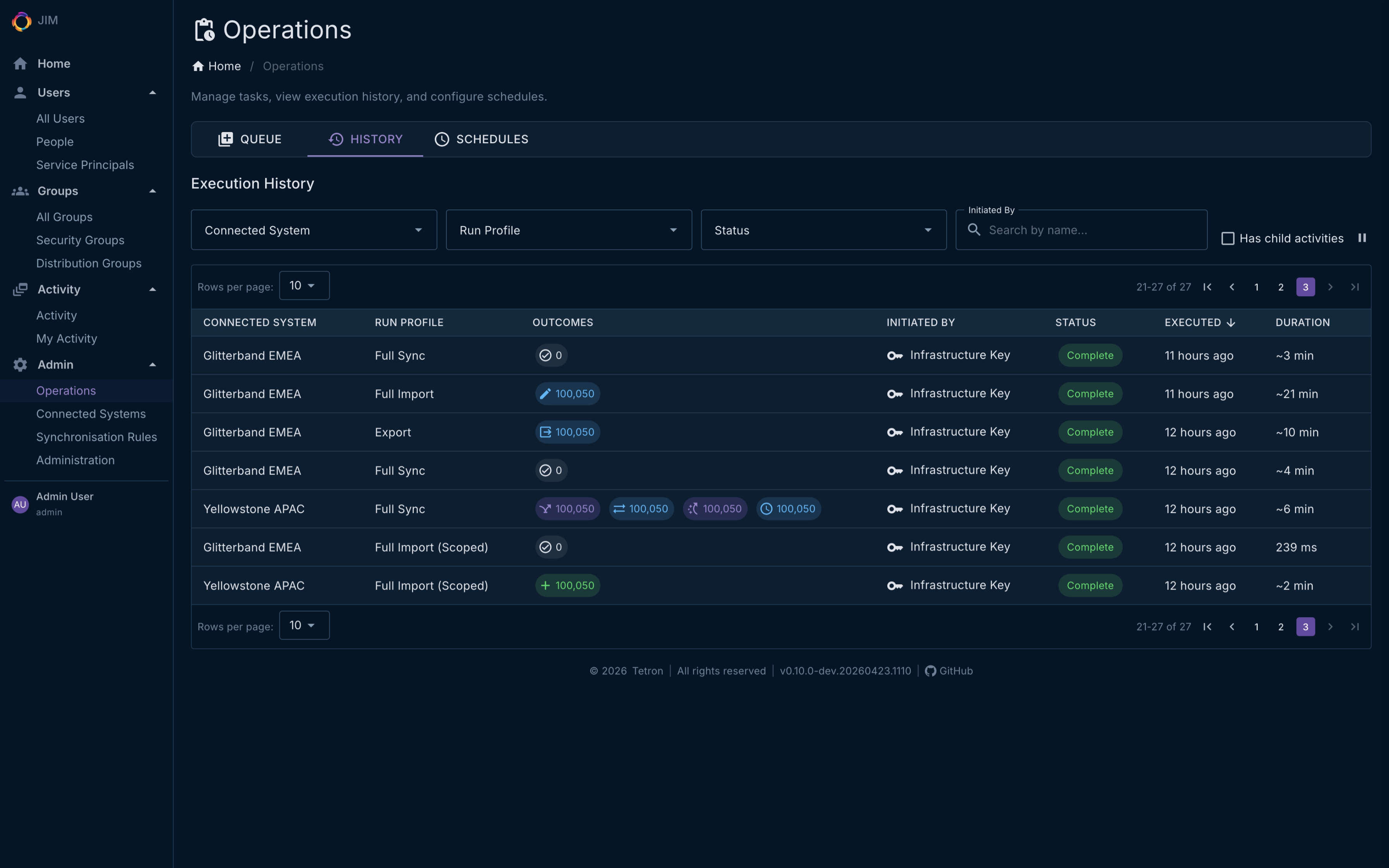
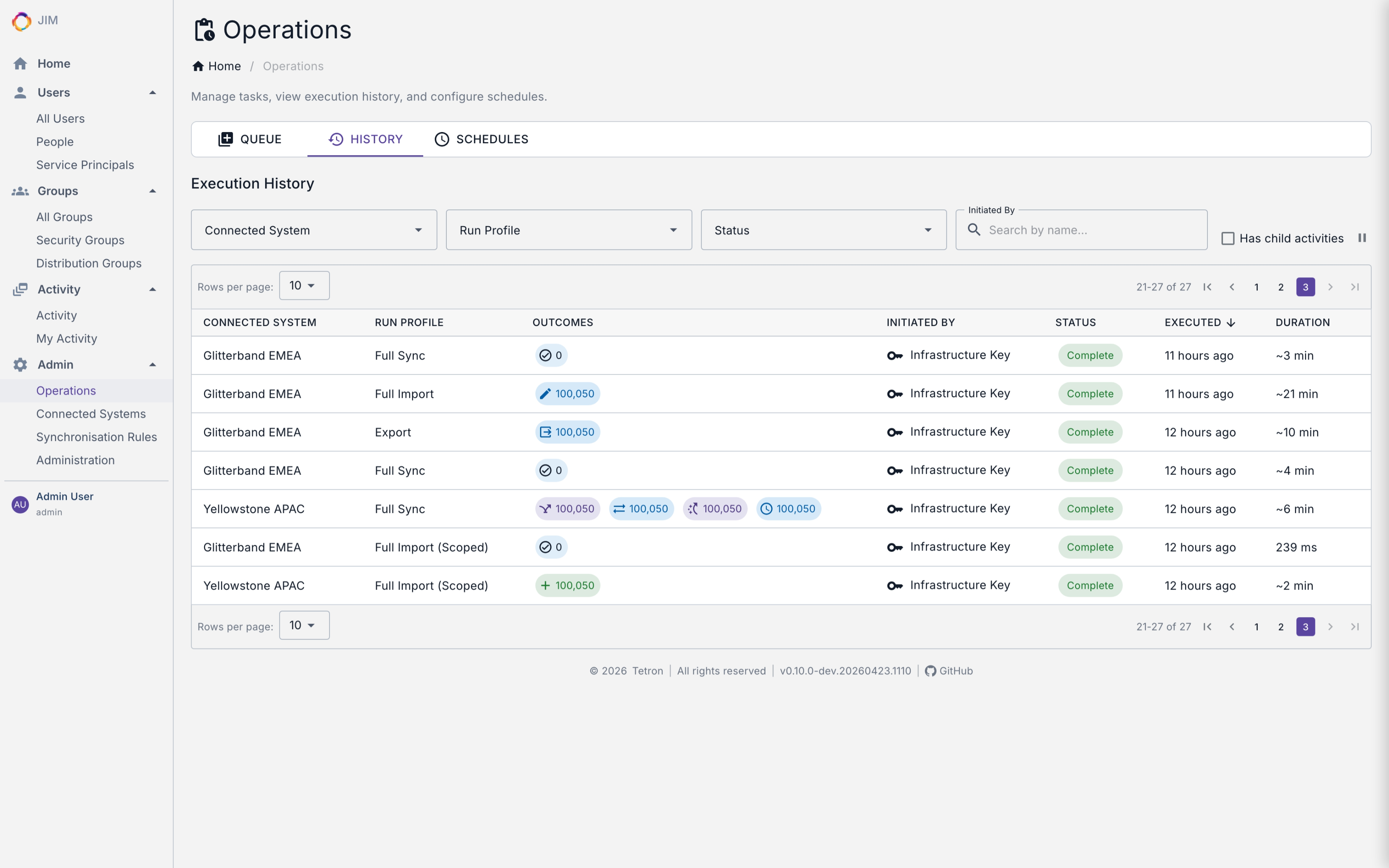
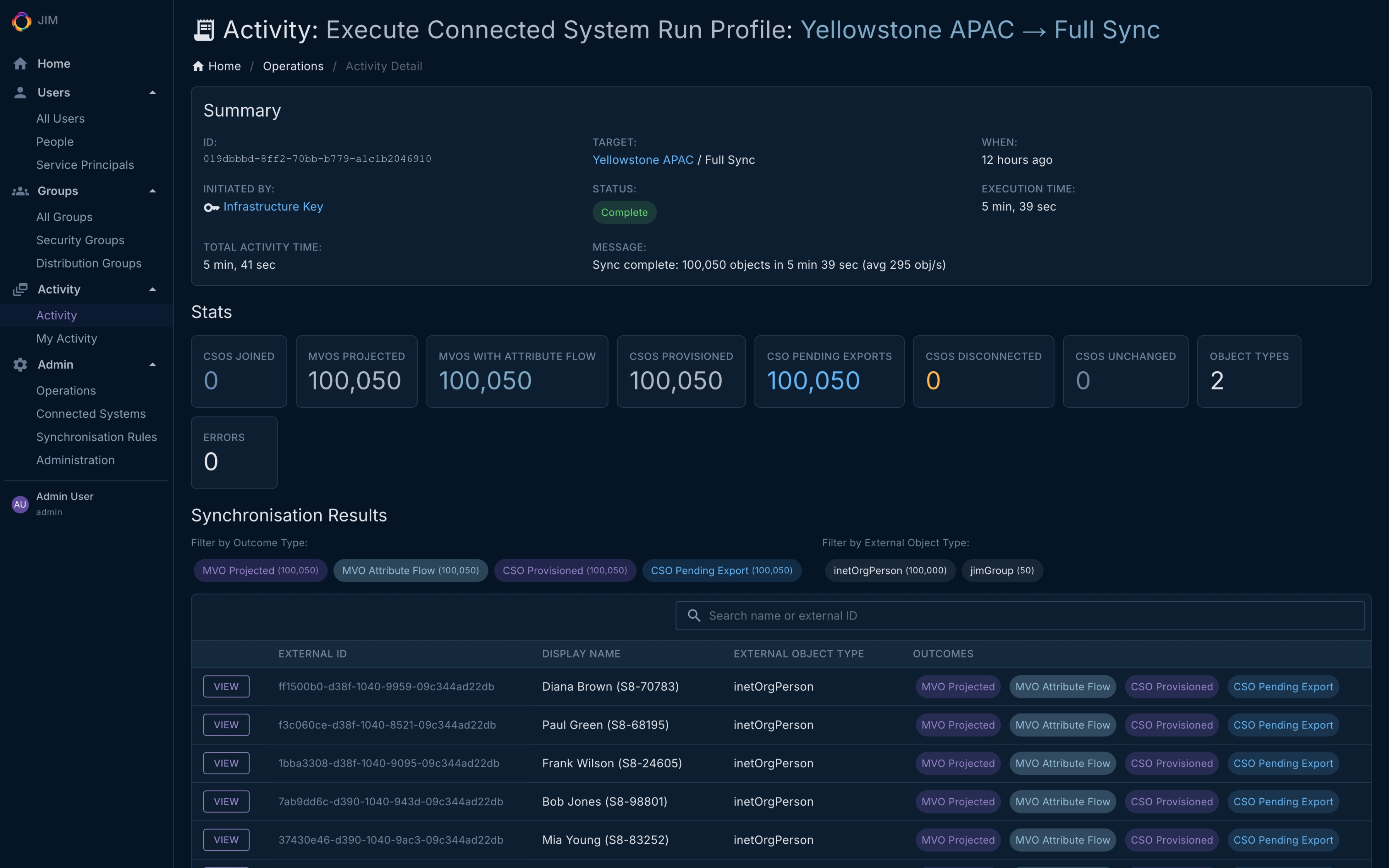
The JIM admin portal is fully responsive and ships with both dark and light themes. Every screenshot below is from the current v0.10.0 release - toggle between modes to compare.